
Airbnb Bookings Dropped? Check These 7 Things Before Cutting Your Price
If your Airbnb calendar suddenly looks empty, price may not be the problem. Before discounting, check these seven areas that can quietly reduce visibility and bookings.
If your Airbnb calendar suddenly looks a little too empty, the temptation is obvious.
Drop the price and hope.
I would not start there.
Because slow bookings are not always a pricing problem.
You can lower your nightly rate and still have the exact same problem if guests cannot find you, cannot book the dates they want, or do not feel that your listing matches what they need right now.
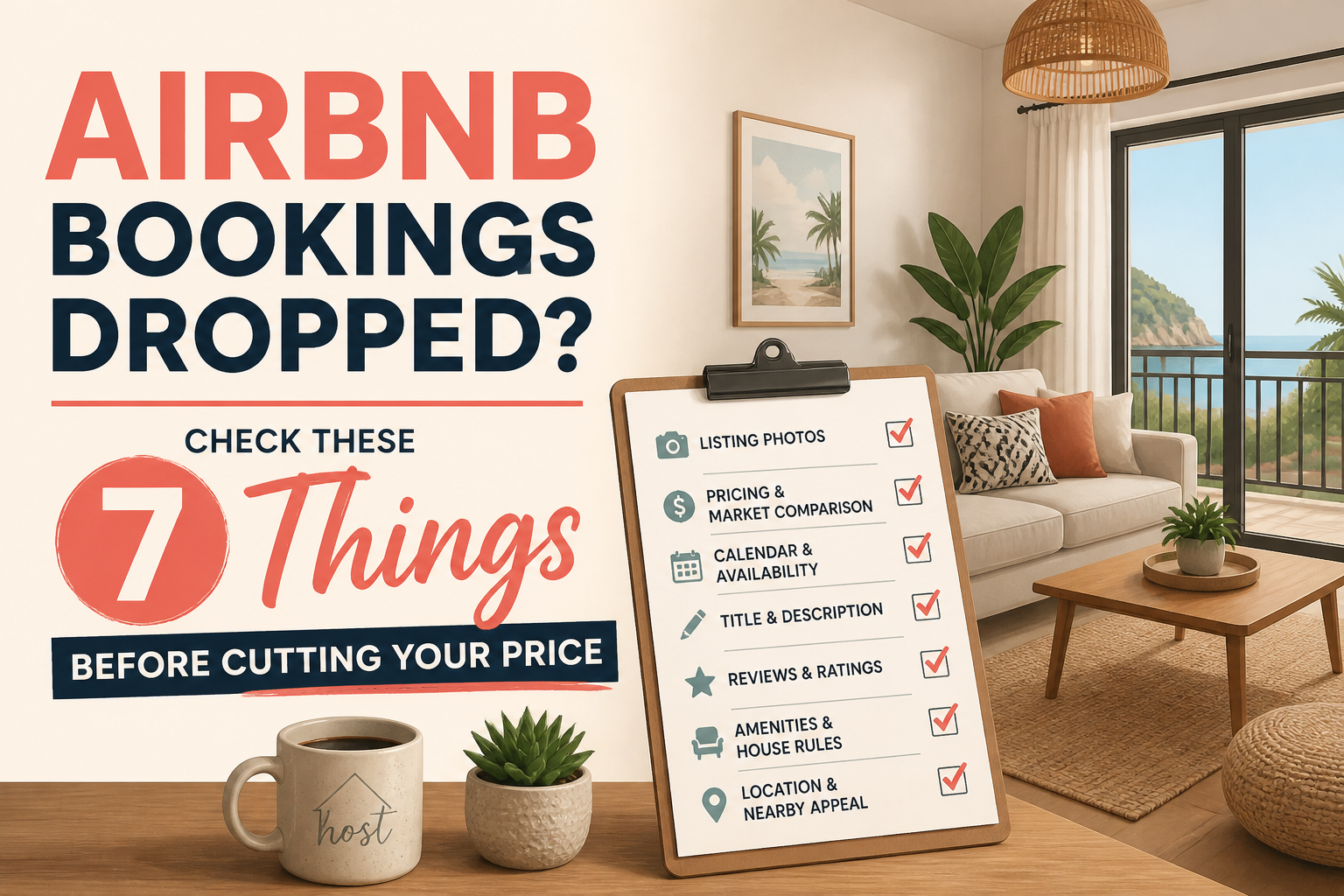
Before discounting, I would check these seven things first.
1. Is the Whole Market Slow - or Just Your Listing?
This is the first question because everything else depends on it.
If your entire market has slowed down, your response should look very different from a situation where competing properties are still booking and yours is not.
If the market is slow, you may need more flexibility.
If the market is still moving and your listing is not, look more closely at your visibility, conversion, pricing, photos, and settings.
Do not assume that an empty calendar automatically means your rate is too high.
2. Would a 7-Day Stay Help More Than a Cheap 2-Night Stay?
Hosts often react to slow periods by discounting individual nights.
But sometimes the better strategy is to make a longer stay more attractive.
A weekly booking can fill seven nights at once.
That can be much more valuable than trying to fill two nights here and another two nights later.
The question is not simply whether you should offer a weekly discount.
It is whether the final payout still makes sense for your property.
3. Would a 28-Day Booking Actually Make Financial Sense?
Monthly stays can look very attractive when the calendar is empty.
One guest. One check-in. One checkout. A large block of nights filled.
But do the math before turning on a large monthly discount.
Look at:
The final payout
Your normal nightly rate
Utilities
Cleaning
Wear and tear
Whether the dates might otherwise book at a higher rate
Filling the calendar is not the same as maximizing revenue.
4. Do You Have Orphan Nights?
This is one of the easiest problems to miss.
Imagine you have a two-night gap between two reservations.
Your minimum stay is three nights.
Those nights are now effectively impossible to book.
The property is available.
But your settings prevent the reservation.
Review the small gaps in your calendar and see whether it makes sense to temporarily reduce the minimum stay for those dates.
Sometimes a booking problem is really just a settings problem.
5. Are Peak-Season Restrictions Still Active?
A rule that makes sense during high demand can become expensive during slow season.
Look at things like:
Minimum stays
Advance notice
Preparation time
Check-in day restrictions
Booking window
Maybe a four-night minimum was perfect during your strongest month.
That does not mean it still makes sense when demand drops.
Your calendar should change with the market.
6. Does Your Listing Sell the Season You Are Actually In?
Guest priorities change throughout the year.
A cover photo that worked perfectly in July might not be the strongest photo in January.
In warmer months, guests may care most about:
Pools
Patios
BBQs
Beaches
Outdoor spaces
In colder months, they may care more about:
Fireplaces
Hot tubs
Warm interiors
Indoor entertainment
Comfortable workspaces
You do not necessarily need new photos.
Sometimes you simply need to change which ones guests see first.
7. Are You Discounting the Dates That Actually Need Help?
This is where hosts can accidentally give away a lot of revenue.
An empty Tuesday next week does not mean Saturday six weeks from now needs to be cheaper.
Target the problem.
If a specific gap needs help, adjust that gap.
If weekdays are soft but weekends are still strong, do not discount everything.
If one slow period needs attention, do not lower the entire calendar.
Broad discounts are easy.
Targeted adjustments are usually smarter.
Slow Season Requires Flexibility, Not Panic
The goal during slow season should not be:
"How cheap can I make this?"
It should be:
"What is stopping the available demand from booking me?"
Maybe it is price.
But it could also be:
Your minimum stay
Your availability settings
Your booking restrictions
Your seasonal presentation
Your weekly or monthly strategy
A small calendar gap that cannot currently be booked
Price is only one part of the system.
Before cutting it, make sure you understand the actual problem.
Not Sure What Is Holding Your Listing Back?
I built the SuperhostSEO Airbnb Listing Audit to help identify where a listing may be losing visibility or bookings.
Run your listing through the audit before you start throwing discounts at the calendar.
Run Your Airbnb Listing Audit →
Slow season usually requires more flexibility.
It does not require panic.
Airbnb optimization specialist, Superhost, and founder of one of the largest Airbnb host communities.
Continue Reading
Chosen for you from The Optimization Journal.
 How to Audit Your Airbnb Listing Before Changing Your Price
When bookings slow down, many hosts immediately lower the rate. Sometimes that is the right move, but sometimes the problem is somewhere else in the listing. Before discounting, I prefer to figure out whether the issue is visibility, conversion, or actually price.
5 min read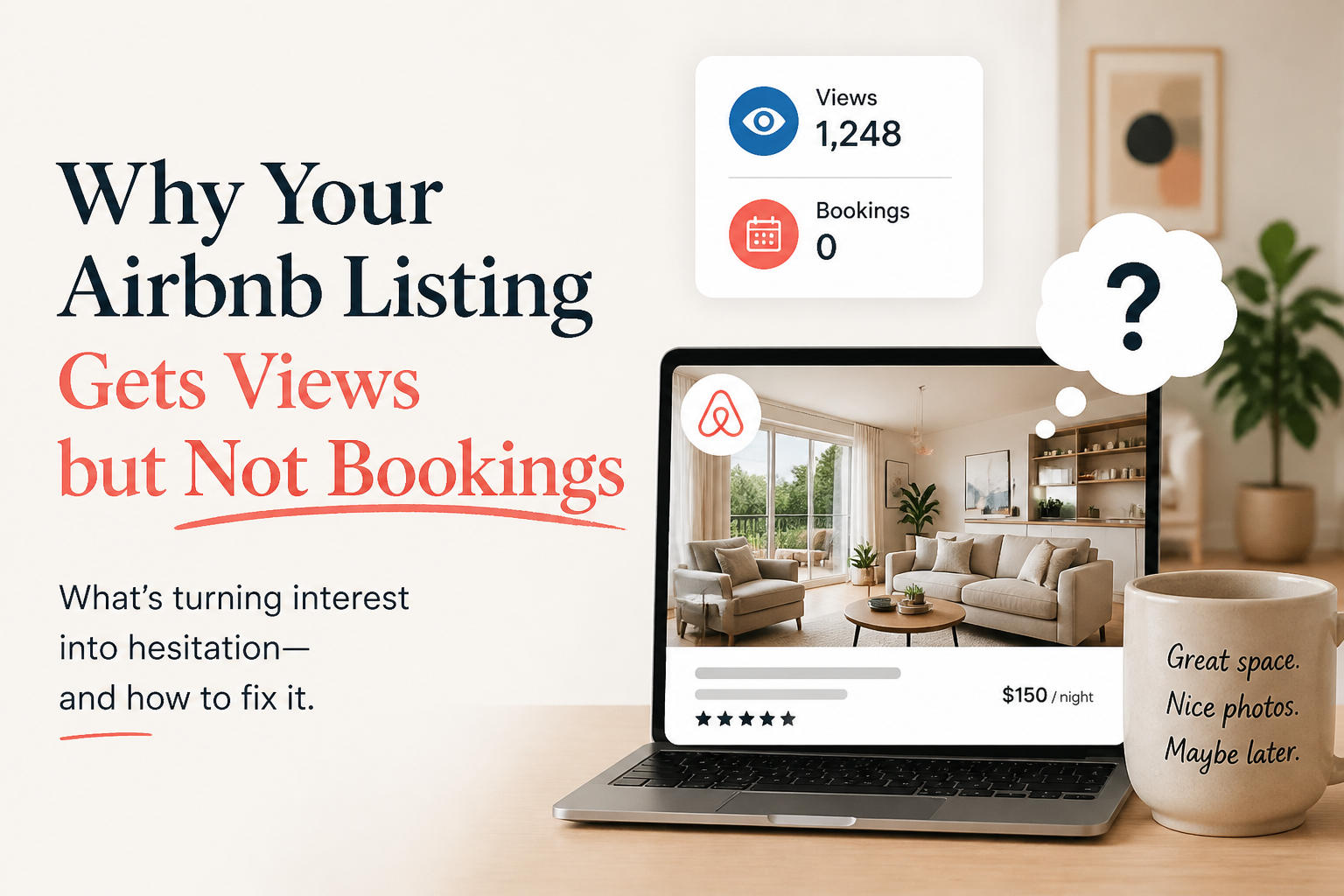 Why Your Airbnb Listing Gets Views but Not Bookings
If guests are finding your Airbnb listing but not booking it, the problem may not be visibility. It may be what happens after the click. Here are the most common reasons listings lose guests before they book.
2 min read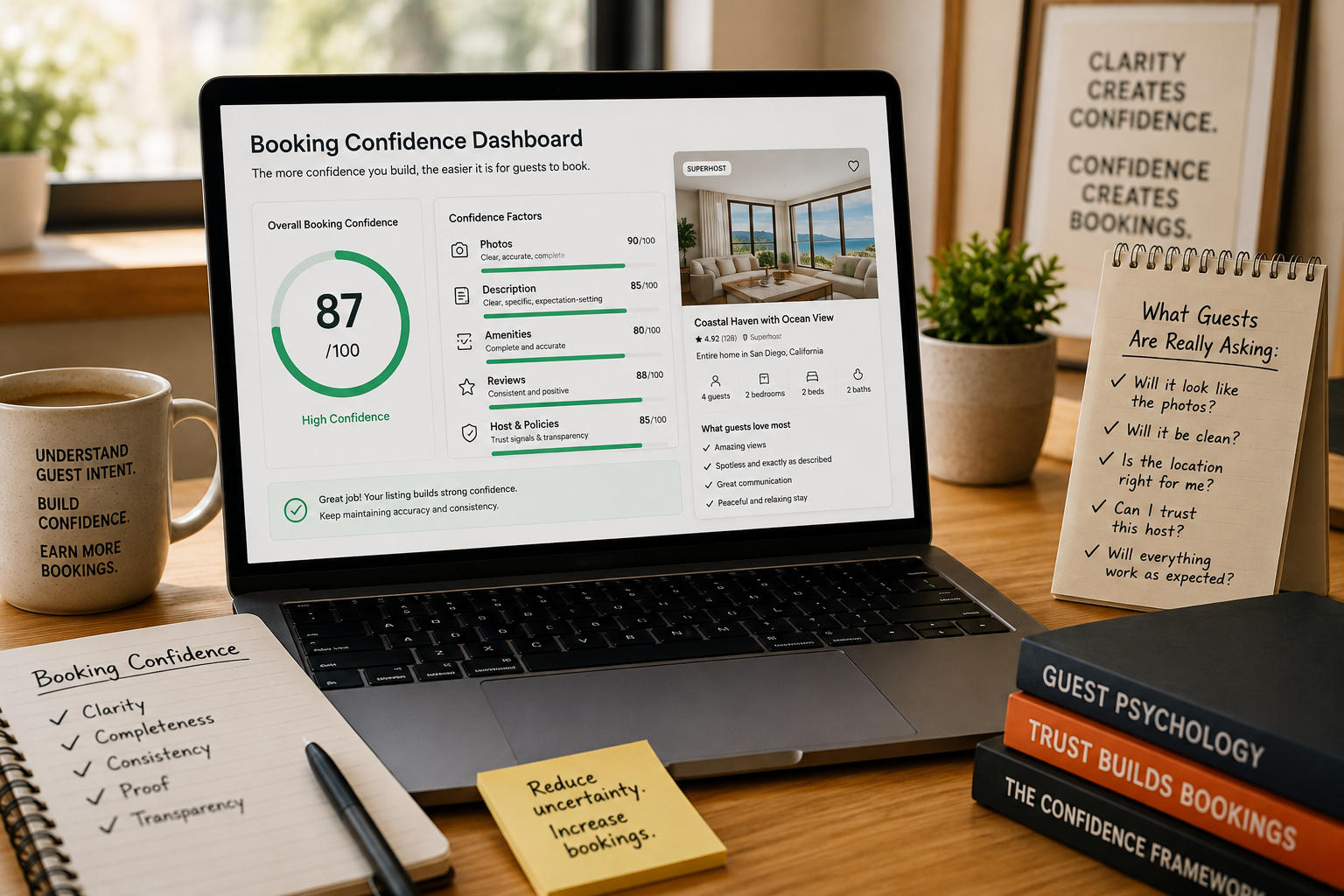 CornerstoneBooking Confidence: The Hidden Metric Behind More Airbnb Bookings
Discover how booking confidence shapes every Airbnb decision—and how your photos, descriptions, amenities, and reviews can either strengthen trust or quietly create hesitation.
8 min read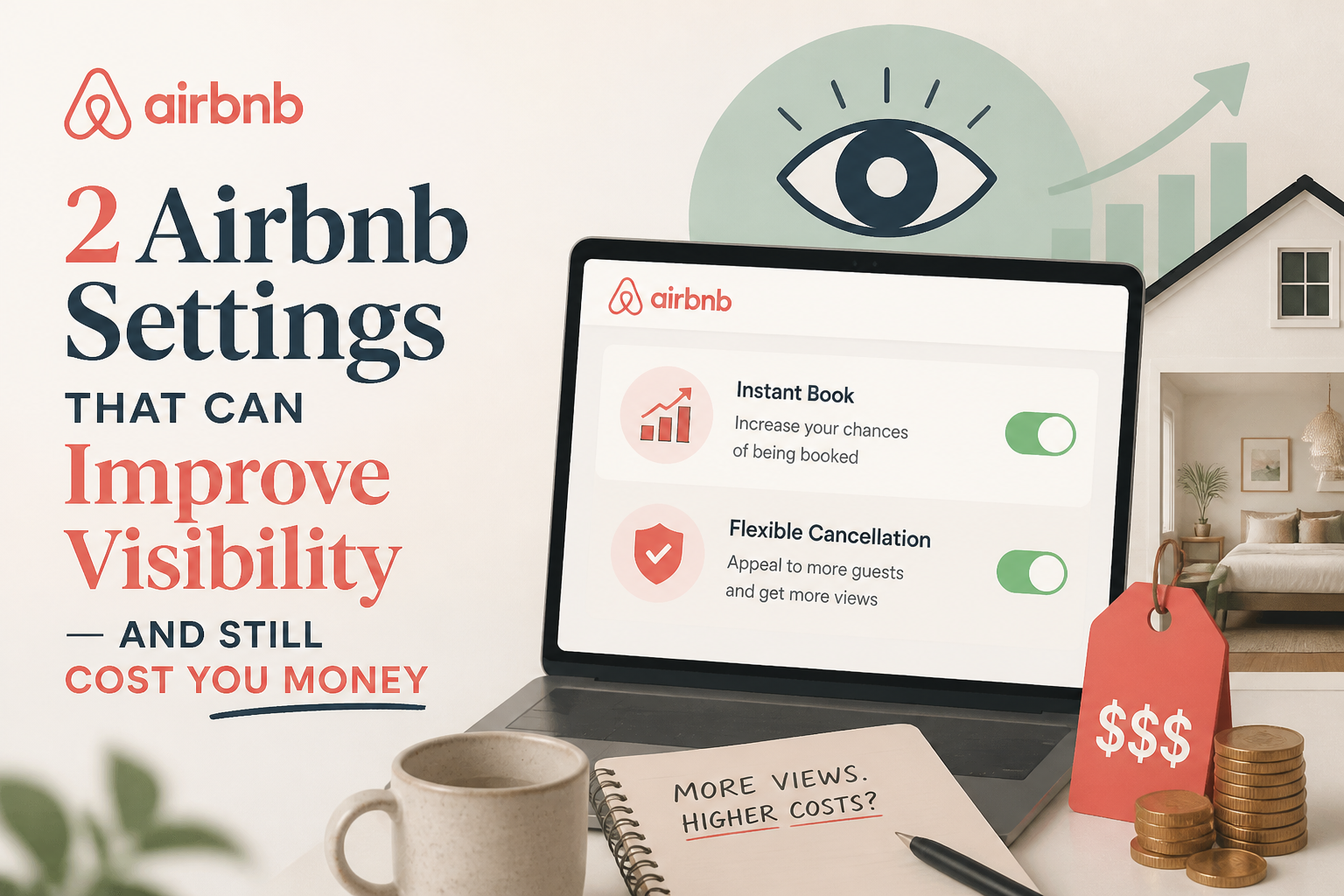 2 Airbnb Settings That Can Improve Visibility — and Still Cost You Money
A more open calendar and Airbnb’s newer discount tools may help your listing get seen. But more visibility does not automatically mean more revenue. Here’s how I would think about both.
3 min read How to Optimize Your Vrbo Listing (It Is Not a Copy of Airbnb)
Vrbo is a different editor with different fields. Here is how to write the headline, description and You need to know section for Vrbo.
4 min read