
How to Optimize an Airbnb Listing: A Complete Step-by-Step Guide
Most Airbnb hosts optimize their listing randomly. This guide explains the exact process professionals use to improve booking confidence, reduce booking friction, and increase conversions. ---
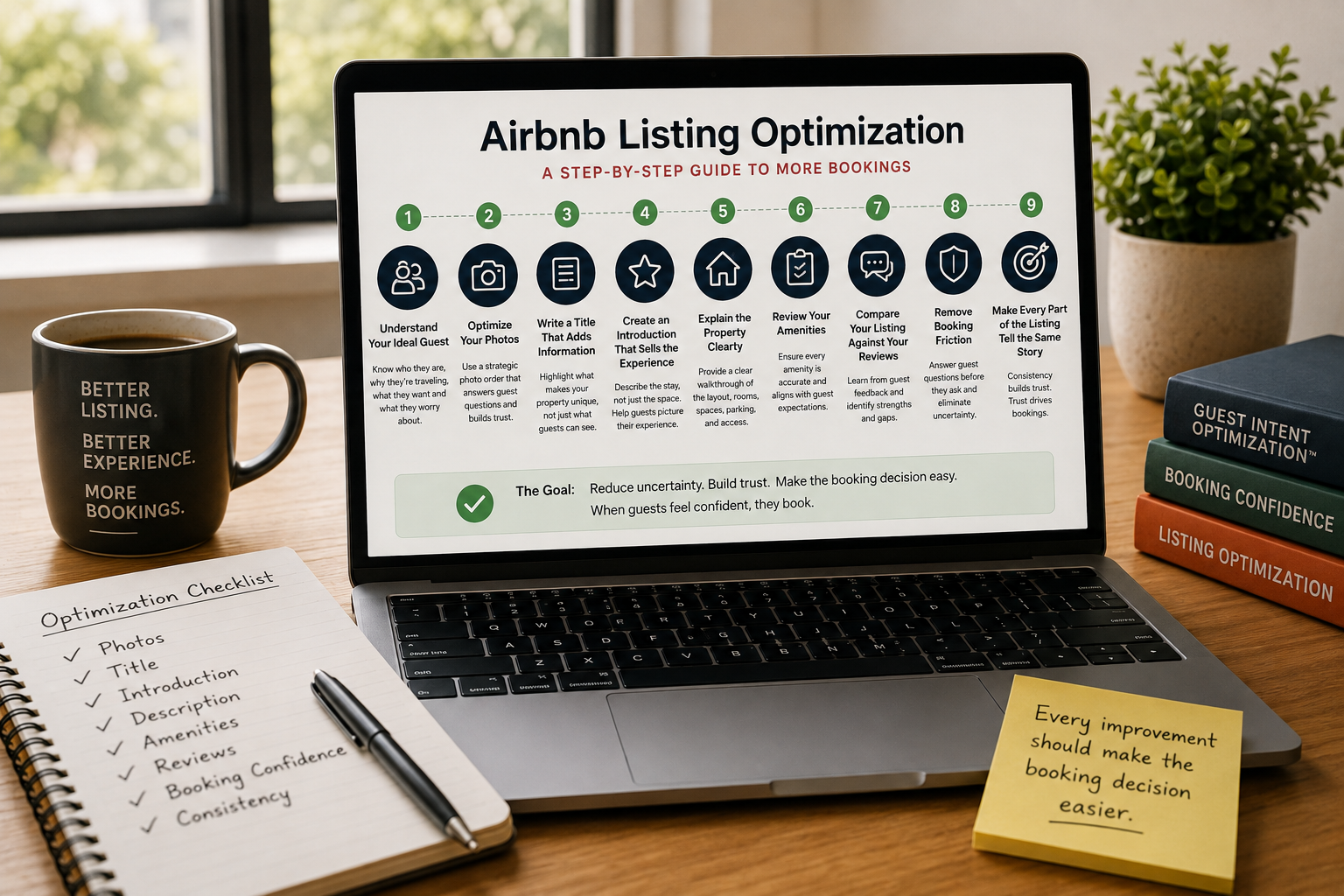
How to Optimize an Airbnb Listing: A Complete Step-by-Step Guide
Most Airbnb hosts optimize their listings in the wrong order.
They rewrite the description.
Then they change the title.
A week later they upload new photos.
Then they add more amenities.
A month later they're changing everything again because bookings still haven't improved.
The problem isn't a lack of effort.
It's a lack of process.
Professional Airbnb listing optimization isn't about making random improvements.
It's about reducing uncertainty, building trust, and making it easier for guests to say "yes."
This guide walks through the exact order I recommend optimizing every Airbnb listing.
Step 1: Understand Your Ideal Guest
Every great listing starts with one question:
Who is this property actually for?
A family booking a beach vacation has different priorities than a couple celebrating an anniversary.
A business traveler isn't looking for the same things as a digital nomad.
Before you optimize anything else, identify:
- Who your ideal guest is.
- Why they're traveling.
- What they're worried about.
- What they're hoping to experience.
This is the foundation of Guest Intent Optimization™.
Step 2: Optimize Your Photos
Your photos determine whether guests continue exploring your listing.
If your gallery creates uncertainty, the rest of your listing rarely gets a chance.
Every gallery should answer questions in a logical order.
- What makes this property special?
- Where will I sleep?
- Where will I relax?
- What's the layout?
- What amenities are available?
Think of your photos as a guided property tour rather than a collection of attractive images.
Step 3: Write a Title That Adds Information
Many titles simply repeat what guests can already see.
Words like "Beautiful," "Luxury," or "Amazing" rarely help someone decide whether to click.
A better title adds useful information.
It might highlight:
- A unique feature.
- The ideal guest.
- A great location.
- An experience guests can't easily find elsewhere.
Your title should create curiosity without exaggeration.
Step 4: Create an Introduction That Sells the Experience
Your opening paragraph isn't the place to list amenities.
Guests can already see those elsewhere.
Instead, explain what staying at your property feels like.
Help the guest picture themselves arriving, relaxing, and enjoying the experience.
The goal isn't to describe the house.
The goal is to describe the stay.
Step 5: Explain the Property Clearly
Guests cannot walk through your property before booking.
Your description becomes their virtual tour.
Help them understand:
- The layout.
- The bedrooms.
- The bathrooms.
- Indoor spaces.
- Outdoor areas.
- Parking.
- Access.
- Shared spaces.
Never assume guests will figure it out from the photos.
If something matters after check-in, it probably matters before booking.
Step 6: Review Your Amenities
Hosts often think of amenities as marketing.
Guests think of them as promises.
Every amenity you advertise should accurately reflect the experience.
If your listing says:
- Fast Wi-Fi
- Fully equipped kitchen
- Easy parking
- Quiet neighborhood
Your reviews should reinforce those claims.
If they don't, booking confidence drops.
Step 7: Compare Your Listing Against Your Reviews
Your reviews are one of the best optimization tools you already have.
Read your last twenty reviews and ask:
- Are guests confirming the promises I'm making?
- What do they consistently praise?
- What surprises them?
- What problems appear repeatedly?
- What strengths am I failing to highlight?
Reviews often reveal opportunities that hosts completely overlook.
Step 8: Remove Booking Friction
Every unanswered question creates hesitation.
Guests silently ask themselves:
- Will this look like the photos?
- Will it be clean?
- Is parking easy?
- Is the neighborhood safe?
- Will the internet actually work?
- Will this property suit my trip?
The more questions your listing answers, the easier the booking decision becomes.
Step 9: Make Every Part of the Listing Tell the Same Story
Your photos...
Your title...
Your description...
Your amenities...
Your reviews...
Everything should reinforce the same expectations.
Guests trust listings that feel consistent.
When different parts of the listing contradict one another, uncertainty grows.
Optimization Never Ends
Your listing isn't something you optimize once.
Every new review provides feedback.
Guest expectations evolve.
Your property changes over time.
The best-performing listings are continually refined—not constantly rewritten.
The Goal Isn't a Better Listing
It's a better booking decision.
Every photo should answer a question.
Every sentence should build trust.
Every amenity should be accurate.
Every review should reinforce your promises.
When you consistently reduce uncertainty, guests stop comparing your listing to every alternative.
They start imagining themselves staying there.
And that's when bookings happen.
Airbnb optimization specialist, Superhost, and founder of one of the largest Airbnb host communities.
Continue Reading
Chosen for you from The Optimization Journal.
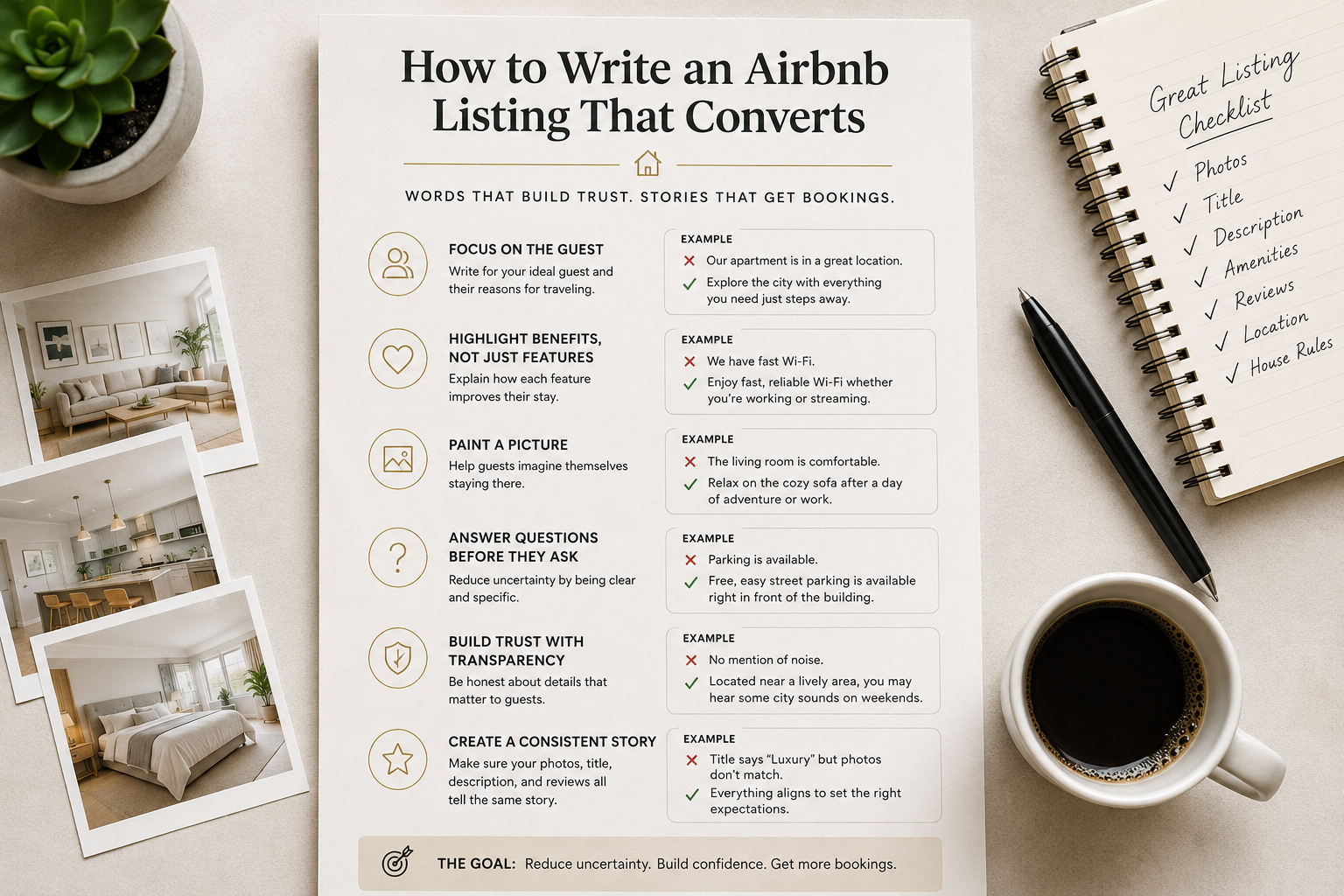 CornerstoneHow to Write an Airbnb Listing That Actually Converts
Most Airbnb listings describe a property. The best listings help guests picture their stay. Here's how to write descriptions that build trust, answer questions, and increase bookings. ---
2 min read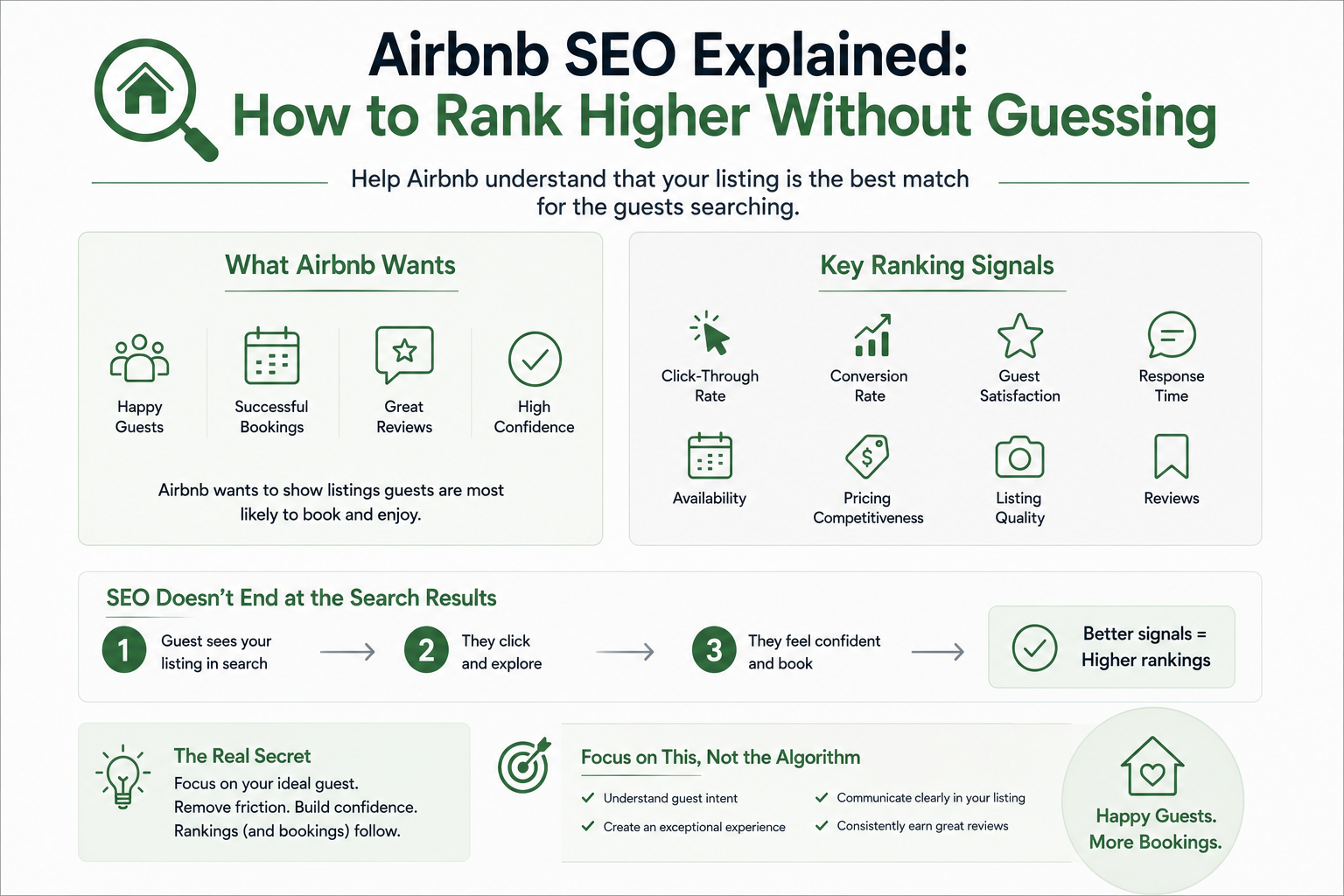 CornerstoneAirbnb SEO Explained: How to Rank Higher Without Guessing
Ranking higher on Airbnb isn't about tricks or hacks. It's about helping Airbnb understand that your listing is the best match for the guests searching.
2 min read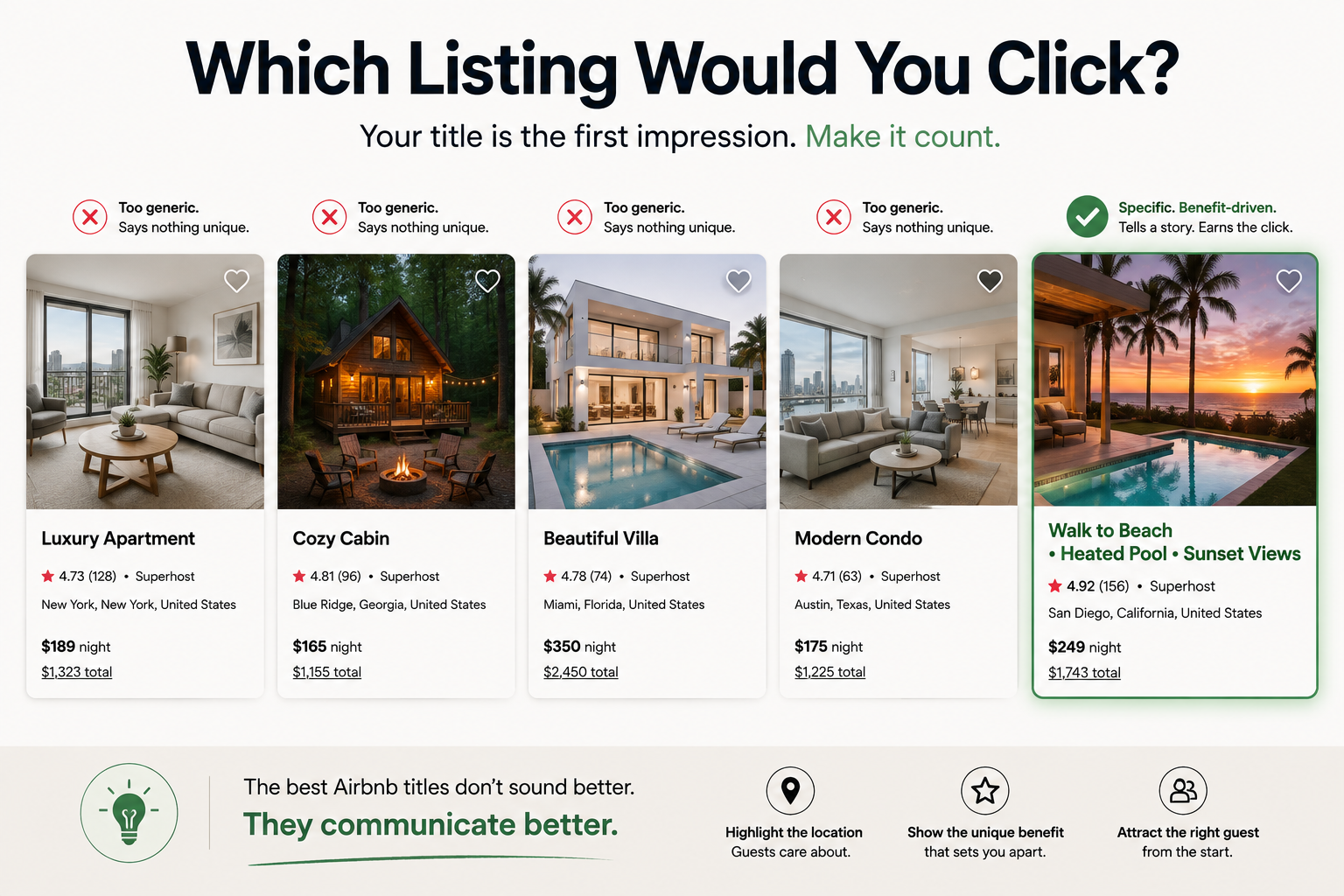 CornerstoneThe Complete Guide to Airbnb Titles That Get More Clicks
Your Airbnb title has one job: earn the click. Learn how to write titles that attract the right guests without relying on hype or clickbait. ---
2 min read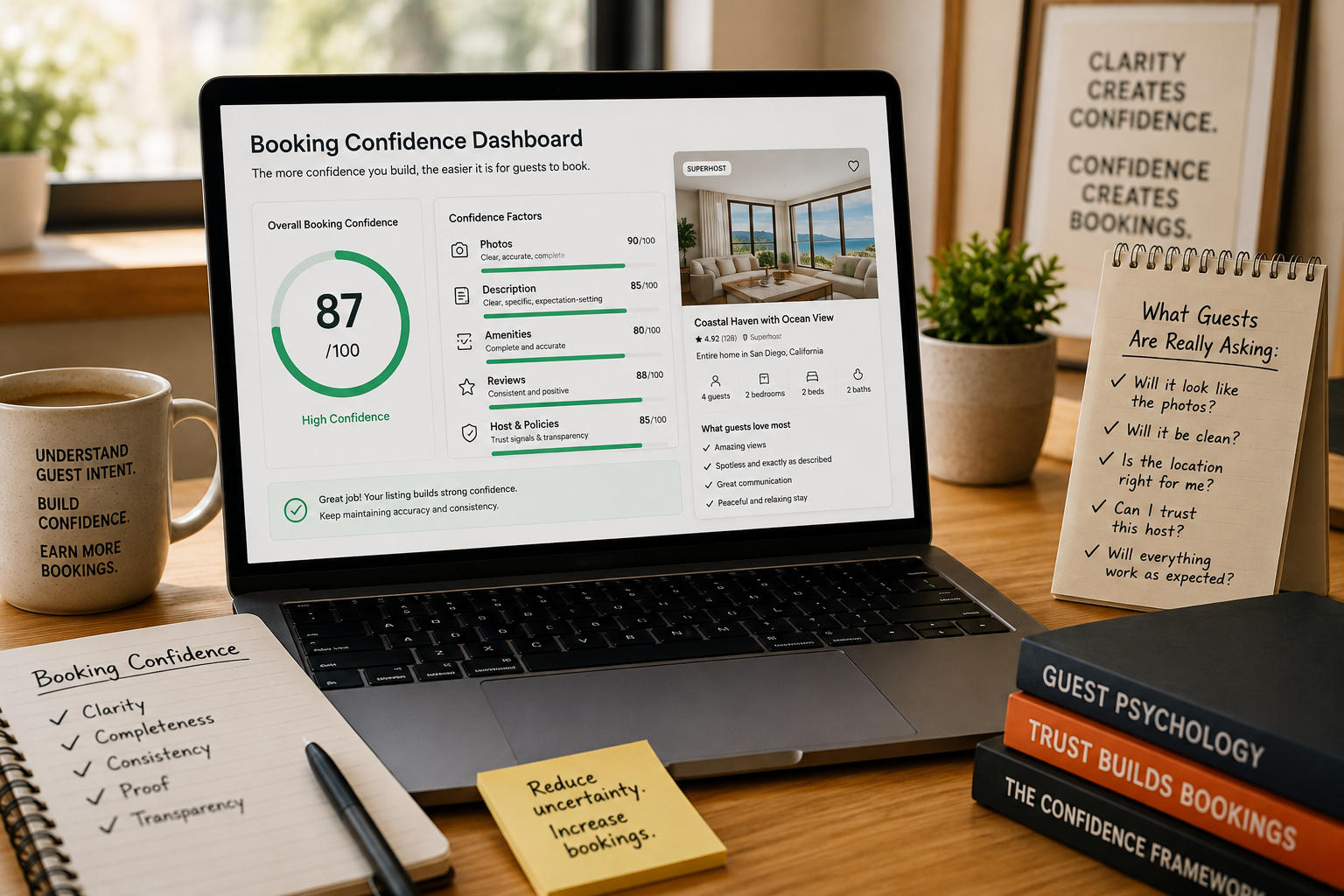 CornerstoneBooking Confidence: The Hidden Metric Behind More Airbnb Bookings
Discover how booking confidence shapes every Airbnb decision—and how your photos, descriptions, amenities, and reviews can either strengthen trust or quietly create hesitation.
8 min read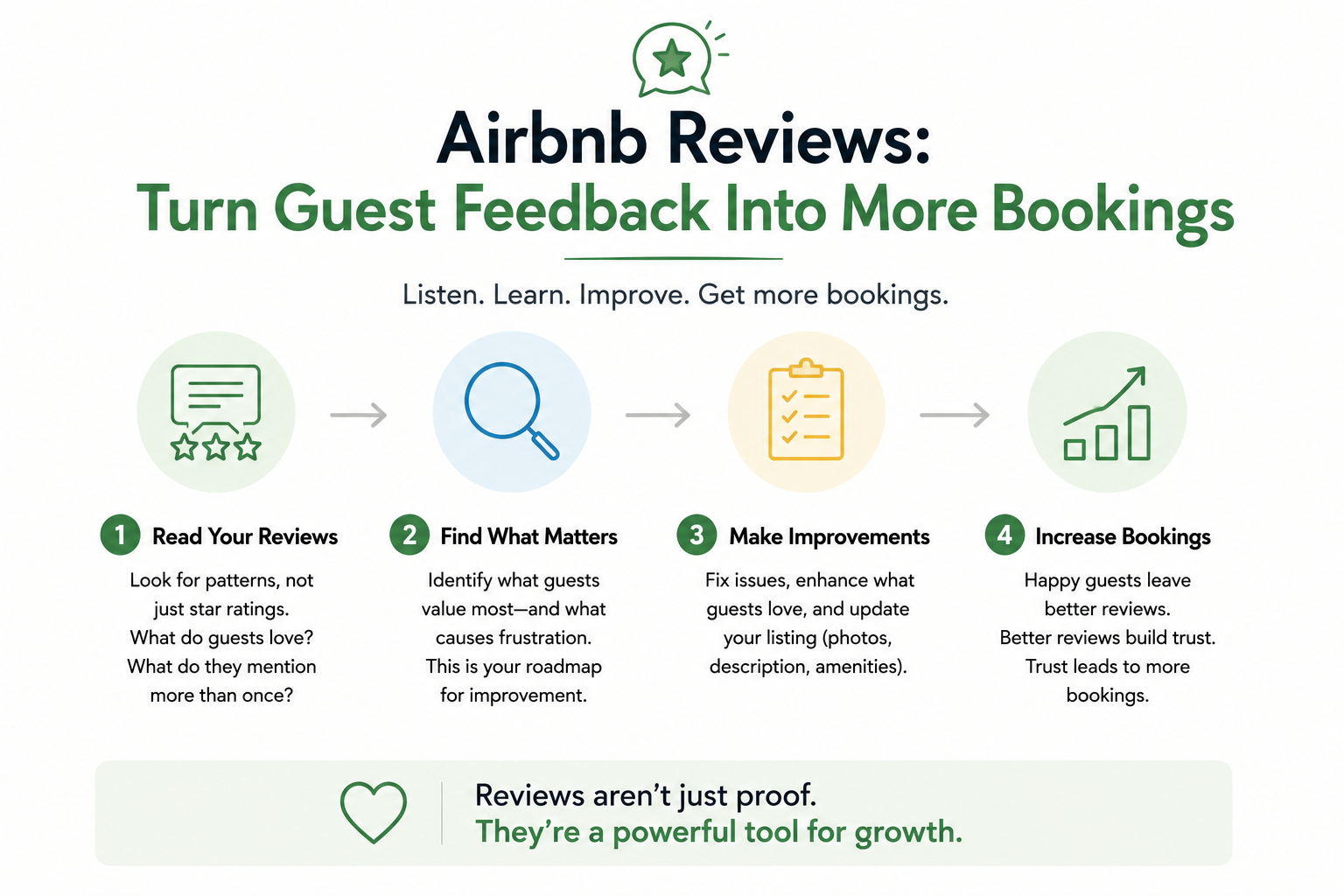 CornerstoneAirbnb Reviews: How to Turn Guest Feedback Into More Bookings
Most hosts think reviews are only for future guests. The best hosts use reviews to improve their listings, build trust, and increase conversions.
2 min read