
Airbnb Says “Listing Issues Found”: What It Means and How to Fix It
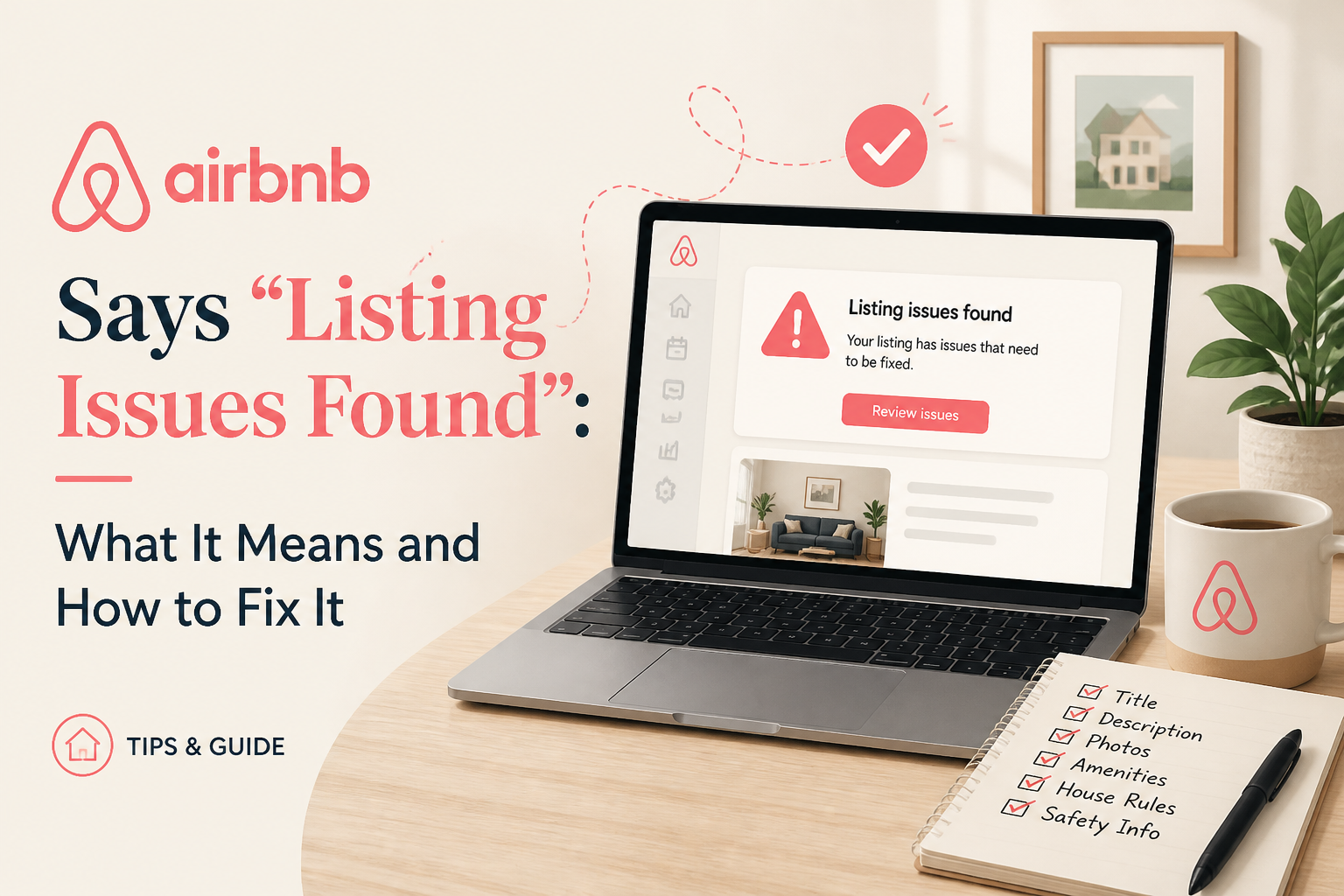
Seeing warnings about listing issues, low ratings, cancellations, or possible removal can be alarming. Here’s what Airbnb is actually looking at, where to find the issues, and what hosts should do before a warning becomes a suspension.
Key takeaways
- The warning appears in your listing's Insights and quality area. Start there.
- Airbnb monitors patterns such as host cancellations and low ratings, not just one event.
- A single unfair review or an emergency-repair cancellation can be explained and appealed.
- Do not ignore quality warnings. Fix the underlying issue and document what you changed.
Seeing a warning from Airbnb saying there are “listing issues” can be confusing.
It can be even more frustrating when the issue seems to relate to something you already resolved — such as an emergency repair, a host cancellation, or one unhappy guest who left a low rating.
The important thing is not to ignore the warning.
Airbnb uses its Host Ground Rules to monitor several areas of listing quality and reliability, and repeated or serious problems can eventually lead to restrictions, suspension, or removal.
But a warning does not necessarily mean your listing is about to disappear.
The first step is understanding what Airbnb believes the problem is.
Where to Find Airbnb Listing Issues
Airbnb says hosts can review problems connected with a listing under Insights → Listing issues found.
This is important because the warning banner itself may not explain the full reason.
Inside the listing issues section, look for:
- The reservation connected with the issue
- The type of violation Airbnb recorded
- Any warning, restriction, suspension, or removal notice
- Whether Airbnb is asking you to take action
- Whether an appeal option is available
If Airbnb is threatening removal, do not rely only on the wording of the notification. Open the specific issue and identify exactly which reservations or reports are contributing to the warning.
What Airbnb Is Actually Monitoring
Airbnb’s current Ground Rules for home hosts focus heavily on four areas:
- Listing accuracy
- Honoring reservations and refunds
- Timely communication
- Cleanliness
Ratings also matter.
Airbnb says repeated low ratings can indicate that a listing is not consistently meeting guest expectations.
That means Airbnb may look at patterns across multiple stays rather than viewing every complaint in isolation.
What If You Had to Cancel Because of Emergency Repairs?
This is where hosts need to understand an important distinction.
Airbnb discourages host cancellations because a cancelled reservation creates a major disruption for the guest.
However, Airbnb also recognizes that some cancellations are unavoidable.
Emergency repairs and major property damage can qualify as valid reasons outside the host’s control.
Examples could include:
- A burst pipe
- A gas leak
- Major structural damage
- An urgent repair that makes the property unsafe or unavailable
In situations like these, Airbnb may waive cancellation fees and, in some cases, other consequences.
But Airbnb may require documentation.
That is the part hosts sometimes miss.
The guest understanding why you cancelled does not necessarily mean Airbnb’s system knows the cancellation was unavoidable.
If a cancellation is showing as a listing issue, gather whatever evidence you have, such as:
- Contractor invoices
- Repair estimates
- Building management notices
- Photos or videos of the problem
- Emails confirming emergency work
- Messages showing when the issue became known
Then contact Airbnb or use the available appeal process and ask that the cancellation be reviewed as a valid cancellation outside your control.
If possible, it is always better to contact Airbnb before cancelling when an emergency occurs.
A Guest Left 3 Stars. Does That Mean Airbnb Can Remove the Listing?
One 3-star review does not automatically mean a listing will be removed.
Airbnb specifically talks about repeated low ratings when describing listing quality concerns.
However, a low rating may still appear as an issue or warning, particularly if Airbnb believes the stay revealed a problem related to accuracy, cleanliness, communication, or another Ground Rule.
So if Airbnb shows a particular reservation as an issue, do not focus only on the star rating.
Look at what the guest actually reported.
Then ask:
- Was the complaint accurate?
- Has the problem been fixed?
- Can I document the fix?
- Does the listing need to be updated so future guests know what to expect?
If the guest reported a genuine problem and you fixed it, document that.
Airbnb may require hosts to show that an underlying issue has been addressed before a listing can continue or be reactivated.
What If the Review Was Unfair?
This is where hosts need to separate two different processes.
Appealing a listing-quality action is not the same as disputing a review.
Airbnb explicitly says that simply arguing:
“The guest review was unfair.”
is not enough to appeal a listing or account removal.
If the review itself violates Airbnb’s Reviews Policy, you can submit a separate review-removal request.
But disagreement with the rating is not enough.
For example, Airbnb specifically gives the example of a guest writing that they had a nice stay but leaving 3 stars. The inconsistency may be frustrating, but that alone is not a reason for Airbnb to remove the review.
So handle the two issues separately:
- Respond to the listing-quality warning with evidence that the problem was resolved or incorrectly attributed.
- Only request review removal if the review actually violates Airbnb’s Reviews Policy.
How to Appeal a Listing Issue
If Airbnb has identified a listing for removal or another serious enforcement action, Airbnb says hosts can appeal.
A strong appeal should be factual and specific.
Include:
- The listing name
- The reservation codes involved
- Which issue you are appealing
- Why you believe Airbnb should reconsider it
- Relevant supporting documentation
Avoid writing a long emotional explanation.
Make the case easy to review.
For an emergency repair, for example:
Reservation → unexpected building repair → property could not safely host → cancellation → supporting evidence attached.
For a guest complaint:
Complaint → action taken during the stay → issue resolved → repair or corrective action documented.
The cleaner the timeline, the easier it is for Airbnb Support to understand what happened.
What If Airbnb Says There Are Issues but You Cannot See Them?
If the banner says there are several issues but the dashboard does not show enough information to identify them, contact Airbnb Support.
Ask them specifically:
- Which listings are affected?
- Which reservation codes are connected to each issue?
- Which Host Ground Rule is Airbnb saying was violated?
- Is the listing currently only receiving a warning, or is removal pending?
- Is there an appeal deadline?
- What documentation can be submitted?
Do not settle for a vague answer like “improve your ratings.”
You need to know exactly what Airbnb has recorded against the listing.
What I Would Do Immediately
If you are seeing repeated listing warnings, I would do this in order:
- Open Insights → Listing issues found.
- Identify every reservation connected to the warnings.
- Separate cancellation issues from guest-quality complaints.
- Gather documentation for any emergency repairs or unavoidable cancellations.
- Document repairs or changes made after guest complaints.
- Check whether any review genuinely violates Airbnb’s Reviews Policy.
- Appeal any incorrect or unfairly attributed violations before the deadline.
- Contact Support if the dashboard does not clearly show what needs to be resolved.
Do Not Ignore Airbnb Quality Warnings
A host may look at one 3-star review or one emergency cancellation and think:
“This was a one-time situation. Airbnb should understand.”
But Airbnb’s system is looking at the account and listing history differently.
The platform is trying to identify patterns in cancellations, guest reports, ratings, cleanliness, communication, and listing accuracy.
Your job is to make sure Airbnb has the full context when something legitimate goes wrong.
Emergency repair?
Document it.
Guest complaint fixed?
Document the fix.
Incorrect issue?
Appeal it.
Review violates policy?
Use the review-removal process separately.
The worst thing you can do with a listing warning is assume that because the guest understood or the problem was fixed, Airbnb automatically knows the same thing.
Related guides:
Airbnb optimization specialist, Superhost, and founder of one of the largest Airbnb host communities.
Continue Reading
Chosen for you from The Optimization Journal.
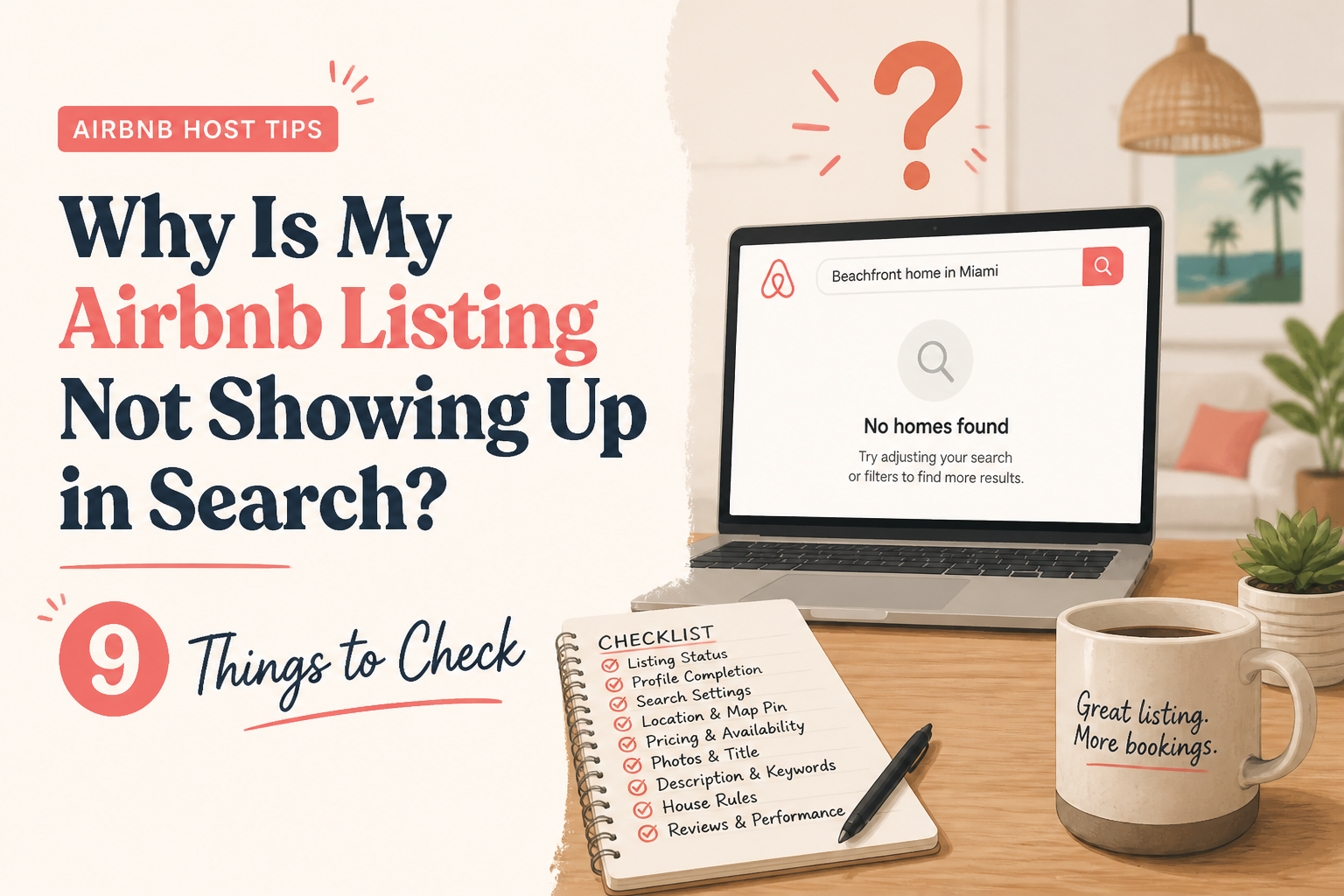 CornerstoneWhy Is My Airbnb Listing Not Showing Up in Search? 9 Things to Check
Can't find your Airbnb listing in search results? It may not be an algorithm problem. Learn how to check listing status, blocked dates, minimum stays, booking restrictions, amenities, and visibility before making unnecessary changes.
18 min read CornerstoneGot a 4-Star Airbnb Review? Here's the 30-Day Improvement Plan
A 4-star Airbnb review can be frustrating, especially when a guest seemed happy. Learn how to respond professionally, identify what went wrong, and turn feedback into a practical 30-day plan for improving your listing and guest experience.
19 min read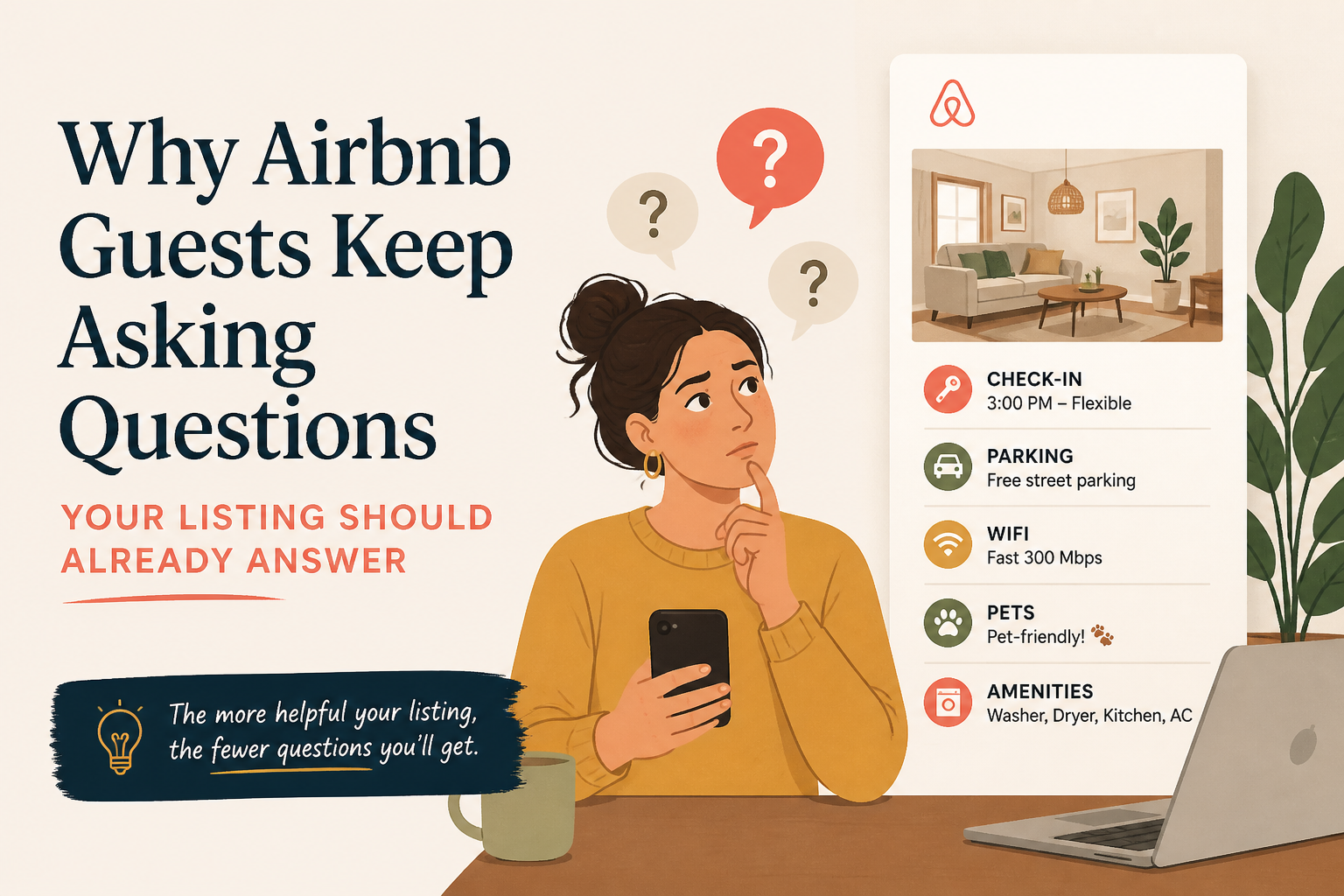 Why Airbnb Guests Keep Asking Questions Your Listing Should Already Answer
Repeated guest questions are often a sign that your Airbnb listing is not making important information easy enough to find. Instead of answering the same message over and over, use those questions to improve the listing itself.
5 min read What Your Airbnb Reviews Can Tell You About Your Listing
Airbnb reviews are more than social proof. They can show you what guests value, what confuses them, what keeps getting mentioned, and where your listing may be setting the wrong expectations.
6 min read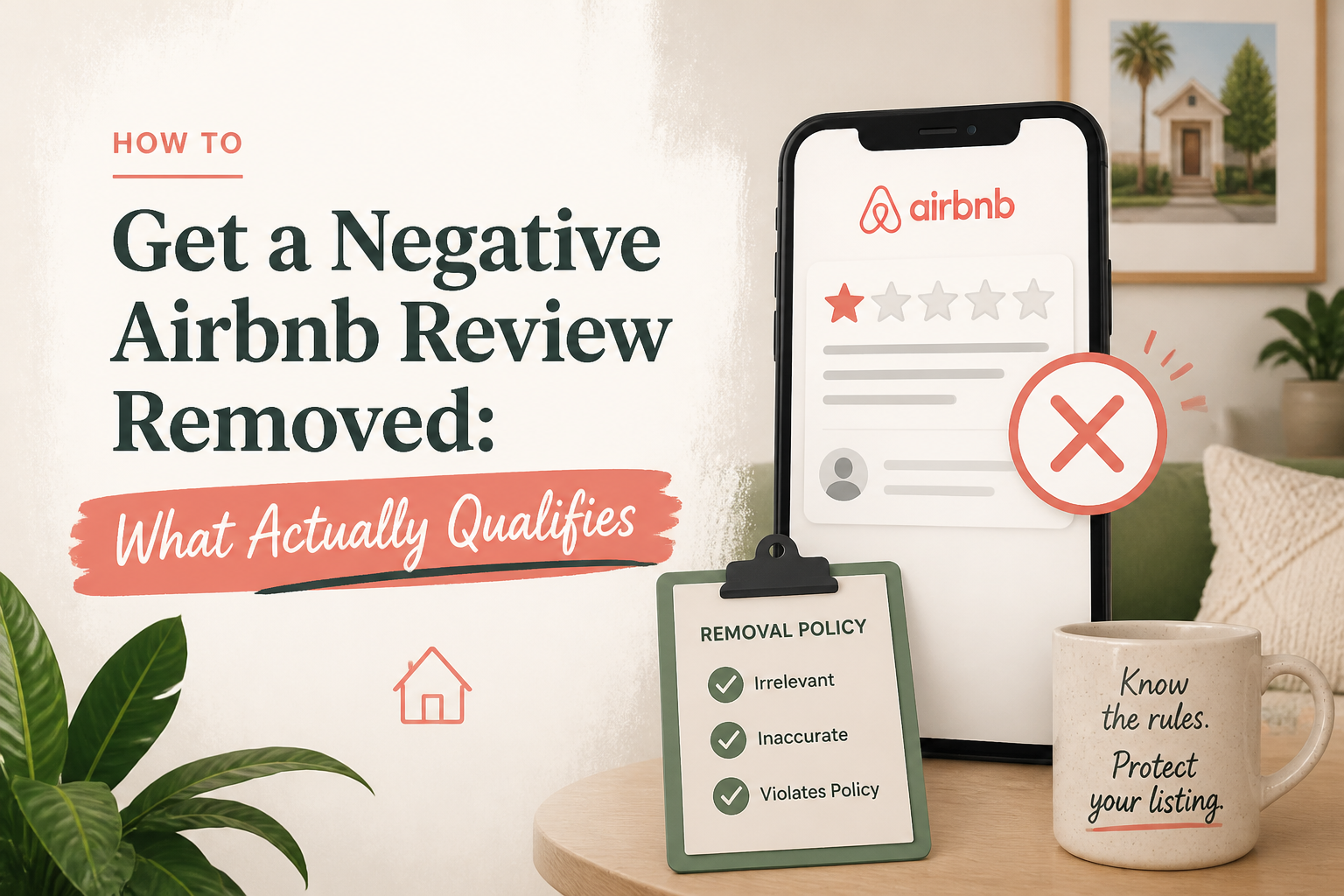 How to Get a Negative Airbnb Review Removed: What Actually Qualifies
A bad Airbnb review is frustrating, but not every negative review qualifies for removal. Here’s how to tell whether a review may violate Airbnb’s policy, what evidence matters, and how to build a stronger removal request.
6 min read