
Why Is My Airbnb Listing Not Showing Up in Search? 9 Things to Check
Can't find your Airbnb listing in search results? It may not be an algorithm problem. Learn how to check listing status, blocked dates, minimum stays, booking restrictions, amenities, and visibility before making unnecessary changes.
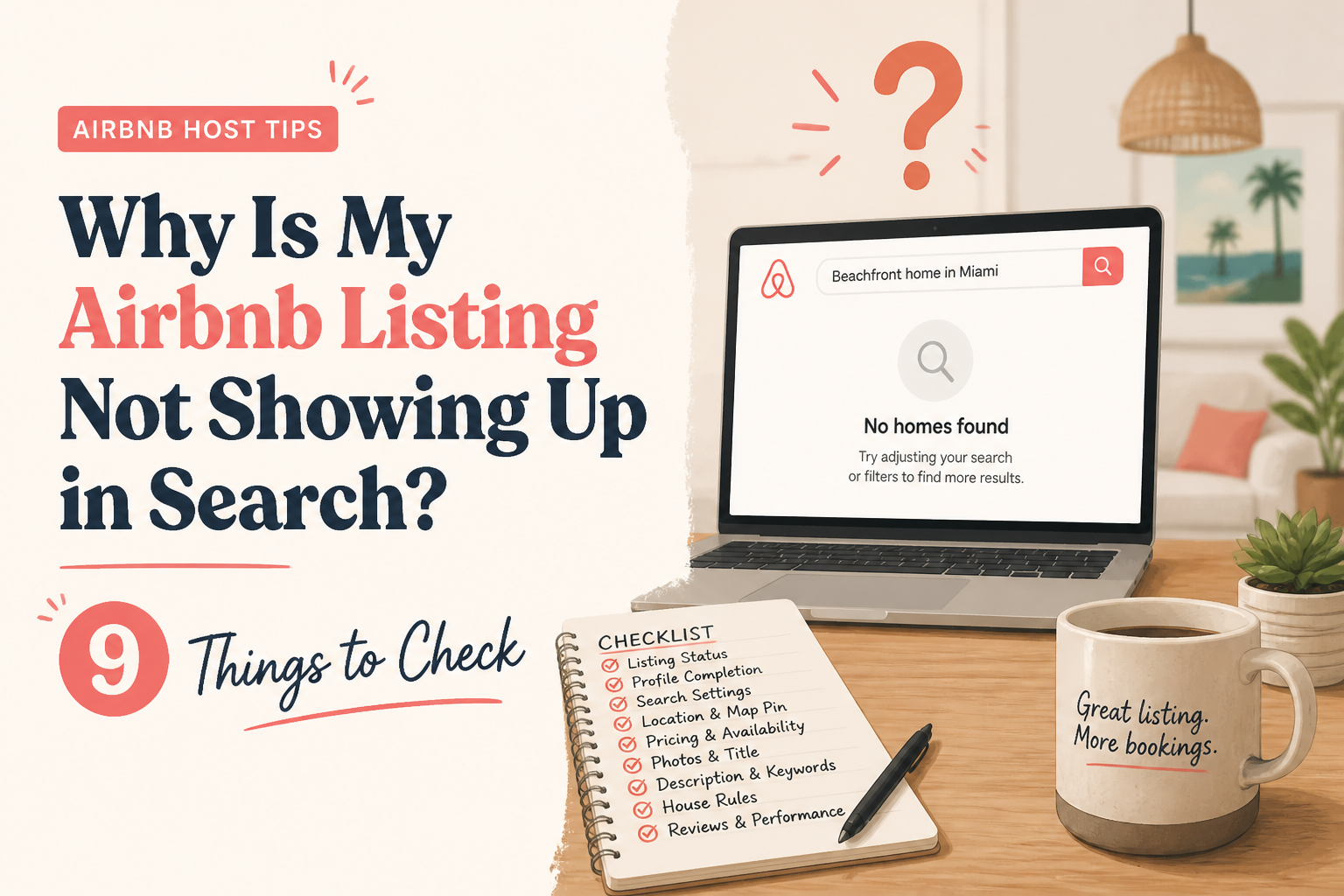
If your Airbnb listing isn't showing up in search results, the problem may have nothing to do with your ranking.
Your property could be published but unavailable for the dates being searched. Your minimum-stay requirements may exclude the guest's trip. An amenity filter could be removing your listing from the results. Or your listing may simply be appearing farther down than you expected.
These situations can look identical when you search Airbnb and cannot find your property.
But they require completely different solutions.
Before rewriting your title, lowering your price, or assuming Airbnb has hidden your listing, you need to answer one question:
Is your property eligible to appear in the search you're testing?
That is where I begin when diagnosing Airbnb visibility problems.
Here are nine things to check, in the order I recommend checking them.
- Make Sure Your Airbnb Listing Is Actually Published
Start with the simplest possibility.
Is your listing currently active and available to guests?
A property can exist inside your hosting dashboard without being publicly available in Airbnb search.
Perhaps you're still completing the setup process.
Maybe the listing was temporarily unlisted.
Or a required action is preventing it from being published.
Before investigating the algorithm, open your Airbnb hosting account and check the property's listing status.
Confirm that it is set to Listed rather than unlisted or awaiting publication.
If Airbnb displays a message indicating that additional information or action is required, resolve that first.
This sounds obvious, but it's an important distinction.
You cannot improve the search ranking of a listing that isn't publicly active.
What if you just published the listing?
New Airbnb listings are not always immediately visible in search.
According to "Airbnb's official publishing guidance" (https://www.airbnb.com/help/article/883), newly activated listings usually appear within 24 hours, although it can take up to 72 hours.
If you published your listing an hour ago and cannot find it, that alone does not indicate a problem.
Confirm that the listing is active, check your availability, and give Airbnb time to include it in search results.
If it is still missing after the expected period, continue through the checks below.
- Check Whether Your Calendar Is Blocking the Search
One of the most common reasons an Airbnb listing doesn't appear is that the guest's requested dates aren't available.
Imagine your property is listed correctly.
You search for a weekend stay.
But those dates are blocked on your calendar.
Airbnb cannot show the property as an available option for that trip.
This isn't a ranking problem.
The property simply doesn't qualify for the search.
What to check
Open your Airbnb calendar and review the dates you are using in your test search.
Look for:
- Dates blocked manually
- Existing reservations
- Preparation time between stays
- Advance-notice restrictions
- Dates outside your booking window
- Unexpected calendar restrictions
- Availability blocked by synchronized calendars
If you use a property management system or synchronize Airbnb with another booking platform, pay particular attention to calendar synchronization.
A blocked date may have originated outside Airbnb.
Don't forget your booking window
Suppose a guest searches for a stay nine months from now.
If your Airbnb calendar only accepts bookings six months in advance, your property may not be available for that search.
No amount of title optimization can correct an unavailable date.
The appropriate solution is reviewing the booking window, provided extending it makes sense for your business.
The lesson: Before investigating ranking, confirm that your listing can actually accept the reservation being searched.
- Review Your Minimum-Night Requirements
This is one of the easiest ways to unintentionally exclude potential guests.
Imagine a property with a three-night minimum stay.
A guest searches for a Friday-to-Sunday getaway.
That's two nights.
Your property may be an excellent match for the location, guest count, amenities, and price.
But it doesn't meet the length-of-stay requirement.
Airbnb may exclude it from those results.
The host searches the same weekend, cannot find the property, and assumes the listing has lost visibility.
In reality, the listing is simply not bookable for that particular trip.
How minimum stays affect visibility
In The Airbnb Optimization Playbook, I explain why minimum-night settings should reflect the property's market, season, and booking pattern.
A seven-night minimum may make sense for a beachfront vacation home during peak season.
The same rule may unnecessarily restrict bookings during a quiet period when guests are looking for shorter stays.
Similarly, a three-night minimum can leave two-night calendar gaps that are impossible to fill without a rule adjustment.
What to do
Review your minimum and maximum stay settings.
Ask:
- Are my minimum stays appropriate for the current season?
- Do they reflect how guests usually book in my market?
- Am I excluding common weekend trips?
- Are short gaps between reservations impossible to book?
- Would date-specific minimum-stay adjustments be worthwhile?
Do not automatically reduce minimum stays to one night.
Shorter reservations may increase cleaning frequency, turnover costs, and operational demands.
The goal is to make intentional booking rules, not simply maximize the number of searches in which your property appears.
Airbnb explains how hosts can manage these restrictions in its "minimum and maximum nights guide" (https://www.airbnb.com/help/article/880).
- Check Whether Search Filters Are Excluding Your Listing
Airbnb guests don't all search the same way.
Some search by location and dates.
Others use filters to narrow the options.
They may search for properties with a hot tub, dedicated workspace, parking, pet-friendly policies, or particular accessibility features.
If your listing doesn't match the selected criteria, it may not appear.
That's how filtering is supposed to work.
The problem occurs when your listing information is incomplete or inaccurate.
Example: The missing washer
Imagine you operate a two-bedroom apartment with a washing machine.
You mention the washer in your description.
But you forgot to select the appropriate amenity in Airbnb's listing editor.
A guest searches specifically for properties with a washer.
Your apartment may not qualify for the filtered results, even though the washer physically exists.
You could lose relevant visibility simply because the information wasn't entered in the correct place.
What to check
Go through your Airbnb amenity settings carefully.
Confirm that every feature you actually offer is selected correctly.
Pay particular attention to amenities relevant to your property's typical guests, such as:
- Wi-Fi
- Air conditioning or heating
- Washer and dryer
- Dedicated workspace
- Parking
- Kitchen facilities
- Pool or hot tub
- Children's equipment
- Accessibility features
- Pet policies
Do not select amenities you don't provide.
An inaccurate listing may attract guests whose expectations you cannot meet.
The purpose is to make your property's actual features discoverable.
Other filters matter too
A listing that sleeps four will not be a suitable result for eight guests.
A property that doesn't allow pets may not appear when guests specifically search for pet-friendly stays.
A listing outside the guest's selected price range can also be excluded.
When troubleshooting, remove unnecessary search filters and gradually reintroduce the ones that genuinely match your property.
This helps determine whether the issue is search eligibility rather than ranking.
- Check Advance Notice, Preparation Time, and Booking Restrictions
Your minimum stay isn't the only booking setting that matters.
Airbnb also allows hosts to control how much notice is required before a reservation and how much preparation time is needed between guests.
These settings protect your hosting operation.
But they can also affect which reservations are available.
Advance notice
Suppose your listing requires two days' notice.
A guest searches today for a stay beginning tomorrow.
Your property may not qualify for that reservation.
Preparation time
Perhaps Airbnb blocks a day between reservations so your cleaning team has enough time to prepare.
If a search overlaps that blocked preparation day, your property cannot accept the stay.
Additional booking requirements
Certain guest requirements can also influence which travelers are eligible to book under particular conditions.
Airbnb's "booking-settings documentation" (https://www.airbnb.com/help/article/484) confirms that advance notice, preparation time, guest requirements, and other restrictions can affect search eligibility.
Should you remove those restrictions?
Not automatically.
There may be legitimate operational reasons to require notice or preparation time.
A remote property with a cleaning team traveling from another town may need more preparation time than a professionally managed city apartment.
The correct question is whether the settings are intentional and still appropriate.
Sometimes a host sets a restriction during a busy period and forgets to revisit it.
A setting that made sense six months ago may now be unnecessarily limiting bookable stays.
Review your restrictions before assuming Airbnb is suppressing your listing.
- Check Whether You're Searching in the Right Location
Airbnb location searches aren't always as straightforward as hosts expect.
When you search for an area, Airbnb determines which properties to display based on the search location and other criteria.
The map and list views may also show somewhat different results.
A property near the edge of a large destination may not appear in the same way as one in the center.
And Airbnb doesn't reveal a property's exact address to guests before booking.
A better way to test your location
Start with the general destination guests would realistically search for.
Then narrow the map around your property's approximate area.
Use dates and guest counts that your property can accommodate.
Remove optional filters unless they apply to the property.
Do not assume the listing is missing simply because it doesn't appear in the first few results for a broad city search.
In a competitive market, many properties may qualify for the same search.
Your listing could still be active and eligible but appear farther down the results.
That leads to an important distinction.
Not appearing near the top of search is different from not appearing at all.
The first may be a competitiveness or ranking issue.
The second may be a listing-status or search-eligibility issue.
You need to identify which situation applies before deciding what to fix.
- Understand Why Airbnb Search Results Change Between Guests
One reason hosts find Airbnb search frustrating is that there isn't one permanent ranking position for every property.
You might search your city and find your listing in one position.
A friend searches the same city and sees something different.
Another guest enters different dates and gets an entirely different set of results.
This is normal.
Airbnb says its results are influenced by multiple factors, including search criteria, listing quality, popularity, price, location, and personalization.
That means a property's position can vary depending on the person searching and the trip they want to book.
Why searching for your own property can be misleading
Imagine you operate a three-bedroom vacation home.
You search for two guests with no dates selected.
Then you search for six guests during a holiday weekend.
Those are different searches.
The properties available, competing prices, and relative attractiveness of your listing may all change.
Now add filters for amenities, property type, and booking preferences.
The results may change again.
This doesn't necessarily mean Airbnb is penalizing your property.
It means you're evaluating different searches.
How I recommend testing visibility
Choose a small set of searches that reflect your real guests.
For example:
Test A: Typical weekend stay
- Your normal destination
- Two-night stay, if your rules allow it
- Appropriate guest count
- No unnecessary filters
Test B: Typical family stay
- Your normal destination
- Five-night stay
- Guest count matching your intended audience
- Relevant amenities
Test C: Longer advance booking
- Dates farther into your booking window
- Your normal minimum stay
- Relevant guest count
Test D: Broader availability check
- Your destination with fewer filters
- Dates known to be open
- Appropriate guest count
Record what you find and use comparable searches when repeating the checks.
A single search is only one observation.
It should not become the entire basis of your optimization strategy.
For a deeper explanation, read my guide on "how to measure where an Airbnb listing appears in search" (https://www.superhostseo.com/blog/measure-airbnb-search-position).
- If Your Listing Is Eligible but Hard to Find, Review Its Competitiveness
Now suppose you've checked everything.
Your listing is published.
The calendar is open.
The minimum stay matches the search.
The guest count is appropriate.
The filters don't exclude you.
But the property still appears far down the results, or you cannot readily locate it in a crowded market.
This is where I would begin investigating competitiveness.
Airbnb explains that listing quality, popularity, price, and location have substantial influence on search ranking.
These are not the only factors, and Airbnb doesn't disclose a complete formula that hosts can manipulate to guarantee a particular position.
But several aspects of listing presentation are within your control.
Your opening photographs
Are your first photographs genuinely competitive with nearby properties?
Imagine two similar vacation homes.
One leads with a clear, professionally presented photograph of its private pool.
The other leads with a dark photograph of a hallway.
Even if the second property offers comparable features, it may not communicate its value as effectively.
I recommend looking at your first five photographs together.
Do they showcase what makes the property attractive?
Do they help guests understand the space?
Do they accurately represent what guests will experience?
Your Airbnb title
Your title should communicate an actual benefit rather than relying on generic language.
For example:
Weak title:
"Beautiful Vacation Rental in Great Location"
More useful title:
"Private Pool | Spacious Family Retreat"
The second example gives guests concrete information.
Only use details that accurately describe your property.
Your listing description
A short, vague description can leave guests with unanswered questions.
Where are the bedrooms?
Is the backyard private?
How many cars can park?
What does the kitchen actually include?
Clear, specific information helps guests evaluate whether the property meets their needs.
In The Airbnb Optimization Playbook, I teach a two-layer description method.
First, provide a skimmable overview organized by room and important feature.
Then follow with a more detailed explanation of the layout and experience.
The goal isn't to add words just to create a longer description.
It's to remove uncertainty.
Your price relative to comparable properties
Price competitiveness also matters.
A listing that costs substantially more than comparable properties may be less attractive to some guests, especially if the presentation doesn't explain the difference.
But that doesn't mean you should immediately become the cheapest option.
Compare properties with similar location, size, quality, amenities, and guest capacity.
Review the total price for the same dates.
Then decide whether your rate is appropriately positioned.
Your guest experience and reviews
Ratings, guest feedback, responsiveness, and booking-related factors may influence how Airbnb evaluates listings.
These aren't things you can fix through keyword changes alone.
Good hosting practices, accurate expectations, and consistent guest experiences are part of maintaining a competitive listing over time.
- Use a Listing Audit to Find Problems You May Have Missed
One challenge with troubleshooting your own listing is familiarity.
You know exactly what your property offers.
You know which bedroom has the king bed.
You know how guests access the parking area.
You know which photograph shows the private outdoor space.
That knowledge makes it easy to miss gaps in your listing.
A stranger doesn't have the same context.
This is one reason I built the SuperhostSEO Airbnb Listing Audit.
The tool evaluates a live listing across nine weighted categories and provides a structured report.
It pays particular attention to your title, short summary, main property description, and other completeness-related areas.
Instead of only giving you an overall score, it identifies priority weaknesses and provides recommendations for what to address first.
What the audit can help identify
The report may highlight:
- A generic or unclear title
- A weak short summary
- An incomplete main property description
- Missing information
- Structural completeness issues
- Photo-related areas that deserve review
The tool helps identify problems within the listing itself.
What the audit cannot do
An audit cannot confirm whether Airbnb is currently displaying your listing for a particular search.
It cannot access Airbnb's private ranking algorithm.
It cannot guarantee that a change will move your property to a particular position.
And it cannot fully evaluate every aspect of your property's photographic appeal.
That is why I use different tools for different jobs.
The Listing Audit helps diagnose listing structure.
Search Visibility helps monitor positions under tested search conditions.
Competitor Intelligence helps compare calendar availability and minimum-stay patterns with selected nearby properties.
No single tool answers every question.
Start with the free audit
If your listing is active and eligible for relevant searches, but you're concerned that its presentation is holding it back, an audit is a useful next step.
"Run your free Airbnb Listing Audit at SuperhostSEO" (https://www.superhostseo.com/audit/) to get a scored assessment and prioritized recommendations.
The first audit is free for an eligible property, with a free account required to access your report.
Use the results to decide which improvements deserve attention rather than changing everything at once.
A Practical 10-Minute Airbnb Visibility Troubleshooting Checklist
If you cannot find your listing, work through these questions in order.
- Is the listing published?
Confirm that its status is Listed and that Airbnb isn't asking you to complete a required action.
- Is it a new listing?
If you've just published it, remember that Airbnb says it may take up to 72 hours to appear in search.
- Are the dates available?
Verify the exact dates being searched and check for manual or synchronized blocks.
- Does the stay meet your minimum-night rules?
Compare the guest's requested trip length with your settings.
- Is the booking window open?
Confirm that the requested dates are within your advance availability.
- Are guest count and filters appropriate?
Test with the correct capacity and remove unnecessary filters.
- Are booking restrictions excluding the stay?
Review advance notice, preparation time, arrival restrictions, and other relevant settings.
- Are you testing the correct location?
Search the destination and approximate area your actual guests would use.
- Can you locate the listing under broader conditions?
Try a wider search with confirmed available dates before assuming the property is missing entirely.
- Is the real problem low visibility or low booking conversion?
Check your available Airbnb performance insights.
If people are opening your listing but not booking, the problem may be inside the listing rather than its eligibility for search.
If views are low, investigate search eligibility, competitiveness, and market demand.
Remember that listing views measure visits to your listing, not every time it was displayed in search.
These checks help narrow down the possible causes before you take action.
What If Your Airbnb Listing Still Doesn't Appear?
If your listing is active, appropriately available, and has had enough time to appear after publication, but you still can't locate it under reasonable matching search conditions, contact Airbnb Support.
Explain what you've already checked.
Provide the listing URL and examples of the search conditions you've tested, including:
- Destination
- Dates
- Number of guests
- Filters
- Listing status
- Availability settings
This gives support a specific issue to investigate.
If your account or listing has a notice about a restriction or required action, address that through Airbnb's official process.
Don't repeatedly delete, recreate, or republish a listing simply because you cannot find it in one search.
First, establish whether there is actually a listing-status issue.
Frequently Asked Questions
Why can't I find my Airbnb listing in search?
Your listing may be unpublished, newly activated, unavailable for the requested dates, excluded by minimum-stay or booking requirements, or filtered out by guest search criteria. It may also be eligible but appear farther down the results. Check these possibilities before assuming a ranking problem.
How long does a new Airbnb listing take to appear in search?
Airbnb says new listings usually become visible within 24 hours, although some can take up to 72 hours. Confirm that the listing is published and available before contacting support about a possible visibility issue.
Can Airbnb hide my listing without telling me?
A listing may be absent from a particular search because it does not meet the guest's criteria. That alone isn't evidence of a hidden penalty. If you suspect a status restriction or account issue, review your Airbnb notifications and listing status, then contact Airbnb Support if needed.
Why does my Airbnb listing appear on some dates but not others?
Availability and booking settings can change which searches your listing qualifies for. Blocked dates, preparation time, minimum stays, advance notice, and booking windows are common factors to investigate.
Does changing my Airbnb title make my listing appear in search?
A clearer title may improve how your property communicates its value, but it cannot fix an unpublished listing, blocked calendar, or search criteria that your property doesn't meet. First confirm eligibility, then work on competitiveness.
Why does my Airbnb show up for me but not for someone else?
Airbnb search results can vary by dates, location, guest count, filters, booking preferences, and personalization. Two users may see different results without either search being incorrect.
Does a missing amenity affect Airbnb search visibility?
It can. Guests may filter by specific amenities. If your listing doesn't have a relevant amenity selected, it may not qualify for searches using that filter, even if you mention the feature elsewhere in your description.
Can a free Airbnb listing audit tell me why my property isn't showing up?
A free listing audit can identify weaknesses in your listing's structure and completeness. It cannot definitively diagnose Airbnb publication or account restrictions, or guarantee a particular ranking position. Check listing status, availability, and search requirements separately.
How can I improve my Airbnb search visibility?
Begin by ensuring the property is listed and bookable for relevant searches. Then review price competitiveness, photos, title, accurate amenities, descriptions, and guest-facing information. Track performance over time rather than relying on one search result.
Final Thoughts: Check Eligibility Before You Chase Rankings
When an Airbnb property seems invisible, it's tempting to blame the algorithm.
But sometimes the explanation is much simpler.
The listing is not published.
The requested dates are blocked.
The minimum stay doesn't match.
A filter excludes the property.
Or the guest is searching under conditions the listing cannot accommodate.
Those problems require checking settings, not rewriting descriptions.
Once you've confirmed that your listing is active and eligible, you can begin evaluating how competitive its presentation is.
That's where optimization becomes valuable.
Your title, photographs, descriptions, amenities, pricing, and guest experience should work together to make the property easy to understand and worth considering.
In The Airbnb Optimization Playbook, I return to one central principle: diagnose before changing things.
Don't rewrite the entire listing because one search didn't show your property.
Find out which part of the process is failing.
Correct the actual problem.
Then monitor what changes.
Is your Airbnb listing active but not performing as well as you think it should?
"Run your free Airbnb Listing Audit with SuperhostSEO" (https://www.superhostseo.com/audit/) to identify structural weaknesses, missing information, and priority improvements.
Written by Elie Parienti, founder of SuperhostSEO and author of The Airbnb Optimization Playbook and The Airbnb Tools Playbook. The troubleshooting approach draws on Chapter 22 of The Airbnb Optimization Playbook and the Search Visibility and audit frameworks in The Airbnb Tools Playbook.
Further Reading
- "Airbnb: Confirm That Guests Can Find Your Listing" (https://www.airbnb.com/help/article/687)
- "Airbnb: How Search Results Work" (https://www.airbnb.com/help/article/39)
- "Airbnb: Publish Your Home Listing" (https://www.airbnb.com/help/article/883)
- "How to Measure Where Your Airbnb Listing Appears in Search" (https://www.superhostseo.com/blog/measure-airbnb-search-position)
- "How to Audit Your Airbnb Listing Before Changing Your Price" (https://www.superhostseo.com/blog/audit-airbnb-listing-before-changing-price)
Airbnb optimization specialist, Superhost, and founder of one of the largest Airbnb host communities.
Continue Reading
Chosen for you from The Optimization Journal.
 CornerstoneAirbnb Search Ranking Dropped Suddenly? How to Find Out What Changed
Did your Airbnb listing suddenly lose views or search visibility? Learn how to diagnose ranking changes, check availability and pricing, compare market conditions, and identify what to fix before rewriting your listing.
19 min read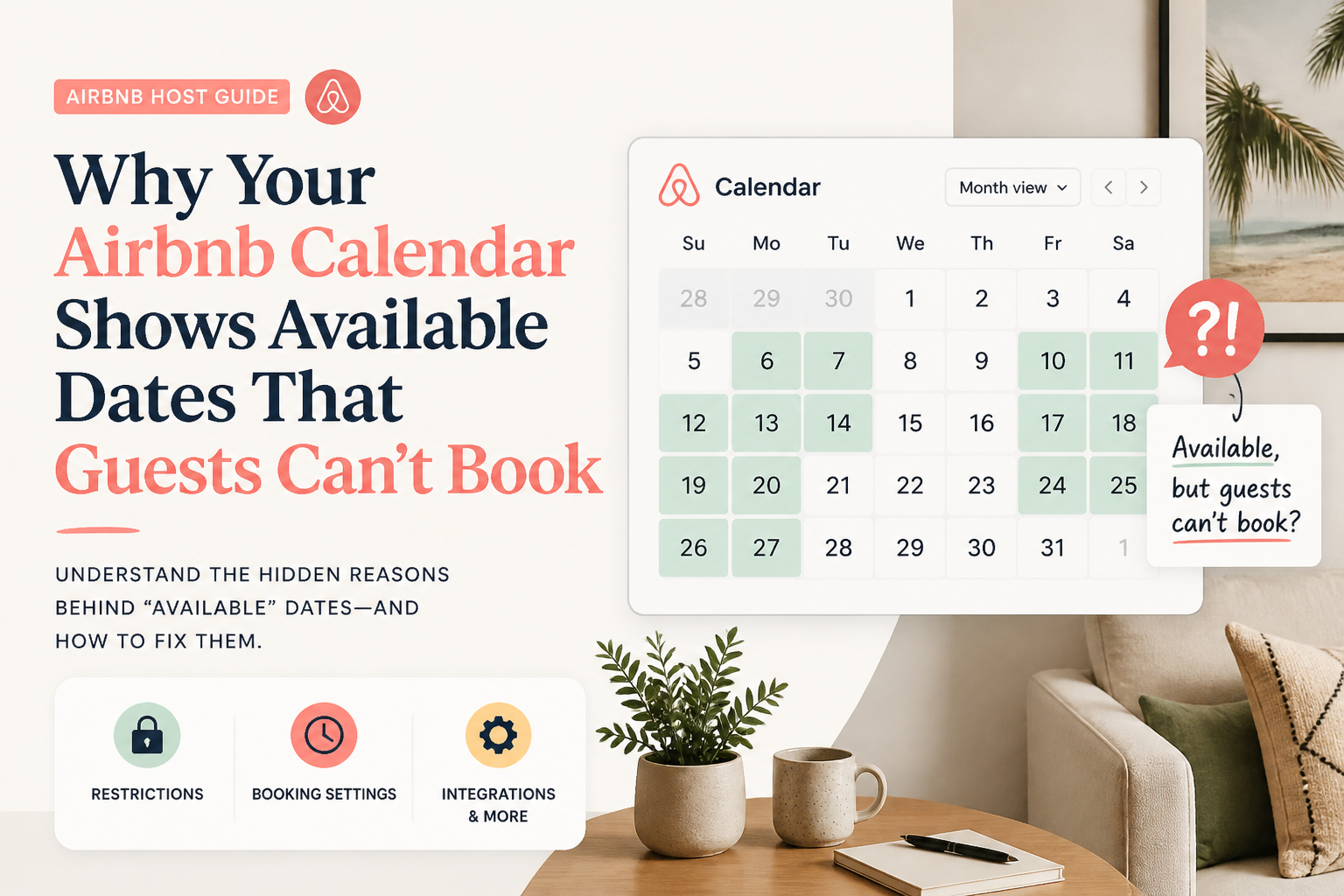 CornerstoneWhy Your Airbnb Calendar Shows Available Dates That Guests Can't Book
Your Airbnb calendar shows open dates, but guests still can't reserve them. Learn how minimum stays, check-in restrictions, preparation time, advance notice, and calendar synchronization can silently block bookings.
19 min read CornerstoneWhy Is My Airbnb Listing Not Getting Bookings in 2026? How to Find the Real Problem
When Airbnb bookings slow down, lowering your price is not always the solution. Learn how to identify whether your listing has a visibility problem, a conversion problem, or a market-demand problem—and what to fix first.
12 min read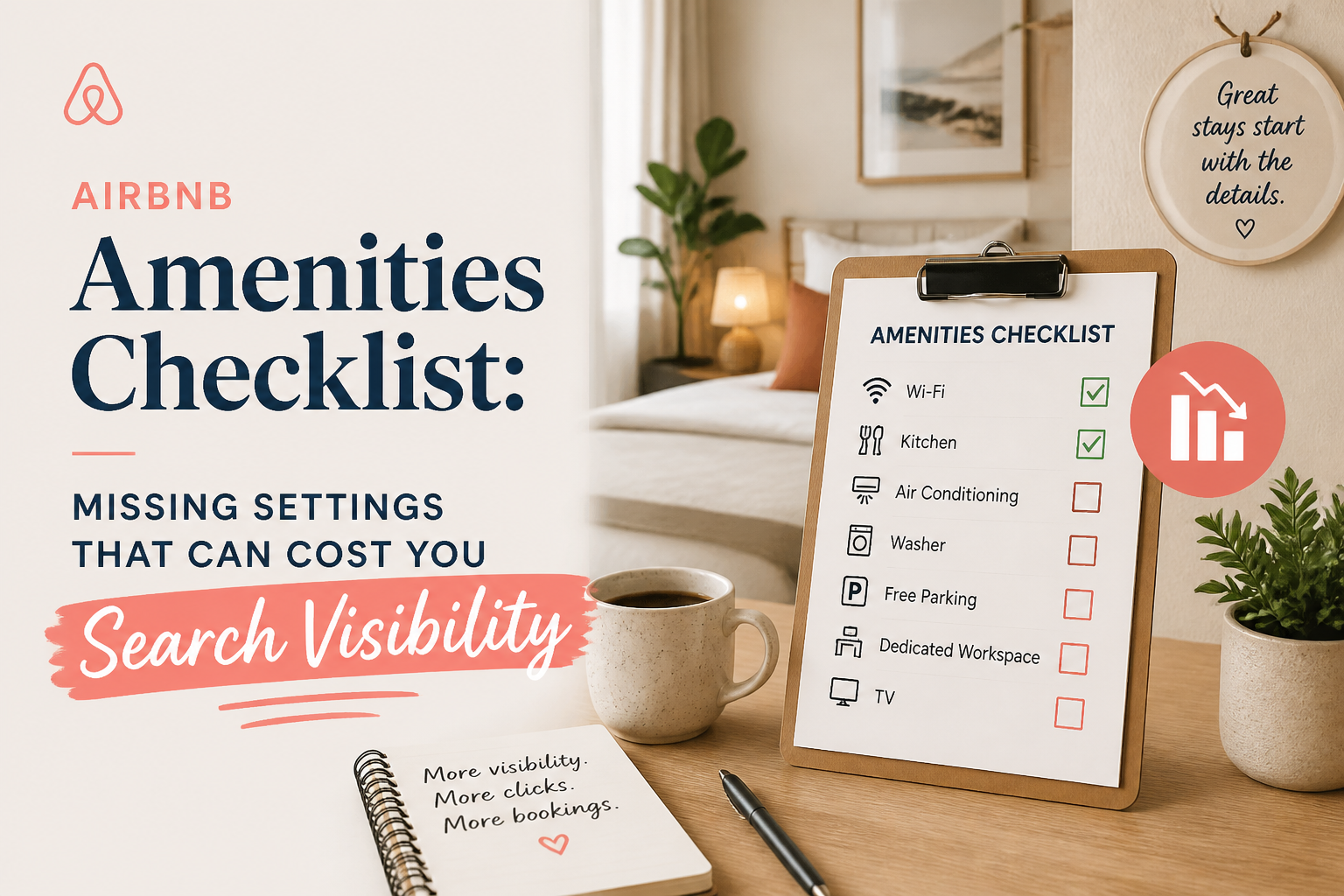 CornerstoneAirbnb Amenities Checklist: Missing Settings That Can Cost You Search Visibility
Your Airbnb may have amenities guests are searching for, but are they selected in your listing settings? Use this room-by-room checklist to find missing amenities, avoid filtered-search visibility problems, and improve your listing's accuracy.
19 min read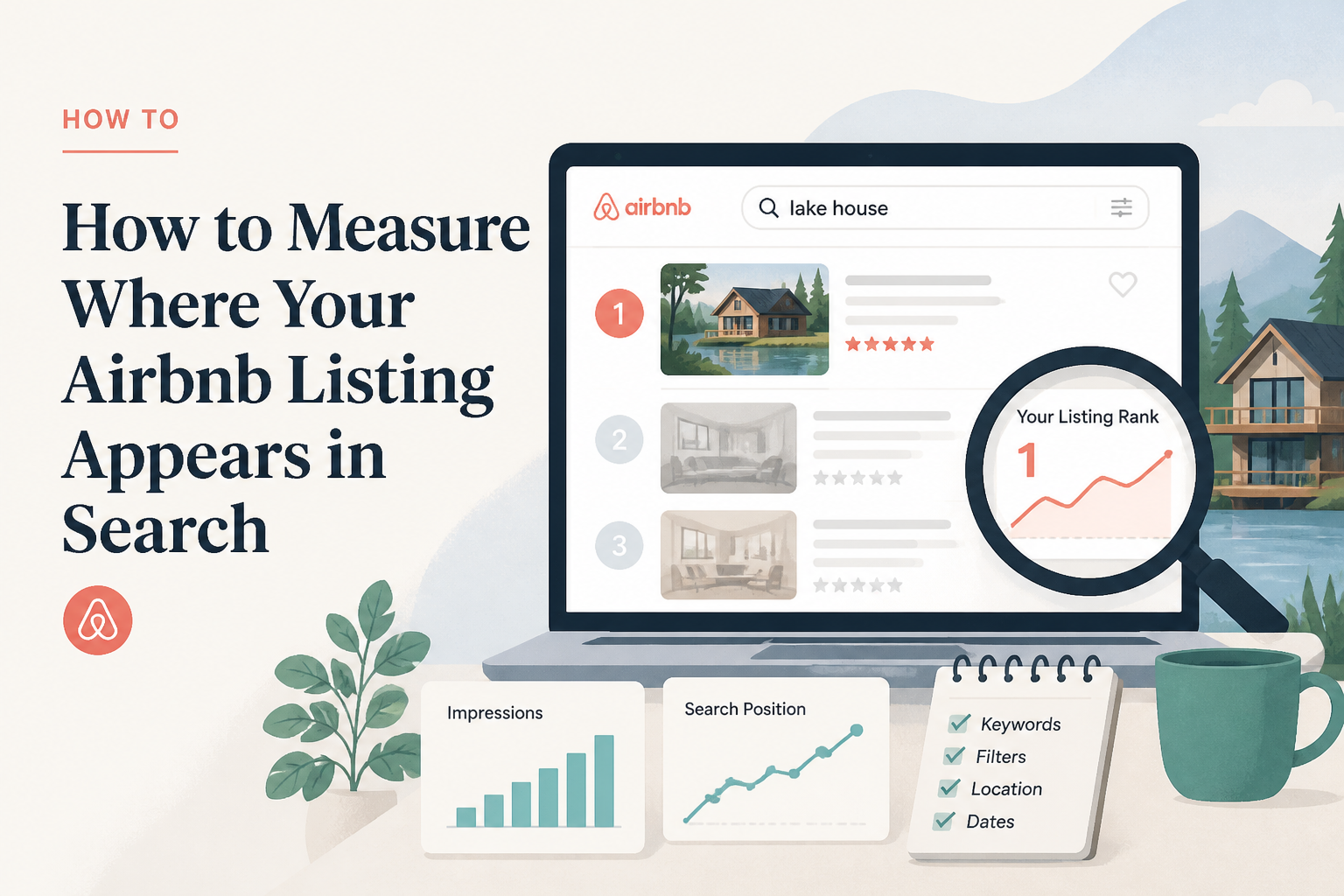 How to Measure Where Your Airbnb Listing Appears in Search
Airbnb search position is not as simple as searching your city and looking for your own property. Results can change based on dates, guest count, filters, location, and personalization. Here is a better way to think about Airbnb search visibility and how to tell whether your listing is improving over time.
5 min read