
How to Organize Your Airbnb Photo Tour: The Room-by-Room Guide
Your Airbnb photos might be beautiful, but is your Photo Tour helping guests understand the property? Learn how to organize every room, correct misplaced photos, improve room details, and build a gallery that creates booking confidence.
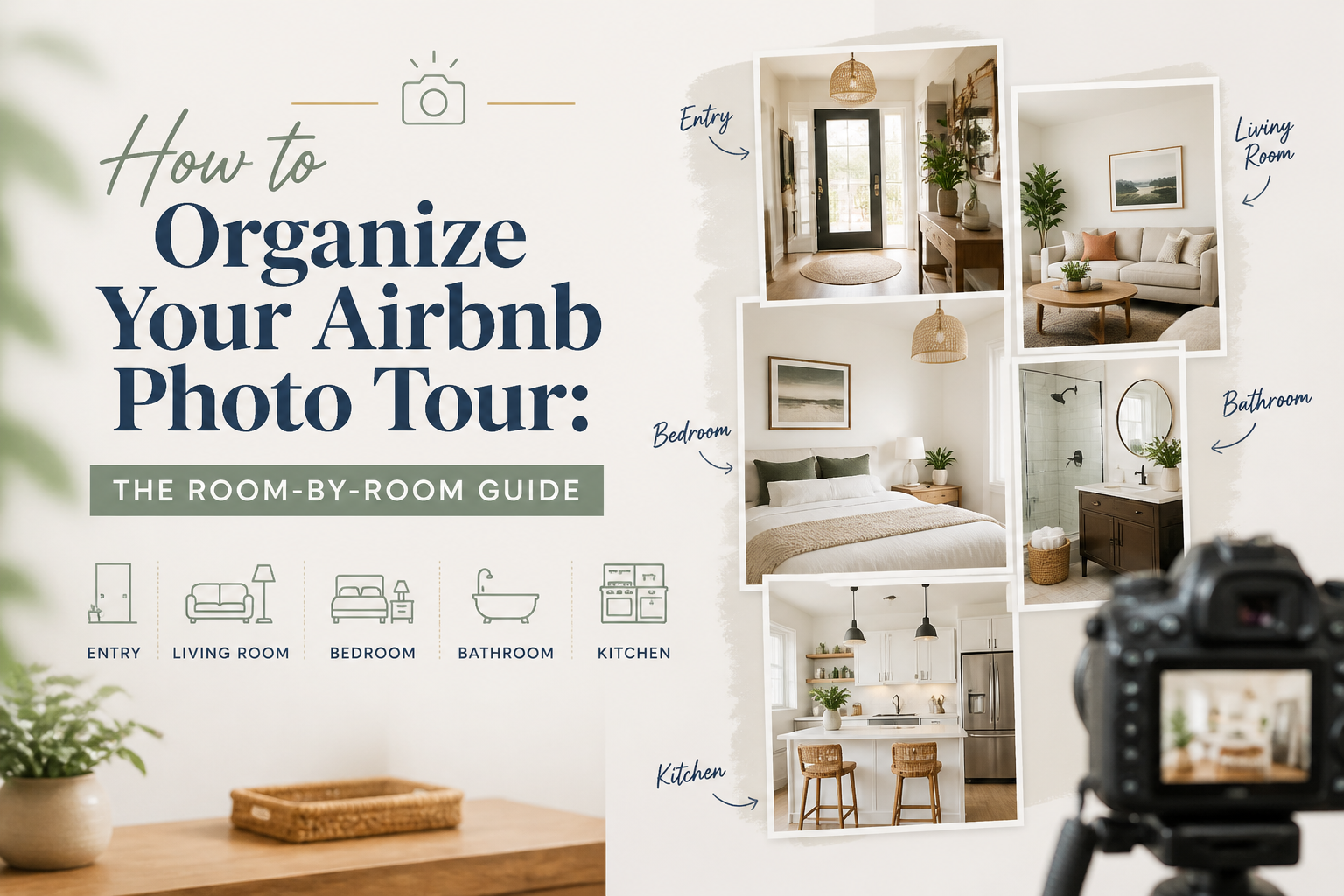
An Airbnb Photo Tour organizes your listing photographs into rooms and spaces so guests can understand what they're booking. To optimize it, make sure every important room is represented, photographs are assigned to the correct spaces, sleeping arrangements are accurate, and the first five images communicate your property's strongest features.
Airbnb can automatically organize uploaded photos into room categories, but the results still deserve a careful manual review.
A photograph assigned to the wrong bedroom can create confusion. An outdoor area without a clear privacy explanation can leave guests guessing. And a gallery filled with beautiful images can still fail to explain how the property is arranged.
After years of working on Airbnb listing optimization, I've learned that a property doesn't just need good photographs.
It needs a photo gallery that makes sense.
In The Airbnb Optimization Playbook, I explain why the sequence and organization of listing photographs matter to the way guests evaluate a stay.
Here is how I recommend building an Airbnb Photo Tour that gives guests a clear understanding of the property before they book.
- What Is an Airbnb Photo Tour?
Airbnb's Photo Tour is a feature that organizes listing photographs into individual rooms and spaces.
Rather than presenting every image as an unstructured collection, it helps guests explore the property by category.
Depending on the property, these categories may include:
- Living room
- Kitchen
- Dining area
- Bedrooms
- Bathrooms
- Outdoor spaces
- Dedicated workspace
- Other rooms or shared areas
Airbnb uses an automated system to help sort photographs into these categories.
Hosts can then review the assignments, move photographs, add missing rooms, and provide additional information about individual spaces.
According to "Airbnb's official Photo Tour instructions" (https://www.airbnb.com/help/article/477), hosts can customize their tour by adding, moving, or removing photographs and rooms.
The important word is customize.
An automated system can help organize your images, but you know your property better than it does.
You know which bedroom is upstairs.
You know whether two photographs show the same bathroom.
You know if an outdoor seating area belongs to your private property or is shared with other guests.
The final Photo Tour should reflect those facts accurately.
- Why Airbnb Photo Tour Organization Matters
Imagine you're searching for a three-bedroom vacation rental for six people.
You find a property with beautiful photographs.
The living room looks inviting.
The kitchen looks modern.
The outdoor area is attractive.
But when you begin looking for bedroom information, things become confusing.
There are photographs of three beds, but it's unclear whether they belong to two bedrooms or three.
A bathroom appears in the gallery, but you can't determine whether it's connected to the primary bedroom.
The listing mentions an outdoor pool, but the photographs don't clearly explain whether it's private.
You might still book.
But you might also continue comparing properties until you find one that answers those questions more clearly.
This is a problem of information, not necessarily photography quality.
Your photographs should work together to answer three important questions:
- What does the property actually include?
- How are its rooms and spaces arranged?
- What should I realistically expect when I arrive?
A well-organized Photo Tour makes those answers easier to find.
It also makes the property feel more coherent.
The goal is not simply to display every room.
It's to help a guest mentally walk through the accommodation before making a reservation.
- Start With Your First Five Airbnb Photos
Before working through individual room categories, review your opening gallery.
Airbnb states that the first five photographs receive prominent placement on the listing page, with the cover image appearing in search results.
That makes your opening images particularly important.
In The Airbnb Tools Playbook, I recommend treating those first five photographs as a coordinated introduction to the property.
They should show a combination of your strongest selling points and enough context to explain what kind of accommodation the guest is considering.
For example, the first five photographs of a family vacation home might include:
- Private pool and outdoor living area
- Main living room
- Open-plan kitchen and dining space
- Primary bedroom
- Family-friendly backyard or additional bedroom
That is only an example.
A beachfront apartment, mountain cabin, or downtown studio may need a different sequence.
The important principle is variety with a purpose.
Five photographs of the same pool may look attractive, but they don't tell a guest much about the bedrooms, kitchen, or interior.
Likewise, five interior photographs might fail to show the outdoor terrace that makes the property distinctive.
Every image should add useful information.
For a more detailed strategy, see my guide: "What Should Your First 5 Airbnb Photos Show?" (https://www.superhostseo.com/blog/first-five-airbnb-photos).
Once your opening photographs are strong, organize the rest of the gallery.
- How to Organize Your Airbnb Photo Tour Room by Room
In The Airbnb Optimization Playbook, I recommend organizing photographs around the natural experience of arriving at and walking through the property.
You want the gallery to feel logical.
A guest should not have to jump randomly from a bedroom to an exterior, back to the kitchen, then to another bedroom to understand the space.
Here is the sequence I generally recommend.
First: Exterior or the strongest feature
If your property has a distinctive exterior, pool, panoramic view, or unusual architectural feature, consider showcasing it early.
This establishes what makes the property worth exploring.
For a beachfront villa, the ocean view might lead.
For a mountain cabin, the setting or outdoor hot tub might be the strongest visual.
For an apartment, the interior living space could be more compelling than the building exterior.
Choose based on the actual property rather than following a universal rule.
Second: Living room
The living room often helps guests understand the general style and scale of the accommodation.
Show enough of the room to communicate its layout.
Guests may want to see:
- Seating arrangements
- Television or entertainment facilities
- Connections to the kitchen or dining area
- Windows and natural light
- Important amenities such as a fireplace
- Additional sleeping arrangements, if applicable
Avoid filling the gallery with several nearly identical photographs.
A wide image that explains the room, followed by another angle showing an important feature, may be more informative than five repetitive views.
Third: Kitchen
A kitchen is particularly important for families, longer stays, and guests who plan to prepare meals.
Show the actual facilities.
A good kitchen photo should help guests understand its size, condition, and equipment.
If possible, make the relationship between the kitchen and dining space clear.
Does the kitchen open into the living room?
Is it separate?
Is there an island with seating?
Does the property have a full-size refrigerator and oven, or a smaller kitchenette?
The photographs should support the information in your description.
Fourth: Dining area
Show where guests can eat together.
This becomes especially important in larger vacation rentals.
A property advertised for ten guests should make its dining arrangements easy to understand.
If the dining table seats only six, that is useful information to disclose.
If there is additional outdoor dining, photograph it separately.
Don't assume guests will understand the seating capacity from one wide-angle image.
Fifth: Bedrooms
Bedroom organization deserves particular attention.
For a three-bedroom property, make sure all three bedrooms are represented accurately.
Label them consistently.
For example:
Bedroom 1
- King bed
- Ensuite bathroom
- Direct access to the patio
Bedroom 2
- Queen bed
- Located on the second floor
Bedroom 3
- Two twin beds
- Located near the shared bathroom
These are example details, not a suggested arrangement for every property.
Your Photo Tour, sleeping arrangements, and main description should agree.
If Bedroom 2 contains a queen bed, don't let an outdated photo caption describe it as a king.
If an additional sleeping space is a sofa bed in the living room, explain that rather than making it look like a separate bedroom.
For groups, sleeping arrangements can determine whether the property is suitable at all.
Make them easy to verify.
Sixth: Bathrooms
Guests should be able to see the bathrooms they will actually use.
Photograph each bathroom clearly and make sure it is assigned to the correct room or area.
Important details may include:
- Walk-in shower or bathtub
- Ensuite or shared access
- Double vanity
- Accessibility features
- Location relative to bedrooms
If a property has three bedrooms but only one bathroom, don't create the impression that each bedroom has its own facilities.
Accuracy is more important than making the property appear larger or more luxurious.
Seventh: Additional rooms
Some properties offer spaces that deserve their own category.
Examples include:
- Home office
- Game room
- Gym
- Loft
- Laundry room
- Children's playroom
- Media room
Add these spaces where appropriate.
But don't create extra room categories that misrepresent how the property functions.
A desk in the corner of a bedroom isn't necessarily a separate office.
A television in the living room doesn't automatically make it a media room.
Use the categories that describe your property accurately.
Eighth: Outdoor areas
Outdoor photographs should help guests understand what is included in their stay.
For example:
- Private pool
- Patio
- Balcony
- Garden
- Hot tub
- Outdoor dining space
- Fire pit
- Parking area
If an outdoor feature is shared, make that clear.
If it has seasonal limitations, explain them.
If a pool is not heated, don't leave guests assuming it is.
If a terrace is accessed only through one bedroom, that may be worth mentioning.
Outdoor photographs should communicate the experience without creating unrealistic expectations.
Ninth: Neighborhood and nearby attractions
Neighborhood photographs can add context when they are relevant.
For example, a walkable beach, nearby park, or community facility may help guests understand the setting.
But distinguish between amenities belonging to the accommodation and attractions elsewhere.
A photograph of a resort pool shouldn't make guests believe that pool belongs exclusively to their rental.
A photograph of a beach shouldn't imply an oceanfront location if guests must drive to reach it.
Use captions to clarify the relationship.
The guest should know exactly what they're booking and what is simply nearby.
- Check the Rooms Airbnb Assigned Automatically
One of the most useful aspects of Airbnb's Photo Tour is its automated room organization.
But automatic categorization is not the same as verification.
A system interpreting images may incorrectly assign a photograph.
For example:
- A dining nook might be grouped with the kitchen.
- A home office inside a bedroom might appear as a separate room.
- Two similar bedrooms might be grouped together.
- An outdoor seating area might be categorized incorrectly.
These are hypothetical examples of the mistakes a host should look for, not documented error rates.
When reviewing your Photo Tour, open each room category and compare it with the actual property.
Ask:
Does this category contain photographs of the correct room?
Are photographs from different rooms accidentally mixed together?
Does every important room appear?
Are sleeping arrangements and room details accurate?
Would someone who has never entered the property understand the layout?
This review is especially important after renovations, furniture changes, or replacing photographs.
Your Photo Tour should describe the property as it exists today.
- How to Edit Your Airbnb Photo Tour
Airbnb provides tools for reviewing and managing your gallery.
According to its official instructions, the general desktop process is:
- Open your Airbnb hosting account.
- Go to Listings and select the property.
- Open the Listing Editor.
- Select Photos or Photo Tour, depending on the editor view.
- Review the photographs assigned to each room.
- Move or add images where needed.
- Check the cover image and first five photographs.
- Save or confirm any changes that require it, then preview the public listing.
Airbnb also allows hosts to reorder the first five photographs from the All Photos view.
The interface may differ slightly between desktop, mobile browser, and the Airbnb app.
For updated instructions, use "Airbnb's official Photo Tour guide" (https://www.airbnb.com/help/article/477).
Don't forget the room details
Photographs are only part of the tour.
Airbnb also allows hosts to provide information about individual spaces, including sleeping arrangements and relevant amenities.
If a bedroom contains a king-size bed, make sure the room details reflect that.
If a bathroom has accessibility features, verify the applicable information.
This makes the Photo Tour more useful than a simple gallery.
It becomes a structured explanation of the accommodation.
- Write Photo Captions That Answer Questions
Once the rooms are organized, review the captions.
A caption should add information that the photograph doesn't communicate clearly on its own.
Consider a photograph of a bedroom.
Weak caption:
"Beautiful and comfortable bedroom."
That doesn't tell the guest much.
More useful caption:
"Primary bedroom with king bed, blackout curtains, and ensuite bathroom."
The second caption adds practical information.
For a pool photograph, a useful caption might explain that the pool is private, whether it is heated, and whether seasonal restrictions apply.
For a balcony, it might clarify which room provides access.
For a kitchen, it could identify equipment that matters to guests.
For a dining area, it might explain how many people the table seats.
You don't need to turn every caption into a paragraph.
The purpose is to resolve uncertainty.
I've covered this topic in more detail in "Do Airbnb Photo Captions Matter?" (https://www.superhostseo.com/blog/airbnb-photo-captions).
Captions and visual descriptions are different
Airbnb also provides a feature for visual descriptions, sometimes called alt text.
These help guests using screen readers understand what an image shows.
A useful visual description objectively explains the contents of a photograph.
For example:
"Open-plan living room with gray sofa, dining table for four, and sliding glass doors leading to a furnished patio."
A photo caption can add practical context or details about the experience.
A visual description should accurately describe the visible content for accessibility.
Airbnb explains the distinction in its "guide to visual descriptions" (https://www.airbnb.com/help/article/3452).
Use both features appropriately rather than filling either with repetitive marketing keywords.
- Make Your Photo Tour and Written Description Match
This is an important part of my Airbnb optimization methodology.
Your photographs and written description should tell the same story.
In The Airbnb Optimization Playbook, I teach a two-layer method for writing the main property description.
The first layer is a skimmable summary organized around rooms and important features.
The second is a longer narrative that takes guests through the property in a logical sequence.
Ideally, that sequence should be consistent with the photographs.
Imagine your description says:
"Enter through the front door into the open-plan living and dining area. The kitchen sits beside the dining space, while the bedrooms are accessed through the hallway."
Your photographs should make that arrangement understandable.
If the gallery starts with six bedroom images, moves to the pool, then randomly shows the kitchen, a guest may struggle to connect what they're seeing with what they've read.
The listing doesn't need identical sequencing in every section.
But the overall presentation should feel consistent.
The three-way consistency test
When I review a listing, I compare three things:
The photographs
What does the guest actually see?
The description
What does the listing say the property includes?
The structured details
What has the host selected for bedrooms, beds, bathrooms, amenities, and accessibility?
All three should agree.
If one says the property has two bedrooms and another suggests three, that deserves immediate attention.
If the caption describes a private bathroom but the room information suggests it is shared, clarify it.
A consistent listing makes the booking decision easier.
- Photo Quality Still Matters
A perfectly organized Photo Tour can't rescue photographs that misrepresent the property or make it difficult to understand.
Before uploading images, check the fundamentals.
Lighting
Use natural light where possible.
Avoid photographs that are unnecessarily dark or have windows so overexposed that guests cannot understand the room.
Framing
Show the space realistically.
A photograph should communicate room size and layout rather than making the space look artificially large.
Cleanliness and staging
Remove clutter and photograph the property as guests should expect to find it.
If a space is staged with decorations that aren't normally provided, consider whether the image creates unrealistic expectations.
Resolution
Airbnb currently recommends photos of at least 1024 × 683 pixels for its Photo Tour, with higher-resolution images generally preferable.
Image accuracy
Avoid editing photographs in ways that change the actual property.
Improving exposure or correcting a color cast is different from removing a building from the view, inventing a fireplace, or altering a room's layout.
The goal is to present the real space clearly.
Airbnb provides additional practical advice in its "guide to photographing your listing" (https://www.airbnb.com/resources/hosting-homes/a/how-to-take-great-photos-for-your-listing-687).
- Seven Airbnb Photo Tour Mistakes to Avoid
Here are the problems I would look for when reviewing an existing gallery.
Mistake 1: Missing bedrooms
Guests cannot evaluate sleeping arrangements confidently if entire bedrooms are absent from the tour.
Mistake 2: Incorrect room assignments
A photograph assigned to the wrong room can make the layout unnecessarily confusing.
Mistake 3: Too many repetitive photographs
Several almost-identical images provide less additional information than a useful photograph of another important space.
Mistake 4: Important amenities buried in the gallery
A pool, hot tub, workspace, or distinctive view may deserve earlier placement if it is central to the property's appeal.
Mistake 5: Missing room details
A photograph may show a bed, but guests still need accurate information about its size and location.
Mistake 6: Outdated photographs
Changes to furniture, layout, amenities, or outdoor areas should be reflected in your listing.
Mistake 7: Descriptions and photographs disagree
Conflicting information creates uncertainty and increases the risk of disappointing guests after arrival.
These mistakes are often easy to overlook when you know the property well.
That's why I recommend reviewing your gallery as if you were seeing the home for the first time.
- How to Evaluate Your Own Airbnb Photo Tour
Here's a practical review you can do today.
Open your listing and imagine you're considering it for a trip.
Don't rely on what you already know about the property.
Instead, ask yourself:
- Can I quickly identify the strongest feature?
- Do the opening photographs explain what kind of property this is?
- Is every important room represented?
- Are the bedrooms correctly labeled?
- Can I determine which beds are in which rooms?
- Are the bathrooms clearly identified?
- Do the photographs explain how spaces connect?
- Are private and shared amenities distinguished?
- Does the gallery match the written description?
- Is anything important missing, outdated, or potentially misleading?
If you find a problem, decide whether it requires a different photo, a corrected room assignment, an improved caption, or a change to the written description.
Not every issue requires a new professional photo shoot.
Sometimes the information is already there.
It just needs to be organized properly.
- Can SuperhostSEO Help Improve Your Airbnb Photo Tour?
Yes, but it's important to distinguish what automated tools can evaluate from what still requires human judgment.
The "SuperhostSEO Airbnb Listing Audit" (https://www.superhostseo.com/audit/) evaluates your listing across nine weighted categories.
It includes photo-related checks, but those receive relatively light weight in its scoring methodology.
That is deliberate.
The structural audit can inspect information and certain gallery characteristics, but it is not designed to judge every aesthetic aspect of a photograph the way a guest would.
It can't reliably tell you whether a particular lighting choice makes a living room feel inviting or whether a different camera angle would present the space more effectively.
Those decisions still require judgment.
Start with the Listing Audit
Use the free audit to identify structural weaknesses in your title, description, completeness, and other listing information.
Use the Photo Captions tool
SuperhostSEO also offers a free photo-caption tool designed to help with caption suggestions for the opening gallery.
You can find it among the free tools at "SuperhostSEO.com" (https://www.superhostseo.com/).
Use the Listing Workshop for a broader rebuild
If your listing needs a more comprehensive refresh, the Airbnb Listing Workshop helps you work through the listing section by section, including photo strategy, title, summary, and property description.
The Pro workspace also includes full-gallery photo-caption tools.
The objective isn't to change every photograph automatically.
It's to improve how the listing communicates the property while keeping the final decisions in the host's hands.
No software can guarantee additional Airbnb bookings simply by reorganizing the gallery.
But a clearer, more accurate listing helps guests understand what they're considering and can reduce preventable uncertainty.
Frequently Asked Questions
What is an Airbnb Photo Tour?
An Airbnb Photo Tour organizes listing photographs into rooms and spaces, making it easier for guests to explore the property. Airbnb can assign images to room categories automatically, and hosts can review and change those assignments.
How do I organize my Airbnb Photo Tour?
Start by reviewing the cover photo and opening five images. Then check that every important room has accurate photographs and that each image is assigned to the correct space. Add room details and useful captions where needed, and preview the listing before finishing.
Can I change the order of photos on Airbnb?
Yes. Airbnb provides options for reordering the first five photographs on the cover page and managing the rest of the Photo Tour. Hosts can access these features through the Listing Editor.
Why are my Airbnb photos in the wrong rooms?
Airbnb uses automated image classification to help organize Photo Tours. The assignment may not always match the actual property. Review the room categories manually and move photographs where necessary.
Should every Airbnb bedroom have its own photos?
Every important guest-accessible bedroom should be represented clearly. Guests need accurate information about sleeping arrangements, bed sizes, and room locations. Airbnb recommends including at least one photo of each room or space for a complete Photo Tour.
Do Airbnb Photo Tour captions help with SEO?
Captions can improve clarity and provide useful context, but Airbnb does not guarantee higher search rankings for adding them. Accurate photo information is primarily valuable because it helps guests understand the property and reduces possible misunderstandings.
What is the difference between an Airbnb photo caption and alt text?
A caption adds information or context for someone viewing the image. Alt text, called a visual description on Airbnb, objectively describes what is visible and helps make photographs accessible to people using screen readers.
How many photos should an Airbnb listing have?
Airbnb requires at least five photographs to get started, but a useful gallery generally needs enough images to accurately represent the rooms, facilities, and experience. Focus on completeness, clarity, and quality rather than reaching an arbitrary photo count.
Can changing Airbnb photo order increase bookings?
A clearer and more compelling photo sequence may help guests evaluate a property, but additional bookings are not guaranteed. Results depend on the property's appeal, availability, price, reviews, market demand, and other factors.
Final Thoughts: Your Airbnb Photo Tour Should Feel Like a Real Walkthrough
Your photographs are not just decoration.
They're one of the main ways guests understand the property they're considering.
A strong Photo Tour should help someone recognize the property's best features, understand its rooms, and feel confident about what they will find when they arrive.
That means every important room should be represented.
Sleeping arrangements should be accurate.
Captions should clarify rather than exaggerate.
And the photographs, amenities, and written descriptions should tell the same consistent story.
You don't need the most expensive photography or the largest possible gallery.
You need photographs that communicate the real property clearly.
Want to know what else your Airbnb listing might be missing?
"Run your free Airbnb Listing Audit at SuperhostSEO" (https://www.superhostseo.com/audit/) to identify structural weaknesses and receive prioritized recommendations for improving your listing.
Written by Elie Parienti, founder of SuperhostSEO and author of The Airbnb Optimization Playbook and The Airbnb Tools Playbook. The room-by-room gallery framework is drawn from The Airbnb Optimization Playbook, Chapter 3, and The Airbnb Tools Playbook's guidance on photographs and listing audits.
Further Reading
- "Airbnb: Setting Up a Photo Tour for Your Home Listing" (https://www.airbnb.com/help/article/477)
- "Airbnb: How to Take Great Photos for Your Listing" (https://www.airbnb.com/resources/hosting-homes/a/how-to-take-great-photos-for-your-listing-687)
- "Airbnb: Add Visual Descriptions to Listing Photos" (https://www.airbnb.com/help/article/3452)
- "What Should Your First 5 Airbnb Photos Show?" (https://www.superhostseo.com/blog/first-five-airbnb-photos)
- "Do Airbnb Photo Captions Matter?" (https://www.superhostseo.com/blog/airbnb-photo-captions)
- "SuperhostSEO Free Airbnb Listing Audit" (https://www.superhostseo.com/audit/)
Airbnb optimization specialist, Superhost, and founder of one of the largest Airbnb host communities.
Continue Reading
Chosen for you from The Optimization Journal.
 CornerstoneAirbnb Listing Audit: What to Fix First (And What Can Wait)
Not every weakness in your Airbnb listing deserves the same attention. Learn how to read an Airbnb listing audit, identify high-impact problems, and prioritize improvements that actually matter to guests.
14 min read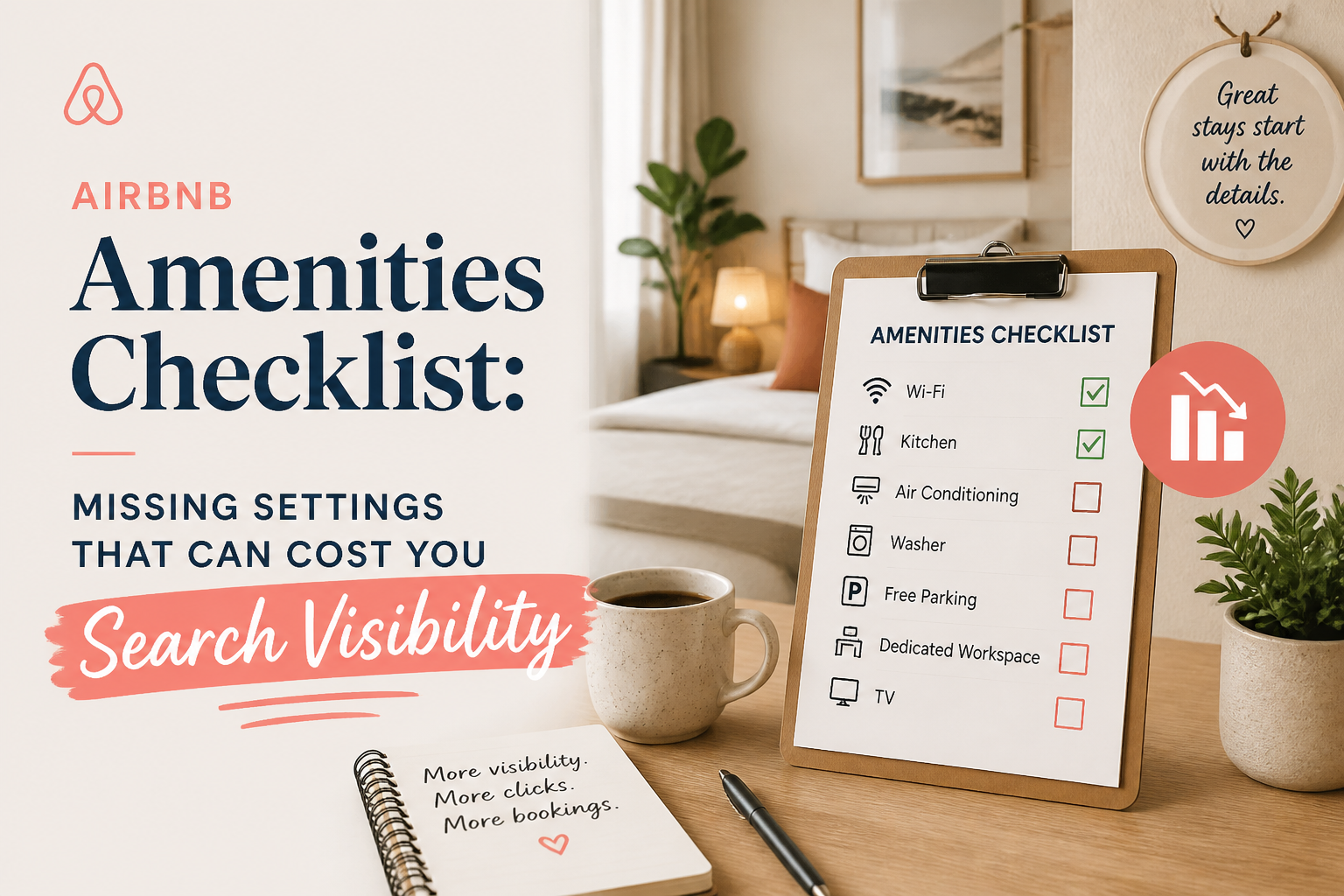 CornerstoneAirbnb Amenities Checklist: Missing Settings That Can Cost You Search Visibility
Your Airbnb may have amenities guests are searching for, but are they selected in your listing settings? Use this room-by-room checklist to find missing amenities, avoid filtered-search visibility problems, and improve your listing's accuracy.
19 min read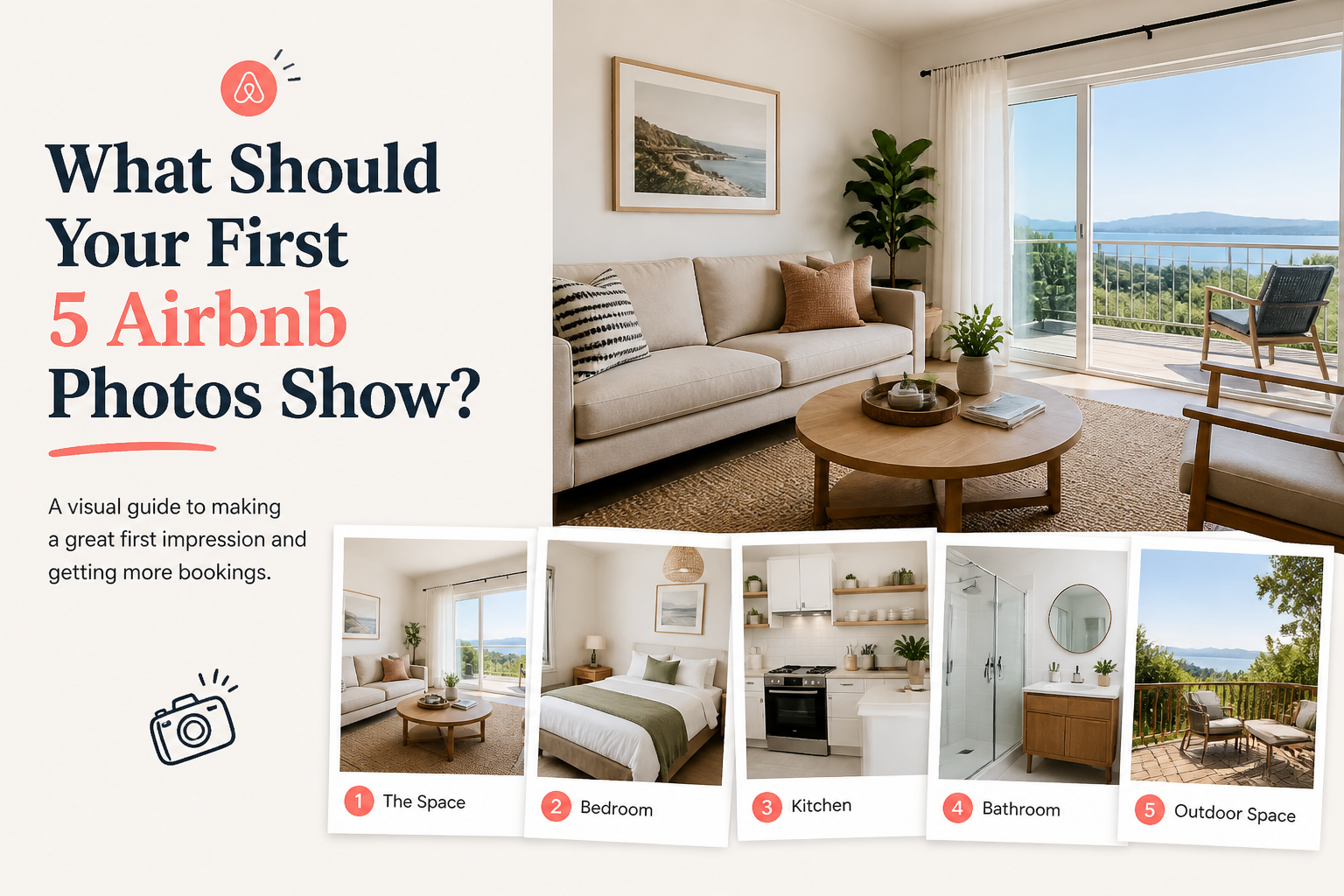 What Should Your First 5 Airbnb Photos Show?
The first five photos on your Airbnb listing should do more than look good. They should quickly show guests what the property is, why it stands out, and whether it fits the trip they are planning.
6 min read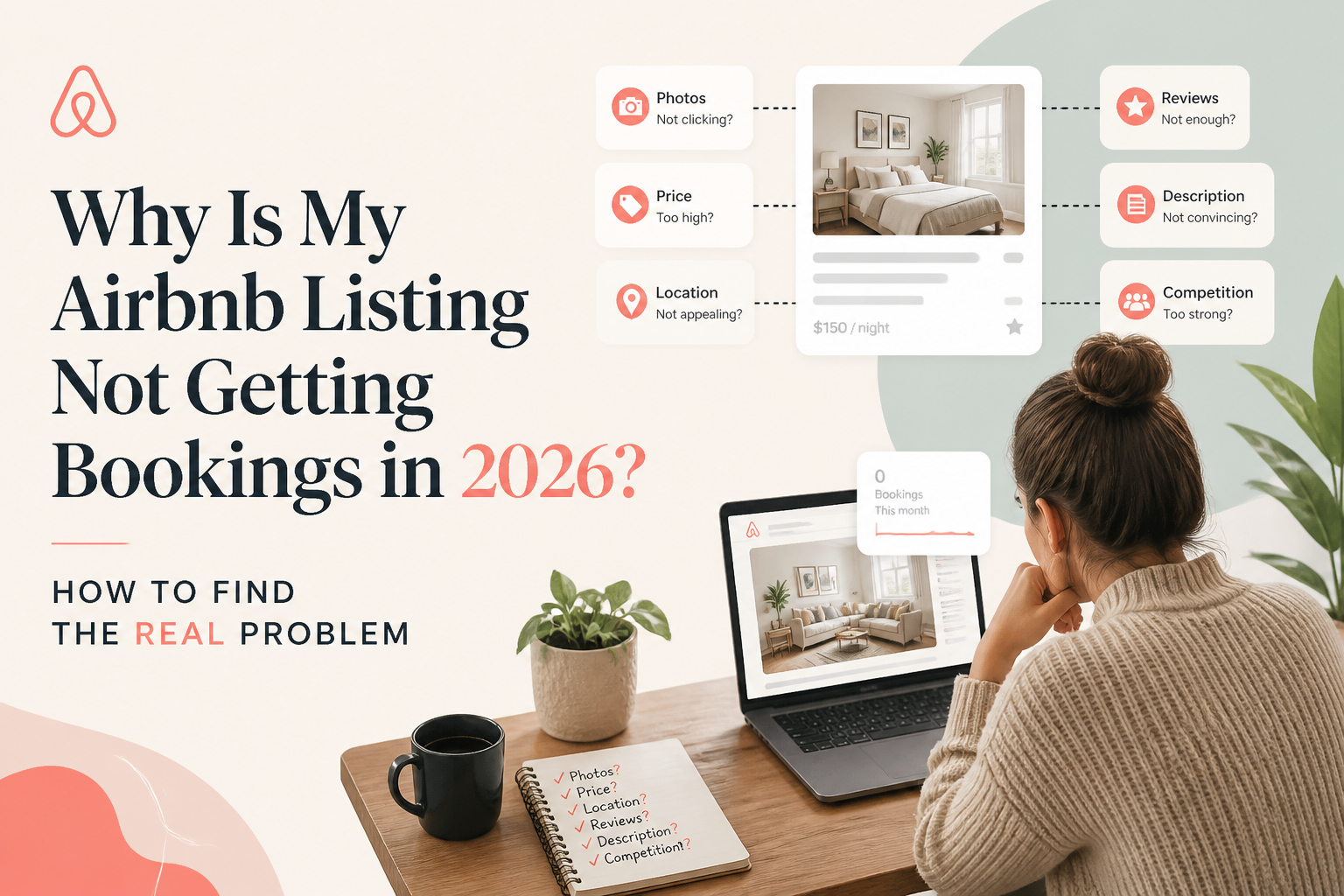 CornerstoneWhy Is My Airbnb Listing Not Getting Bookings in 2026? How to Find the Real Problem
When Airbnb bookings slow down, lowering your price is not always the solution. Learn how to identify whether your listing has a visibility problem, a conversion problem, or a market-demand problem—and what to fix first.
12 min read CornerstoneAirbnb Search Ranking Dropped Suddenly? How to Find Out What Changed
Did your Airbnb listing suddenly lose views or search visibility? Learn how to diagnose ranking changes, check availability and pricing, compare market conditions, and identify what to fix before rewriting your listing.
19 min read