
Why Is My Airbnb Listing Not Getting Bookings in 2026? How to Find the Real Problem
When Airbnb bookings slow down, lowering your price is not always the solution. Learn how to identify whether your listing has a visibility problem, a conversion problem, or a market-demand problem—and what to fix first.
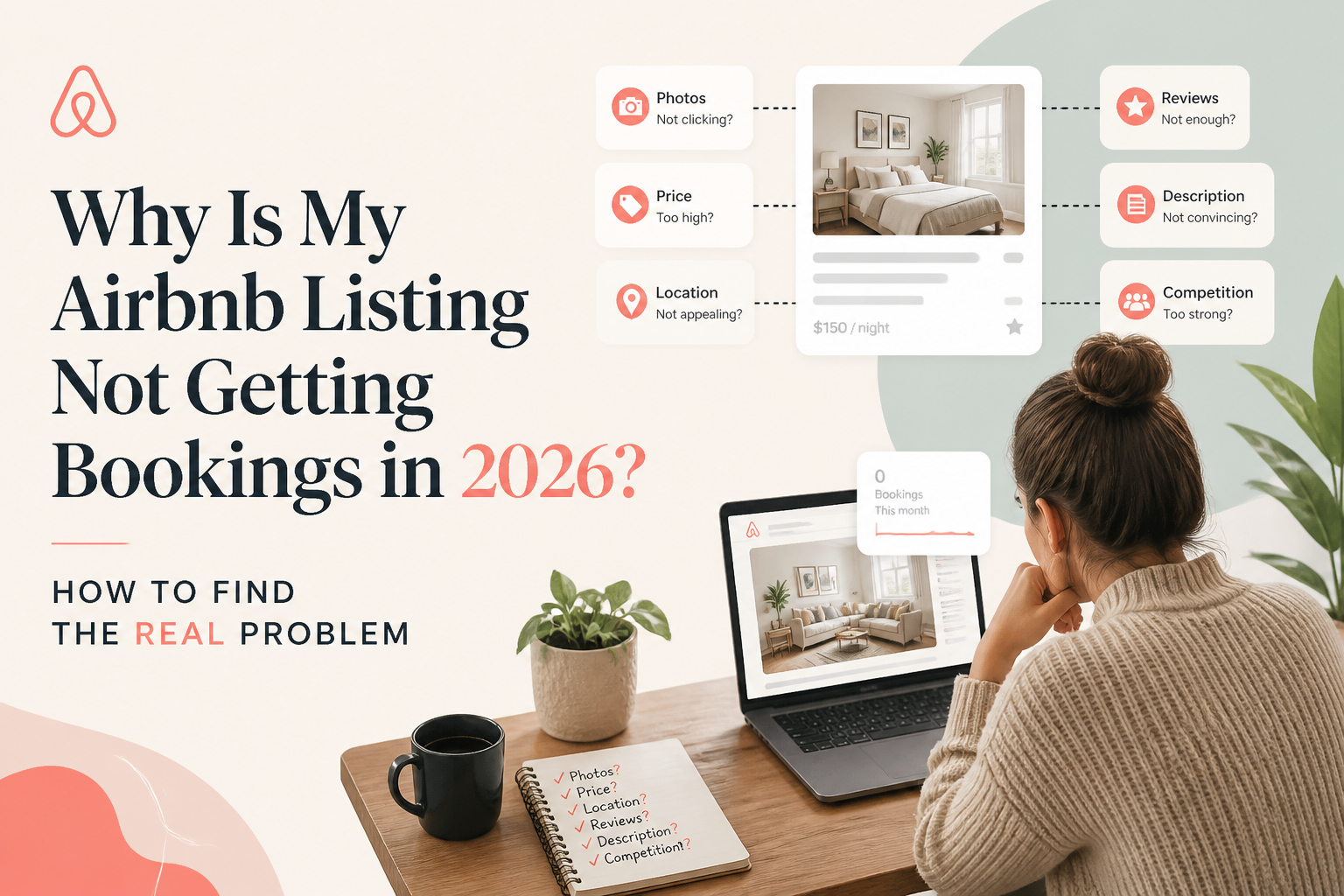
If your Airbnb listing is not getting bookings, the first thing you need to determine is whether guests are finding your property and choosing not to book, or whether they are barely seeing it in the first place.
Those are two different problems, and they require different solutions.
A listing with declining views may need attention to its search visibility, availability, pricing or first impression. A listing with healthy views but weak bookings may have problems with guest confidence, value or information clarity.
Before changing everything or lowering your nightly rate, use your Airbnb performance data to identify the real bottleneck.
Here is the diagnostic process I use when reviewing an underperforming listing.
- First, Understand Why Your Airbnb Is Not Getting Bookings
When bookings slow down, most hosts naturally look at their prices.
It makes sense. The calendar has empty nights, competitors appear to be getting reservations, and a discount feels like something you can implement immediately.
But price is only one part of the booking decision.
In my work optimizing Airbnb listings, I've seen properties struggle because their strongest features were buried in their descriptions, their photo galleries created confusion, or important amenities were missing from their listing settings.
I've also seen hosts focus on rewriting their listings when their real problem was limited availability or changing market demand.
The important question isn't simply, "Why am I not getting bookings?"
It's "At what stage am I losing potential guests?"
The Airbnb booking journey has three important stages:
- Search visibility: Your property needs to appear in searches relevant to the stay a guest wants.
- Guest interest: The photos, price, location, ratings and other details need to give the guest a reason to open your listing.
- Booking conversion: Once a guest opens the listing, the complete presentation needs to make booking feel like the right decision.
A weakness at any stage can reduce bookings.
Your job is to identify which stage needs attention first.
- Check Your Airbnb Views and Conversion Data
Before editing your listing, open your Airbnb hosting performance insights.
Look at how your listing has performed over the past 30 days, then compare that period with a previous period that makes sense for your property's seasonality.
Focus on three questions:
- Have listing views increased, decreased or remained stable?
- Has the percentage of views turning into bookings changed?
- Is the broader market experiencing stronger or weaker demand?
These questions help distinguish four situations.
Situation A: Low views and low bookings
Your listing is not attracting enough visitors to generate consistent bookings.
Possible contributing factors include an uncompetitive first impression, restrictive calendar settings, missing amenity selections, pricing that excludes you from relevant searches, or simply lower market demand.
Start by investigating visibility and availability.
Situation B: Healthy views but few bookings
Guests are opening your listing, but relatively few are making reservations.
Your first impression may be strong enough to earn attention, while something on the listing page is creating hesitation.
Investigate the complete photo gallery, description, total price, cancellation terms, guest reviews and missing information.
Situation C: Low views but strong conversion
The guests who do find your listing are interested enough to book.
This suggests that the main opportunity may be attracting more qualified visitors, rather than completely rebuilding an already effective listing.
Situation D: Healthy views and healthy conversion
Your listing may be performing reasonably well relative to the demand available.
If total bookings have still declined, look carefully at seasonality, available nights, booking lead times and changes in the surrounding market.
Remember that a conversion rate needs context. A property with a handful of views can show a misleadingly high or low percentage.
The key lesson: Don't use the same solution for every booking slowdown.
- If Your Airbnb Has Low Views, Start With Visibility
Airbnb uses multiple factors to generate search results, including listing quality, popularity, price and location.
It also takes guest search criteria, such as travel dates, party size and amenities, into account.
That means there is no single fixed ranking position your property occupies for every guest.
According to "Airbnb's official explanation of search results" (https://www.airbnb.com/help/article/39), hosts can influence visibility through availability, pricing, listing media, descriptive information and hospitality-related factors.
Here are the areas I would review first.
Your first five photos
Photos are one of the strongest ways to communicate the value of a property before a guest makes a booking decision.
Your opening gallery should quickly show what makes the property worth considering.
For a beachfront villa, that might be the view.
For a family home, it might be a spacious living area and private pool.
For a remote-work apartment, it could be a comfortable workspace with a clear view of the surrounding environment.
The objective is not simply to show five attractive photographs.
It is to communicate the property and its advantages clearly.
If your gallery begins with generic or repetitive images while your most distinctive feature is buried later, reconsider the sequence.
Your Airbnb title
A strong title communicates a real benefit rather than relying on generic adjectives.
Consider this example:
Generic title:
"Beautiful Cozy Apartment in Great Location"
More specific title:
"Sunny Loft | Private Terrace & Dedicated Workspace"
The second title gives a potential guest concrete information.
It describes features that may matter to a particular traveler.
Only include features that your property actually offers, and make sure your wording follows Airbnb's current title requirements.
Your amenities
One overlooked source of visibility problems is an incomplete amenity checklist.
Imagine your property has a washer, dedicated workspace and free parking.
You mention all three in the description but forget to select them in Airbnb's amenity settings.
A guest searching with those amenity filters may not find your listing.
Review your amenities one by one, and make sure every applicable feature is selected accurately.
Do not assume that mentioning an amenity in your description replaces selecting it in the appropriate field.
Your calendar and booking settings
A listing cannot match a guest's intended trip if the required dates or stay length are unavailable.
Check for:
- Accidentally blocked dates
- Minimum-stay rules that exclude common trips
- A booking window that is too short
- Gaps between reservations that cannot be booked under your rules
- Check-in restrictions that may be limiting otherwise suitable stays
Sometimes the problem is not your listing presentation at all.
It is simply that your settings exclude more searches than you realize.
- If Guests View Your Airbnb but Don't Book, Investigate Conversion
Now consider a different situation.
Your listing is receiving visitors, but bookings are disappointing.
At this stage, I would stop focusing exclusively on search visibility and begin looking at guest confidence.
In The Airbnb Optimization Playbook, I explain that guests are not just evaluating amenities.
They're trying to decide whether a property is right for their trip and whether the experience will match what the listing promises.
Unanswered questions create uncertainty.
And uncertainty can cause a guest to continue comparing alternatives.
Does your description actually answer guest questions?
Consider a listing that says:
"Beautiful three-bedroom house with modern amenities and everything you need for a comfortable stay."
That sounds pleasant, but it leaves important questions unanswered.
Where are the bedrooms?
How many bathrooms are there?
Is the outdoor area private?
Can guests park on the property?
Is the workspace inside a bedroom or in a separate room?
A more useful description provides concrete details and organizes them so guests can find the information they need.
I prefer a two-layer approach.
The first layer summarizes the most important information for guests who skim.
The second provides a fuller walkthrough of the property for guests who want to understand exactly what they're booking.
That structure helps different types of guests make confident decisions.
Do your photos and descriptions tell the same story?
A guest might click because the cover image shows a beautiful private pool.
But what happens if the description never clarifies whether the pool is shared, heated or available year-round?
What if the remaining photographs barely show it?
The guest now has to guess.
Your photographs, title, description, amenities and house rules should support the same accurate picture of the property.
Are your reviews revealing a problem?
Reviews are not just proof that previous guests enjoyed their stays.
They are also useful research.
Read your recent reviews and look for recurring observations.
Do guests repeatedly mention difficult parking?
Do they praise a feature that your listing barely highlights?
Are they surprised by the property's layout?
Are the same questions appearing before every booking?
These patterns can help you identify information that needs to be clarified or features that deserve more attention.
- Don't Lower Your Airbnb Price Until You Understand the Market
Pricing matters.
Airbnb explicitly identifies price competitiveness as a factor in search results, and guests naturally compare the total cost of similar properties.
But lowering your nightly rate is not always the right first move.
In The Airbnb Hosting Decisions Playbook, I explored this question with my host community:
When bookings slow down, should you drop your prices or hold firm?
The responses showed that experienced hosts approach this decision differently.
Some reduce rates to stay competitive.
Others protect a minimum nightly rate and accept some empty nights rather than discount heavily.
Some even reported stronger booking results after increasing prices.
These are host experiences, not controlled evidence that raising rates will increase bookings for everyone.
The useful lesson is that pricing decisions should reflect the property, its market, its operating costs and its positioning.
Before changing your rate, ask:
- Are comparable properties experiencing the same slowdown?
- Is my total price competitive for the dates guests are searching?
- Does my listing clearly communicate why my property is worth its price?
- Am I losing potential bookings because of minimum-stay restrictions?
- Would a discount improve profitability, or simply fill dates at an unacceptable margin?
A price adjustment may be appropriate.
But make it a deliberate decision based on the problem you have identified.
- Audit Your Airbnb Listing Before Rewriting Everything
One of the hardest parts of optimizing your own listing is seeing it from the perspective of someone who has never visited the property.
You know your home's layout.
You know where guests park.
You know which photographs show the best features.
That familiarity makes it easy to overlook information that a first-time visitor needs.
This is why I built the SuperhostSEO Airbnb Listing Audit.
The tool evaluates a live listing across nine weighted categories and produces a structured report.
Rather than giving you only an overall score, it identifies priority areas and helps you decide where to begin.
The title, short summary and main property description receive substantial attention in the scoring methodology because they contain information that can be evaluated directly from the listing text.
Other categories help identify completeness issues.
The audit also considers photo-related elements, but it does not replace a human review of photographic quality, staging or emotional appeal.
It does not automatically rewrite your Airbnb listing or update your account.
Its purpose is diagnosis.
That distinction is important.
A tool should help you understand what needs attention before you start changing things.
Want to see which parts of your listing need improvement?
"Run your free Airbnb Listing Audit on SuperhostSEO" (https://www.superhostseo.com/audit/).
Your first audit provides a structured assessment and prioritized recommendations so you can begin with the areas that deserve attention.
- A Practical Checklist for an Airbnb Listing That Isn't Getting Bookings
If you want to investigate your listing today, follow this order.
Step 1: Review your numbers.
Check your recent listing views, bookings and conversion trend.
Step 2: Compare demand.
Look at relevant previous periods and comparable local properties before assuming your listing alone is struggling.
Step 3: Inspect your calendar.
Review availability, minimum stays, blocked dates and booking restrictions.
Step 4: Evaluate your first impression.
Look at your opening photos, title, price and rating as a guest would see them in search.
Step 5: Check listing completeness.
Review all applicable amenities, sleeping arrangements, access details and important property information.
Step 6: Read the listing as a stranger.
Identify the questions a new guest would still need to ask before feeling comfortable booking.
Step 7: Study your reviews.
Look for repeated positive themes, limitations and expectation gaps.
Step 8: Choose the most important improvement.
Avoid changing every part of your listing simultaneously.
Make a deliberate improvement, record when you made it, and monitor the results over a meaningful period.
No individual change guarantees more bookings. The objective is to make better decisions with better information.
Frequently Asked Questions
Why did my Airbnb bookings suddenly stop?
A sudden slowdown can result from changing market demand, reduced listing visibility, restrictive availability, pricing differences, changes in guest preferences or lower booking conversion. Compare views, bookings and available dates before deciding which cause is most likely.
Why is my Airbnb listing getting views but no bookings?
Guests may be interested in your property's first impression but uncertain about its value, layout, amenities, rules or total cost. Review the full listing experience, including photos, description and recent reviews.
Does lowering my Airbnb price improve my ranking?
Airbnb includes pricing competitiveness among its search-ranking considerations. A lower price can make a property more attractive for certain searches, but it does not guarantee a higher position or additional bookings. Availability, quality, popularity and guest preferences also matter.
How can I improve my Airbnb listing without spending money?
Start by verifying your amenity settings, improving unclear descriptions, reorganizing existing photographs, highlighting genuine property strengths and correcting calendar restrictions. These changes usually require more attention than money.
Is there a free tool to audit an Airbnb listing?
Yes. The "SuperhostSEO Airbnb Listing Audit" (https://www.superhostseo.com/audit/) provides a free first audit that evaluates listing quality and completeness, with recommendations for what to improve.
How often should I review my Airbnb listing?
Review your listing when performance changes, when the property changes and when seasons shift. A monthly check of your listing information, calendar, pricing settings, photos and performance trends is a practical maintenance habit.
Final Thoughts: Diagnose Before You Optimize
When an Airbnb listing stops getting bookings, the instinct is often to change something immediately.
Lower the price.
Rewrite the description.
Replace the cover photo.
Add a promotion.
But those changes only help when they address the actual problem.
A visibility problem needs a visibility solution.
A conversion problem needs a conversion solution.
A market-demand problem requires an understanding of demand, pricing and availability.
The best starting point is not guessing what Airbnb wants.
It is understanding what your listing is currently communicating, how guests are responding, and which improvements deserve attention first.
Stop guessing what needs fixing. "Run your free Airbnb Listing Audit" (https://www.superhostseo.com/audit/) and get a clearer picture of your listing's strengths, weaknesses and next steps.
Written by Elie Parienti, founder of SuperhostSEO and author of The Airbnb Optimization Playbook, The Airbnb Tools Playbook, and The Airbnb Hosting Decisions Playbook.
Further reading
- "Airbnb: How search results work" (https://www.airbnb.com/help/article/39)
- "Why Your Airbnb Listing Gets Views but Not Bookings" (https://www.superhostseo.com/blog/airbnb-views-but-no-bookings)
- "How to Audit Your Airbnb Listing Before Changing Your Price" (https://www.superhostseo.com/blog/audit-airbnb-listing-before-changing-price)
Airbnb optimization specialist, Superhost, and founder of one of the largest Airbnb host communities.
Continue Reading
Chosen for you from The Optimization Journal.
 CornerstoneAirbnb Search Ranking Dropped Suddenly? How to Find Out What Changed
Did your Airbnb listing suddenly lose views or search visibility? Learn how to diagnose ranking changes, check availability and pricing, compare market conditions, and identify what to fix before rewriting your listing.
19 min read CornerstoneWhy Is My Airbnb Listing Not Showing Up in Search? 9 Things to Check
Can't find your Airbnb listing in search results? It may not be an algorithm problem. Learn how to check listing status, blocked dates, minimum stays, booking restrictions, amenities, and visibility before making unnecessary changes.
18 min read CornerstoneShould You Lower Airbnb Prices When Bookings Slow Down? What Hosts Actually Say
When Airbnb bookings slow down, should you lower your nightly rate or hold firm? Discover what experienced hosts reported, why some regret discounting, and how to make smarter pricing decisions.
15 min read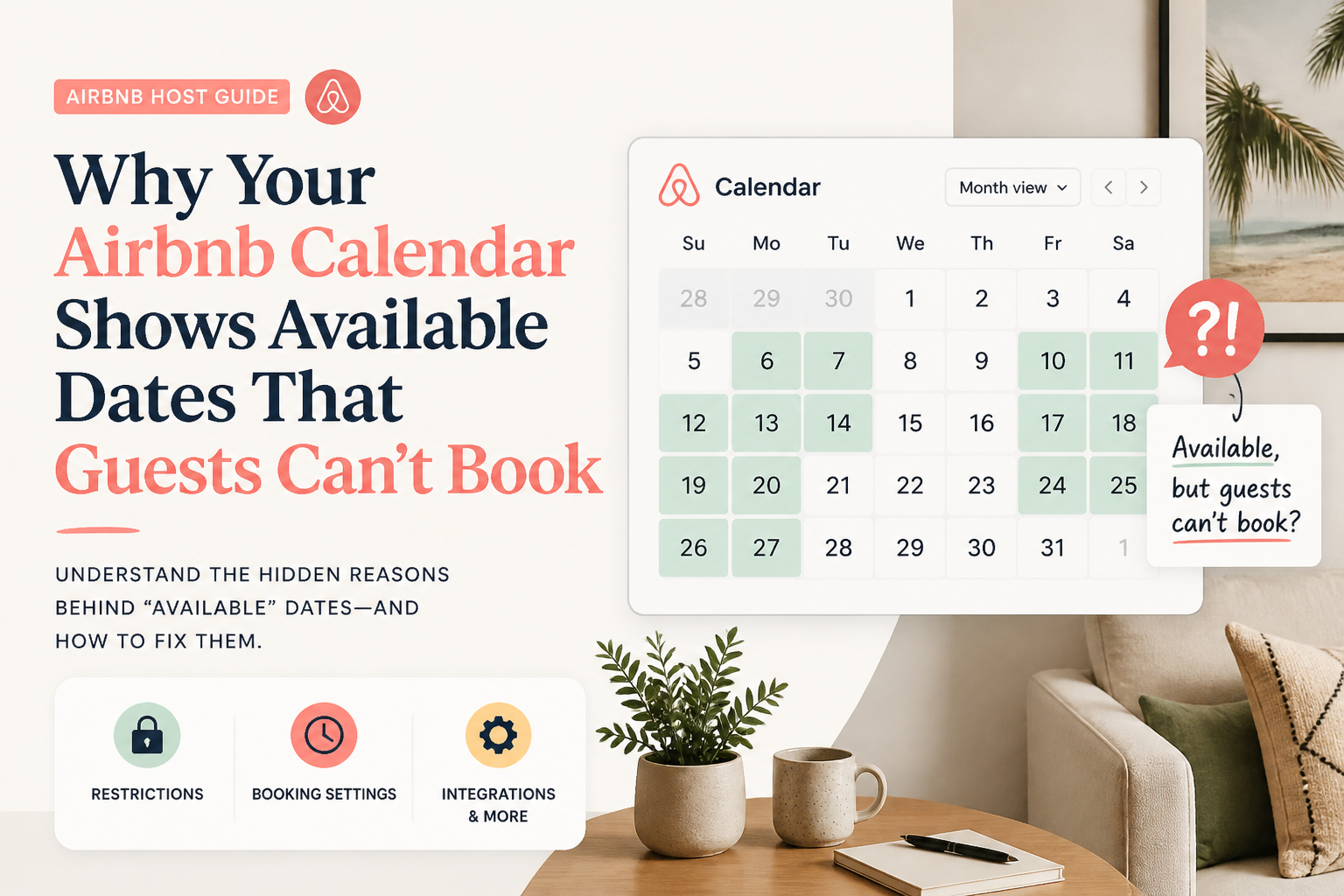 CornerstoneWhy Your Airbnb Calendar Shows Available Dates That Guests Can't Book
Your Airbnb calendar shows open dates, but guests still can't reserve them. Learn how minimum stays, check-in restrictions, preparation time, advance notice, and calendar synchronization can silently block bookings.
19 min read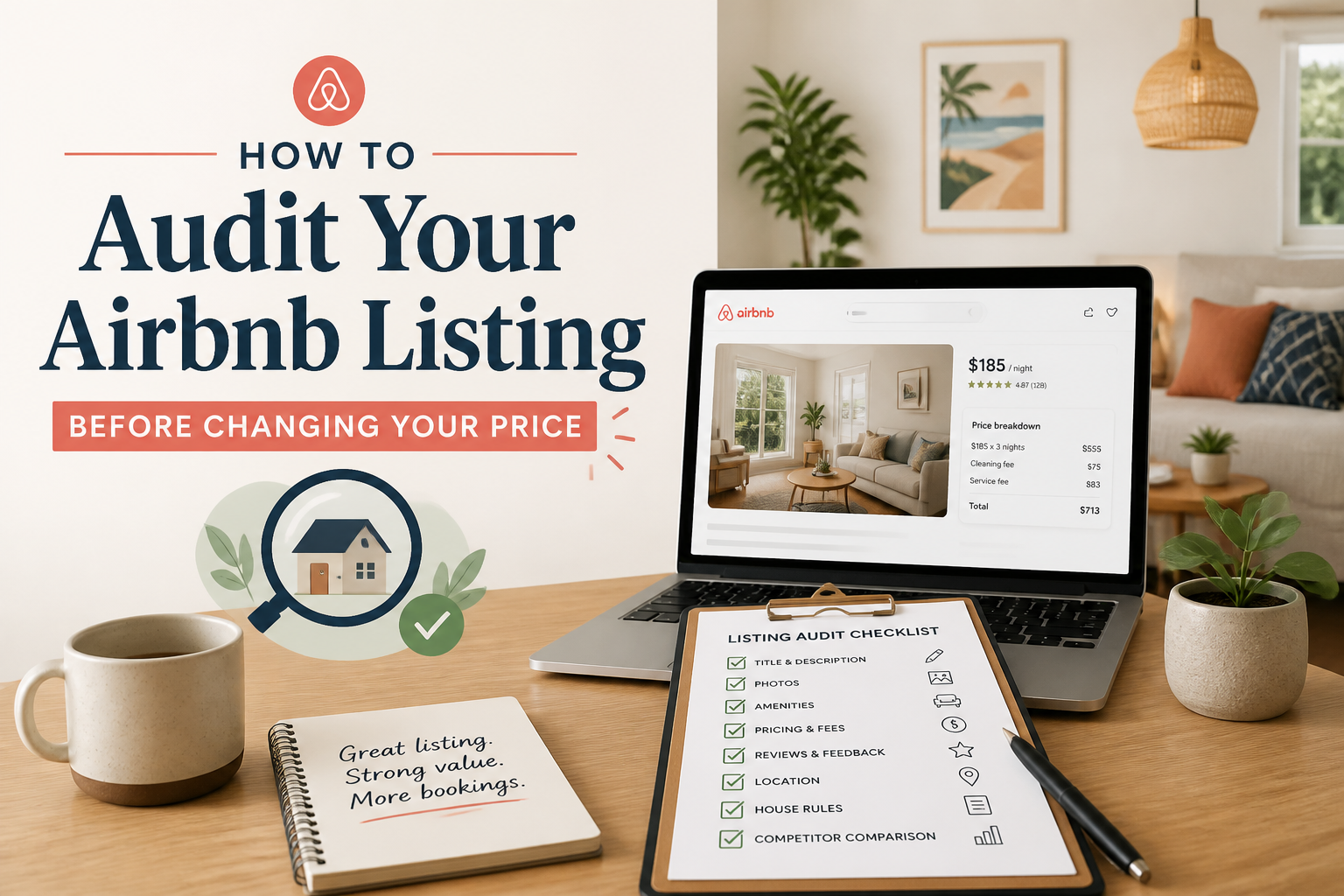 How to Audit Your Airbnb Listing Before Changing Your Price
When bookings slow down, many hosts immediately lower the rate. Sometimes that is the right move, but sometimes the problem is somewhere else in the listing. Before discounting, I prefer to figure out whether the issue is visibility, conversion, or actually price.
5 min read