
Airbnb Amenities Checklist: Missing Settings That Can Cost You Search Visibility
Your Airbnb may have amenities guests are searching for, but are they selected in your listing settings? Use this room-by-room checklist to find missing amenities, avoid filtered-search visibility problems, and improve your listing's accuracy.
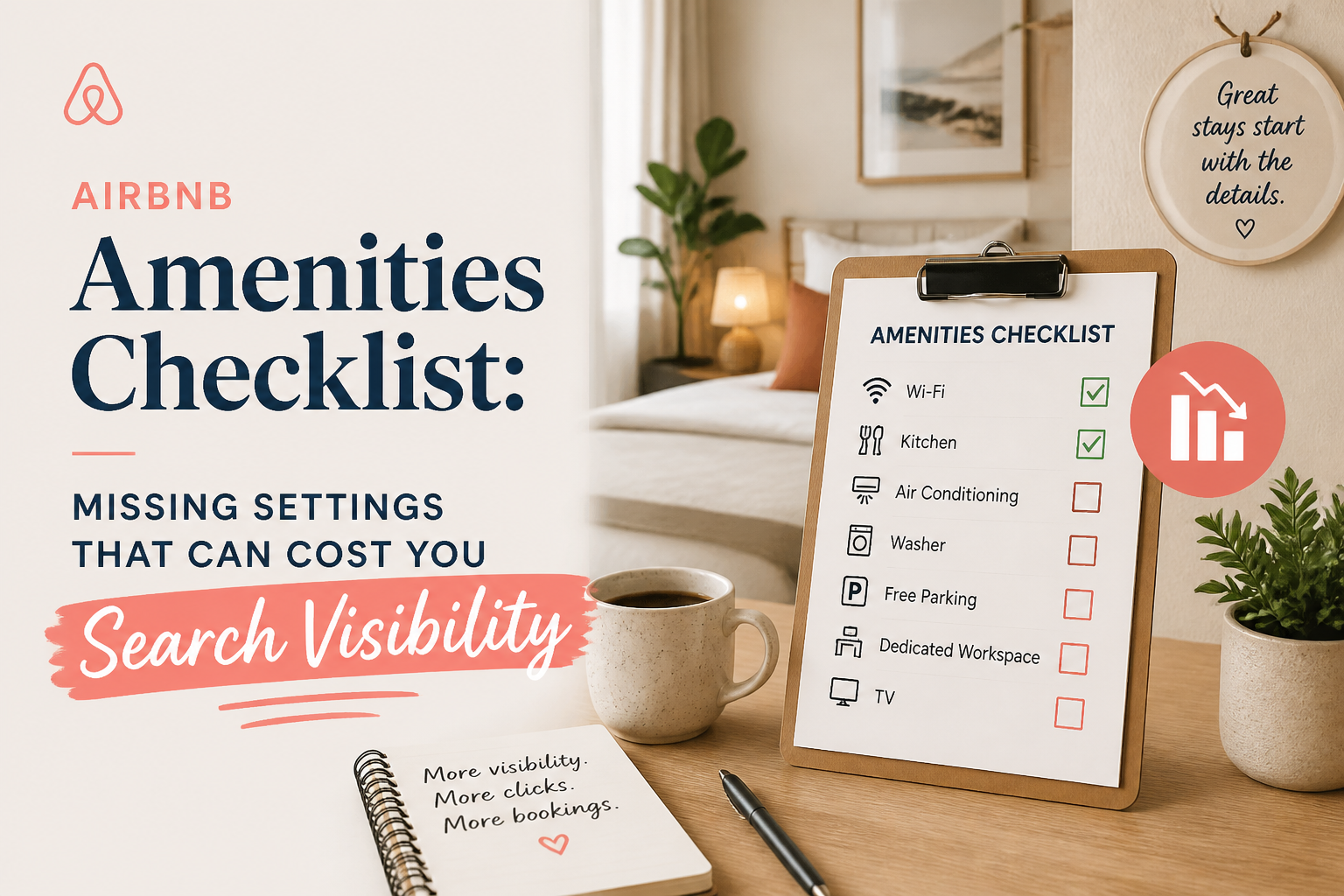
Missing amenities in your Airbnb listing can affect whether your property appears when guests filter search results for specific features.
For example, you might have a washing machine, dedicated workspace, and free parking, but if those amenities aren't selected correctly in your listing settings, guests searching for them may never discover your property.
That is different from having a low search ranking.
A property that doesn't match a guest's selected filters may be excluded from that particular search, regardless of how attractive the photographs or description are.
This is one of the simplest Airbnb optimization problems to overlook.
You can spend hours rewriting descriptions, experimenting with titles, or comparing competitors while missing something much more basic: your listing isn't accurately telling Airbnb what your property offers.
In The Airbnb Optimization Playbook, I devote an entire chapter to amenities because they serve two important functions.
They help Airbnb match properties with relevant guest searches, and they help guests understand what is included before booking.
Here is the room-by-room checklist I recommend using to make sure your Airbnb amenities are complete, accurate, and easy for guests to find.
- How Airbnb Amenities Affect Search Visibility
Airbnb allows travelers to filter search results based on specific features, amenities, and booking requirements.
A guest searching for accommodation with a hot tub, for example, can use the relevant filter to narrow the available properties.
The same principle applies to features such as free parking, Wi-Fi, a kitchen, or a washer.
Airbnb explains that selecting the amenities your property offers can help your listing appear in relevant searches.
This creates an important distinction between two types of optimization.
Search ranking optimization involves improving how competitive your listing is among properties that qualify for a particular search.
Search eligibility involves making sure your listing meets the requirements of that search in the first place.
If a guest filters for an amenity your listing doesn't have selected, your property may not be included in the matching results.
And if you're not included in the results, your photographs and title never get the opportunity to attract that guest.
This doesn't mean selecting more amenities automatically increases your ranking.
It means your listing information should accurately represent what the property offers so it can be considered for relevant searches.
Airbnb confirms the importance of complete amenity information in its official guide: "Add Amenities to a Listing" (https://www.airbnb.com/help/article/586).
- The Most Important Airbnb Amenities to Check
Airbnb published an updated list of popular amenities in August 2026.
According to Airbnb, the most searched-for features include:
- Pool
- Free parking
- Wi-Fi
- Air conditioning or heating
- Kitchen
- Hot tub
- Washer or dryer
- Self check-in
- TV or cable
- BBQ grill
Source: "Airbnb — The Amenities Guests Want" (https://www.airbnb.com/resources/hosting-homes/a/the-amenities-guests-want-25).
These are useful starting points, but they aren't a universal ranking checklist.
A beachfront villa and a downtown studio serve different travelers.
A rural cabin may attract guests specifically looking for a fireplace and hot tub.
A city apartment may be more appealing to travelers who need reliable Wi-Fi, laundry facilities, and a dedicated workspace.
The important question isn't how many amenities you can select.
It's whether you've selected every feature your property actually provides.
Start with the amenities your ideal guests value
Think about the people most likely to book your property.
For families, certain practical features can make a stay substantially easier.
For remote workers, reliable internet and a suitable workspace may be particularly important.
For guests planning a relaxing getaway, a pool, outdoor area, or hot tub could be central to their decision.
Your amenities should accurately reflect those strengths.
And if a feature is important enough to promote in your title or description, it deserves a place in your amenities settings whenever Airbnb offers an applicable option.
- The Airbnb Essentials Amenity: An Easy Setting to Overlook
One of the specific settings I highlight in The Airbnb Optimization Playbook is Essentials.
Hosts can overlook this option because they assume it refers to additional toiletries or special products.
But Airbnb defines its basic essentials more specifically.
They include:
- Toilet paper
- Hand and body soap
- One towel per guest
- One pillow per guest
- Linens for each guest bed
These are basic items guests reasonably expect to find during their stay.
If your property provides them, make sure the Essentials selection accurately reflects that.
You can verify Airbnb's expectations in its guide: "Prepare Your Home for Guests" (https://www.airbnb.com/resources/hosting-homes/a/prepare-your-home-for-guests-769).
Why this matters
Imagine a host who provides fresh towels, linens, and soap for every reservation.
Those supplies are part of the normal turnover process.
But the host never reviewed the Essentials setting after creating the listing.
The property may be accurately stocked while its online information is incomplete.
This is precisely the kind of issue a structured listing review is designed to catch.
It's not about purchasing more products.
It's about making sure Airbnb and prospective guests receive an accurate description of what is already included.
- Airbnb Amenities Checklist: Bedroom and Laundry
Let's move through the property the same way a guest might experience it.
Start with the bedrooms.
Confirm that the sleeping arrangements shown in your Photo Tour and room details match the actual property.
Review features such as:
- Bed types and sizes
- Bed linens
- Extra blankets and pillows, if provided
- Clothing storage
- Hangers
- Room-darkening shades
- Heating or air conditioning
- Washer
- Dryer
- Iron and ironing board
Not every feature is relevant to every property, and Airbnb's available amenity choices may change.
The goal is to identify which ones your property genuinely offers.
Example: The missing washer
Imagine you have a two-bedroom apartment with a washer and dryer.
You mention both in the property description.
You even have a photograph of the laundry area.
But the amenities haven't been selected in your listing editor.
A guest searching specifically for accommodation with laundry facilities may not see your property among the filtered results.
The solution isn't rewriting the description.
It's reviewing the structured amenity settings.
Don't forget sleeping arrangements
Bed sizes and room information also need to be accurate.
A property that sleeps six people across three bedrooms is different from one that sleeps six using two bedrooms and a sofa bed.
Your photographs, room details, and written description should all agree.
Accurate information helps guests determine whether the accommodation works for their group.
- Kitchen and Dining Amenities
The kitchen is another area where hosts can overlook individual amenities.
A host may describe the property as having a fully equipped kitchen without reviewing exactly which facilities are selected.
Start with the basics.
Depending on what the property offers, check:
- Kitchen
- Refrigerator
- Freezer
- Oven
- Stove or cooktop
- Microwave
- Dishwasher
- Coffee maker
- Kettle
- Cooking basics
- Dishes and silverware
- Dining table
- BBQ grill, if applicable
Select only the options genuinely available in your property and currently supported in the Airbnb editor.
Why "fully equipped kitchen" isn't enough
The phrase sounds useful, but different guests interpret it differently.
One guest might expect an oven.
Another might need a dishwasher.
A guest traveling with young children may care about the available dishes and dining arrangements.
If your property offers those facilities, include them accurately.
And if something isn't provided, don't imply that it is.
A kitchenette with a microwave and small refrigerator should not be presented as a full kitchen with facilities it doesn't have.
Good optimization is about removing uncertainty, not increasing the number of selected boxes at any cost.
- Internet, Workspace, and Entertainment Amenities
Work-related amenities deserve special attention.
A host may describe a property as suitable for remote work without clearly identifying the workspace or internet connection.
Review whether your listing accurately reflects:
- Wi-Fi availability
- Dedicated workspace
- Ethernet connection, if provided
- Television
- Streaming or entertainment features
- Other relevant equipment
Dedicated workspace versus dining table
These are not necessarily the same thing.
If your property has a dedicated desk with a chair in a suitable working area, check whether it meets Airbnb's description for a dedicated workspace.
If guests are expected to work from the dining table, describe the arrangement honestly.
Don't select features simply because they sound attractive.
Make the workspace visible
If working remotely is one of your property's genuine strengths, show the space in your photographs.
Explain where it is located.
For example:
"Dedicated workspace in the second bedroom, with desk, chair, and Wi-Fi access."
That communicates much more than saying:
"Great for digital nomads."
A guest should be able to verify the important feature rather than relying on promotional language.
Check Wi-Fi claims
If you advertise a specific internet speed, make sure the claim is based on a relevant measurement.
Internet performance can vary with equipment, network conditions, and service reliability.
Don't promise speeds or reliability that you cannot reasonably support.
- Outdoor and Parking Amenities
Outdoor features can be some of the most important selling points of a vacation rental.
They can also be a major source of confusion when ownership, privacy, or availability isn't explained.
Review applicable features such as:
- Pool
- Hot tub
- Patio or balcony
- Outdoor furniture
- Outdoor dining area
- BBQ grill
- Fire pit
- Garden or backyard
- Free parking
- EV charger
Now ask a second question:
Have I explained how these amenities can actually be used?
For example, selecting Pool may not answer whether it is private or shared.
Selecting Free Parking may not explain how many vehicles can be accommodated.
A photograph of a hot tub may not clarify whether it is available year-round.
Example: Parking
"Free parking" is an amenity.
"Free driveway parking for two standard-size vehicles" is useful information.
If the parking area is narrow, requires a permit, or is a shared arrangement, explain that too.
Example: Pool
If your property offers a private pool, accurately select the appropriate amenity and privacy information.
If it is a shared community pool, don't suggest exclusive access.
If it is seasonal, explain the restrictions.
This is where your amenities settings, Guest Access section, and descriptions need to work together.
For a deeper explanation, see "What Should You Put in the Airbnb Guest Access Section?" (https://www.superhostseo.com/blog/airbnb-guest-access-section).
- Amenities for Families and Longer Stays
Not every property is designed for families.
But if yours is, certain amenities may make a significant difference to your intended guests.
Depending on what you actually provide, review:
- Crib
- High chair
- Children's books or toys
- Children's tableware
- Baby bath
- Washer and dryer
- Kitchen facilities
- Additional bedding
- Outdoor play features
Availability and suitability matter more than the number of amenities you select.
For example, a high chair that is available only by advance request should be described accordingly.
A crib should meet applicable safety requirements and be represented accurately.
A fenced backyard needs an honest description of its layout and any limitations.
The purpose is to help guests understand whether the property suits their travel needs.
Think about what guests repeatedly ask
Your previous guest messages can provide useful clues.
Do families frequently ask whether a crib is available?
Do longer-stay guests ask about laundry?
Do visitors ask whether they can prepare full meals?
Some of those questions may reveal that information is missing or difficult to find.
If the amenity exists, check that it is selected and clearly described.
If it doesn't exist, decide whether adding it would make economic and practical sense for your property.
- Safety Amenities and Required Disclosures
Safety information deserves its own review.
It should never be treated as a search-ranking trick.
Airbnb provides settings for documenting relevant safety features and disclosing monitoring devices.
Review the information about:
- Smoke alarms
- Carbon monoxide alarms
- Fire extinguisher, if provided
- First aid kit, if provided
- Exterior security cameras
- Noise decibel monitors
For alarms and safety equipment, follow applicable local requirements and Airbnb's current safety guidance.
Only select features that are actually present and correctly maintained.
Exterior security cameras
Airbnb requires hosts to disclose exterior security cameras and their locations.
It prohibits cameras and recording devices that monitor the interior of a home, subject to limited policy exceptions.
Hidden cameras are prohibited.
Noise decibel monitors
Airbnb allows certain noise decibel monitors, but hosts must disclose them.
They cannot be placed in bedrooms, bathrooms, or sleeping areas.
These devices measure sound levels rather than recording conversations.
If your property uses monitoring equipment, review Airbnb's requirements directly instead of relying on an old listing description.
See "Airbnb: Informing Guests About Security Devices" (https://www.airbnb.com/help/article/2914).
Accurate disclosure helps protect guest expectations and your compliance with platform policies.
It is not optional simply because you consider the equipment part of your property's normal operation.
- Don't Confuse Amenities With Booking Settings
Some important search options are not ordinary physical amenities.
This is a distinction that often gets overlooked.
Airbnb also allows guests to narrow searches using certain booking preferences and property conditions.
Depending on the available filters, these may include:
- Instant Book
- Self check-in
- Cancellation flexibility
- Pet policies
- Property type
- Accessibility features
These settings serve different purposes.
For example, allowing pets is a hosting-policy decision.
Offering self check-in requires a reliable process that guests can actually use.
A cancellation policy affects the commercial terms of the reservation.
Changing these settings solely to appear in more searches can create operational problems.
Before selecting or changing them, consider whether they are appropriate for your property and hosting model.
In The Airbnb Optimization Playbook, I recommend treating booking settings as part of a broader optimization system rather than a collection of boxes to check indiscriminately.
The objective is to qualify for searches you can actually serve.
- How to Update Your Airbnb Amenities
Airbnb provides an amenity editor inside the hosting dashboard.
According to its current instructions, the desktop process is:
- Sign in to your Airbnb hosting account.
- Open Listings.
- Select the property you want to update.
- Go to Listing Editor.
- Open Your Space.
- Select Amenities.
- Use Add + to select amenities or Edit to remove them.
- Review the changes and select Done.
The exact layout may differ on mobile or after interface updates.
For current instructions, refer to "Airbnb's official amenities guide" (https://www.airbnb.com/help/article/586).
My recommended room-by-room process
Rather than scrolling through the amenity list from memory, physically review the property.
Start at the entrance.
Check the living room, kitchen, bedrooms, bathrooms, laundry facilities, and outdoor areas.
Compare what is present with the amenities selected in Airbnb.
Then return to the listing and review the information from a guest's perspective.
This is more reliable than assuming everything you selected when you first published the property is still accurate today.
- How to Check Whether an Amenity Filter Is Excluding Your Listing
If you suspect a missing amenity is affecting visibility, you can run a simple manual test.
First, confirm that your property is published and available for the dates you're searching.
Then use a search that reflects the property:
- The correct destination
- Dates known to be available
- An appropriate number of guests
- A valid stay length
- No unnecessary filters
See whether you can locate the listing under those conditions.
Next, repeat the search with a relevant amenity filter.
For example, if your property has a washer, try a search with the washer filter where available.
If the property appears without the filter but not with it, check whether the corresponding amenity is selected.
Be careful when interpreting the result.
Airbnb search is personalized, and the availability, map area, and other conditions may change between searches.
Not finding a listing during one test does not prove that one checkbox caused the issue.
But it gives you a specific setting worth verifying.
This is more useful than randomly rewriting your title or reducing your nightly rate because one search didn't show your property.
- What a Free Airbnb Listing Audit Can Tell You About Amenities
One reason hosts miss amenity problems is that they're reviewing a property they already know extremely well.
You know there's a washer in the laundry room.
You know guests can park two cars in the driveway.
You know the property has heating.
That familiarity can make it easy to assume those details are obvious to everyone else.
They aren't.
This is one reason I developed the SuperhostSEO Airbnb Listing Audit.
The tool evaluates a live listing across nine weighted categories and identifies opportunities to improve its structure and completeness.
The audit considers information available from the listing and produces an overall score, category assessments, and prioritized recommendations.
What the audit is useful for
It can help identify possible weaknesses in how the property is presented.
That includes missing or incomplete information that may deserve closer review.
It can also highlight weaknesses in the title, short summary, and main property description.
Rather than changing everything, you can focus on the most important recommendations.
What the audit cannot do
The audit cannot independently inspect every private setting in your Airbnb hosting account.
It cannot guarantee that all internal amenity selections are correct.
It cannot determine whether every selected amenity physically exists.
And it cannot guarantee that correcting a setting will produce a particular search ranking or booking result.
You still need to review your own Airbnb editor and verify the property.
The audit is a diagnostic tool, not a replacement for that process.
Want a structured review of your listing before making changes?
"Run your free Airbnb Listing Audit with SuperhostSEO" (https://www.superhostseo.com/audit/).
The first audit provides a scored assessment and prioritized recommendations that can help you decide where to begin.
- The Monthly Airbnb Amenities Checklist
In The Airbnb Optimization Playbook, I recommend reviewing amenities regularly rather than treating them as something you complete once.
You don't need to rewrite your entire listing each month.
You simply need to confirm that the information remains accurate.
Use this checklist:
Basics and essentials
- Toilet paper, soap, towels, pillows, and linens are provided as advertised.
- Essentials is selected accurately.
- Heating and cooling features are correct.
Bedrooms and laundry
- Bed configurations match the property.
- Washer and dryer information is accurate.
- Relevant storage and bedroom features are selected.
Kitchen and dining
- Appliances are listed accurately.
- Cooking and dining amenities reflect what guests can actually use.
- Nothing is advertised that has been removed or is unavailable.
Internet and workspace
- Wi-Fi information is accurate.
- Dedicated workspace is selected only when appropriate.
- Work-related photographs and descriptions match the setup.
Outdoor and parking
- Pool, hot tub, outdoor dining, and BBQ features are accurate.
- Parking details are clear.
- Shared and private facilities are properly distinguished.
- Seasonal limitations are explained.
Safety and disclosures
- Safety equipment information is correct.
- Exterior cameras and noise monitoring devices are disclosed in accordance with Airbnb's policies.
- No outdated or misleading safety information remains.
Final consistency check
- The amenities list matches the photographs.
- The amenities list matches the written description.
- Guest Access accurately explains which facilities guests can use.
- Recent guest questions have been reviewed for missing information.
This is a short maintenance task that can prevent unnecessary confusion and help keep your listing eligible for relevant filtered searches.
- Should You Add More Amenities or Optimize the Ones You Already Have?
This is where the decision becomes more strategic.
You could spend money adding a hot tub, buying an EV charger, or purchasing more equipment for families.
But before making that investment, ask whether you've fully communicated the amenities you already offer.
A property might already have several features that matter to its ideal guests.
Those features simply aren't selected, photographed, or explained properly.
In my article "The Airbnb Amenities That Actually Influence Bookings" (https://www.superhostseo.com/blog/airbnb-amenities-that-influence-bookings), I discuss why the value of an amenity depends on the kind of stay a guest is seeking.
The same principle applies here.
First, make sure your existing amenities are accurately listed. Then decide whether adding new ones would create meaningful value.
An amenity should support a genuine guest need.
Don't buy expensive equipment simply because it appears on a popular-filter list.
Consider your property's audience, competitors, operating costs, and how frequently the feature would be used.
A well-presented property with accurate amenities may be more useful to its ideal guests than a property that advertises dozens of features without explaining them clearly.
Frequently Asked Questions
Do Airbnb amenities affect search ranking?
Amenities can affect whether a property qualifies for searches using particular filters. Airbnb also considers many factors when ranking eligible listings, including quality, popularity, price, and location. Selecting an amenity does not guarantee a higher ranking.
What happens if I forget to select an amenity on Airbnb?
If guests filter for a specific feature and your listing doesn't have that amenity selected, the property may not appear among the matching results. This can happen even when the feature physically exists, so accurate selections are important.
What amenities do Airbnb guests search for most?
According to Airbnb's August 2026 guidance, frequently searched amenities include pools, free parking, Wi-Fi, air conditioning or heating, kitchens, hot tubs, laundry facilities, self check-in, televisions, and BBQ grills.
What does Essentials mean on Airbnb?
Airbnb's basic essentials include toilet paper, hand and body soap, one towel per guest, one pillow per guest, and linens for each guest bed. Hosts should accurately indicate whether these items are provided.
Is a dedicated workspace important for Airbnb SEO?
A dedicated workspace can be relevant to guests searching for accommodation suitable for remote work. If your property genuinely offers one, select the appropriate amenity and describe it accurately. The effect on bookings will depend on your audience and market.
Can I mention an amenity in my description without selecting it?
You can describe genuine amenities in your listing text, but you should also select the corresponding amenity in Airbnb's editor where available. Written descriptions and structured amenity selections serve different purposes.
Should I select every Airbnb amenity?
Select every applicable amenity your property genuinely provides. Do not choose options for equipment or facilities that are absent, unavailable, or substantially different from what guests should expect.
Does adding more amenities guarantee more Airbnb bookings?
No. Additional amenities can improve a property's appeal for some travelers, but bookings also depend on price, location, property quality, reviews, availability, and demand. Accurate presentation is important, but no number of selected amenities guarantees reservations.
How often should I review my Airbnb amenities?
A monthly review is a useful practice, especially when you add equipment, change property features, or update your listing. Review amenities immediately whenever a significant feature becomes available or unavailable.
Can SuperhostSEO automatically fix missing Airbnb amenities?
No. SuperhostSEO provides diagnostic tools and recommendations, but hosts must review and change their Airbnb settings themselves. Its free listing audit can help identify broader listing weaknesses and areas that deserve attention.
Final Thoughts: Don't Let Missing Checkboxes Hide Real Features
A property can be beautifully furnished, professionally photographed, and carefully described while still having incomplete amenity information.
That is what makes this problem easy to miss.
The host knows what the property offers.
But Airbnb and prospective guests only know what the listing communicates.
If a feature exists but isn't selected correctly, you may be missing opportunities to match searches where that feature matters.
If a feature is selected but doesn't actually exist, you risk creating inaccurate expectations.
Good Airbnb optimization requires both completeness and honesty.
Start with the features you already provide.
Review your amenity settings room by room.
Make sure your photographs, descriptions, and structured information agree.
Then maintain that accuracy as the property changes.
The goal isn't to select the most checkboxes.
It's to make your property discoverable to the right guests and give those guests a clear understanding of what they're booking.
Want to know which other parts of your Airbnb listing may need attention?
"Run your free Airbnb Listing Audit at SuperhostSEO" (https://www.superhostseo.com/audit/) and receive a scored assessment with prioritized recommendations for improving your listing.
Written by Elie Parienti, founder of SuperhostSEO and author of The Airbnb Optimization Playbook and The Airbnb Tools Playbook. The amenity-review framework is based on Chapter 7 of The Airbnb Optimization Playbook and the pre-flight checklist in The Airbnb Tools Playbook.
Further Reading
- "Airbnb: The Amenities Guests Want" (https://www.airbnb.com/resources/hosting-homes/a/the-amenities-guests-want-25)
- "Airbnb: Add Amenities to a Listing" (https://www.airbnb.com/help/article/586)
- "Airbnb: Informing Guests About Security Devices" (https://www.airbnb.com/help/article/2914)
- "The Airbnb Amenities That Actually Influence Bookings" (https://www.superhostseo.com/blog/airbnb-amenities-that-influence-bookings)
- "Airbnb Listing Setup Checklist Before You Go Live" (https://www.superhostseo.com/blog/airbnb-listing-setup-checklist)
- "Free Airbnb Listing Audit — SuperhostSEO" (https://www.superhostseo.com/audit/)
Airbnb optimization specialist, Superhost, and founder of one of the largest Airbnb host communities.
Continue Reading
Chosen for you from The Optimization Journal.
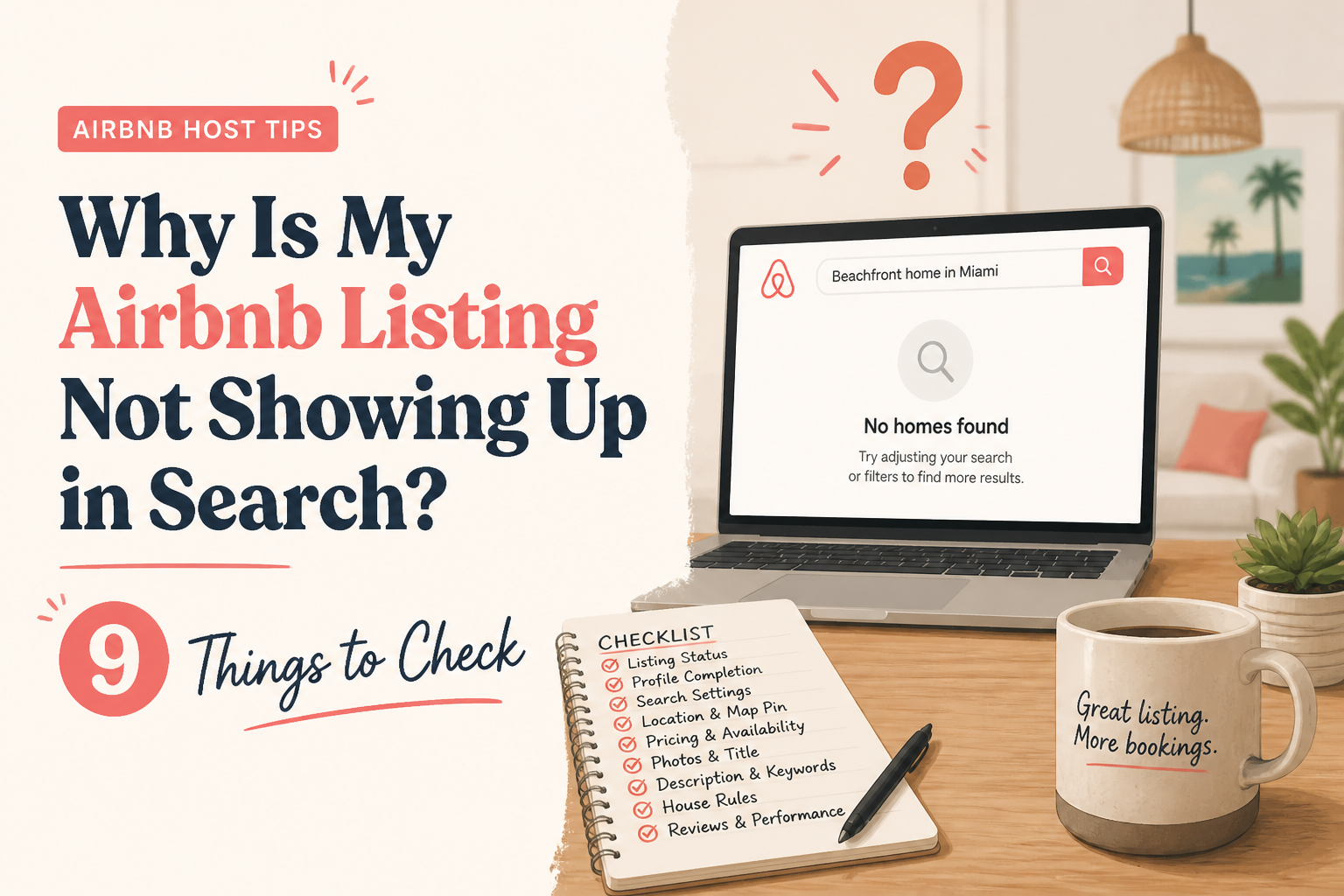 CornerstoneWhy Is My Airbnb Listing Not Showing Up in Search? 9 Things to Check
Can't find your Airbnb listing in search results? It may not be an algorithm problem. Learn how to check listing status, blocked dates, minimum stays, booking restrictions, amenities, and visibility before making unnecessary changes.
18 min read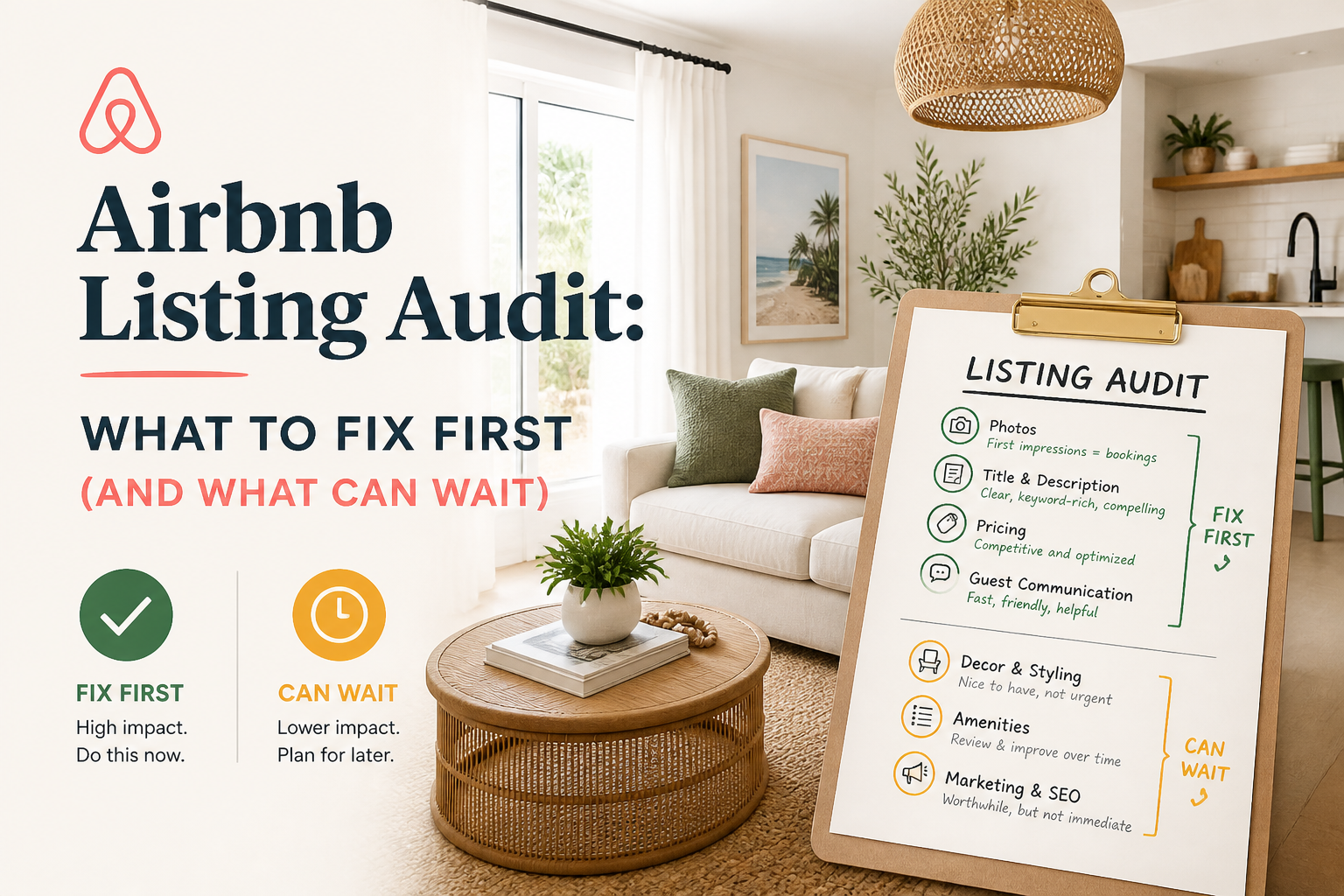 CornerstoneAirbnb Listing Audit: What to Fix First (And What Can Wait)
Not every weakness in your Airbnb listing deserves the same attention. Learn how to read an Airbnb listing audit, identify high-impact problems, and prioritize improvements that actually matter to guests.
14 min read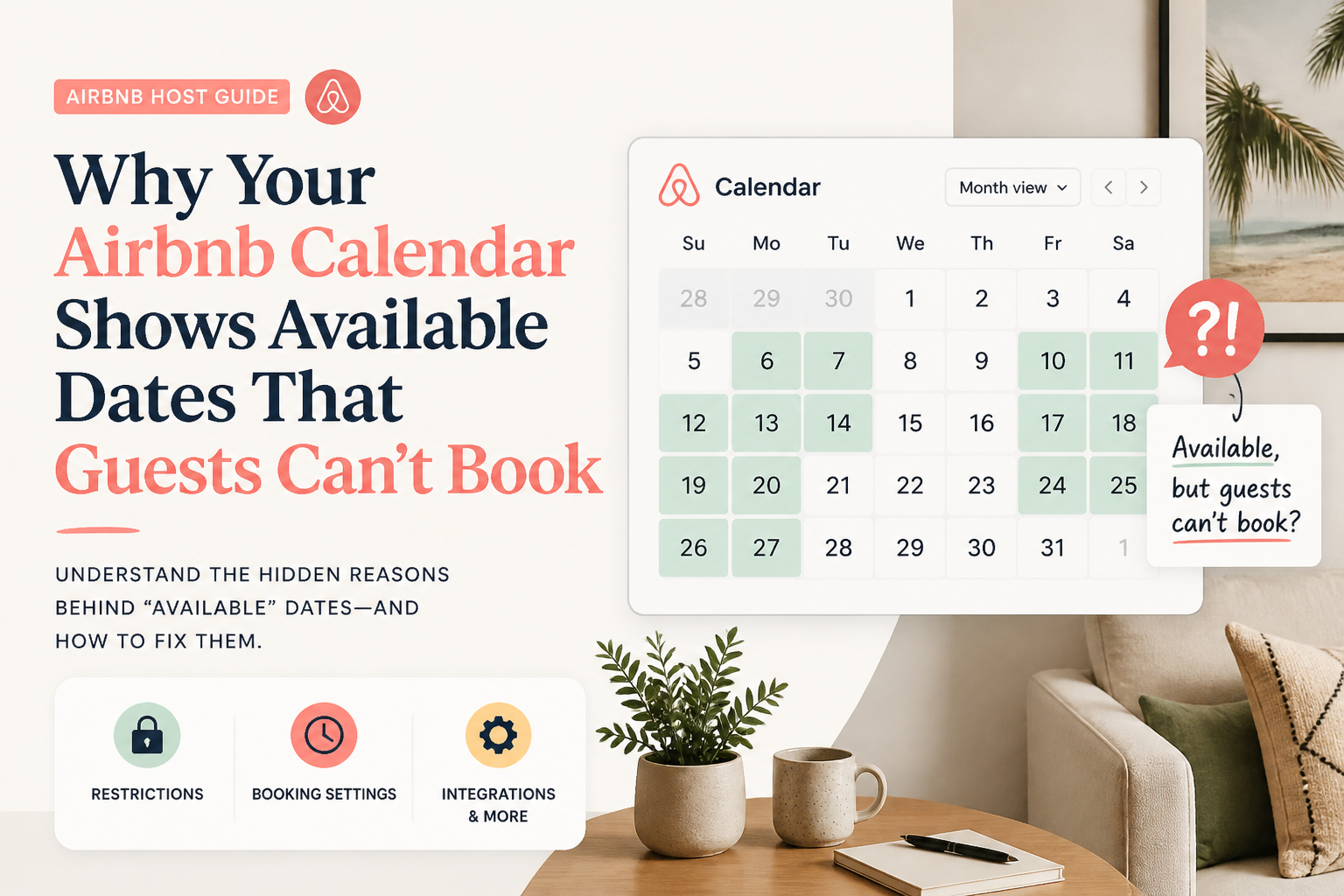 CornerstoneWhy Your Airbnb Calendar Shows Available Dates That Guests Can't Book
Your Airbnb calendar shows open dates, but guests still can't reserve them. Learn how minimum stays, check-in restrictions, preparation time, advance notice, and calendar synchronization can silently block bookings.
19 min read CornerstoneAirbnb Search Ranking Dropped Suddenly? How to Find Out What Changed
Did your Airbnb listing suddenly lose views or search visibility? Learn how to diagnose ranking changes, check availability and pricing, compare market conditions, and identify what to fix before rewriting your listing.
19 min read CornerstoneHow to Organize Your Airbnb Photo Tour: The Room-by-Room Guide
Your Airbnb photos might be beautiful, but is your Photo Tour helping guests understand the property? Learn how to organize every room, correct misplaced photos, improve room details, and build a gallery that creates booking confidence.
18 min read