
Airbnb Listing Setup Checklist: Everything to Complete Before You Go Live
A strong Airbnb listing starts before the first guest ever sees it. Before you publish, make sure the property is complete, clear, and easy to understand. Here is the checklist I would work through before going live.
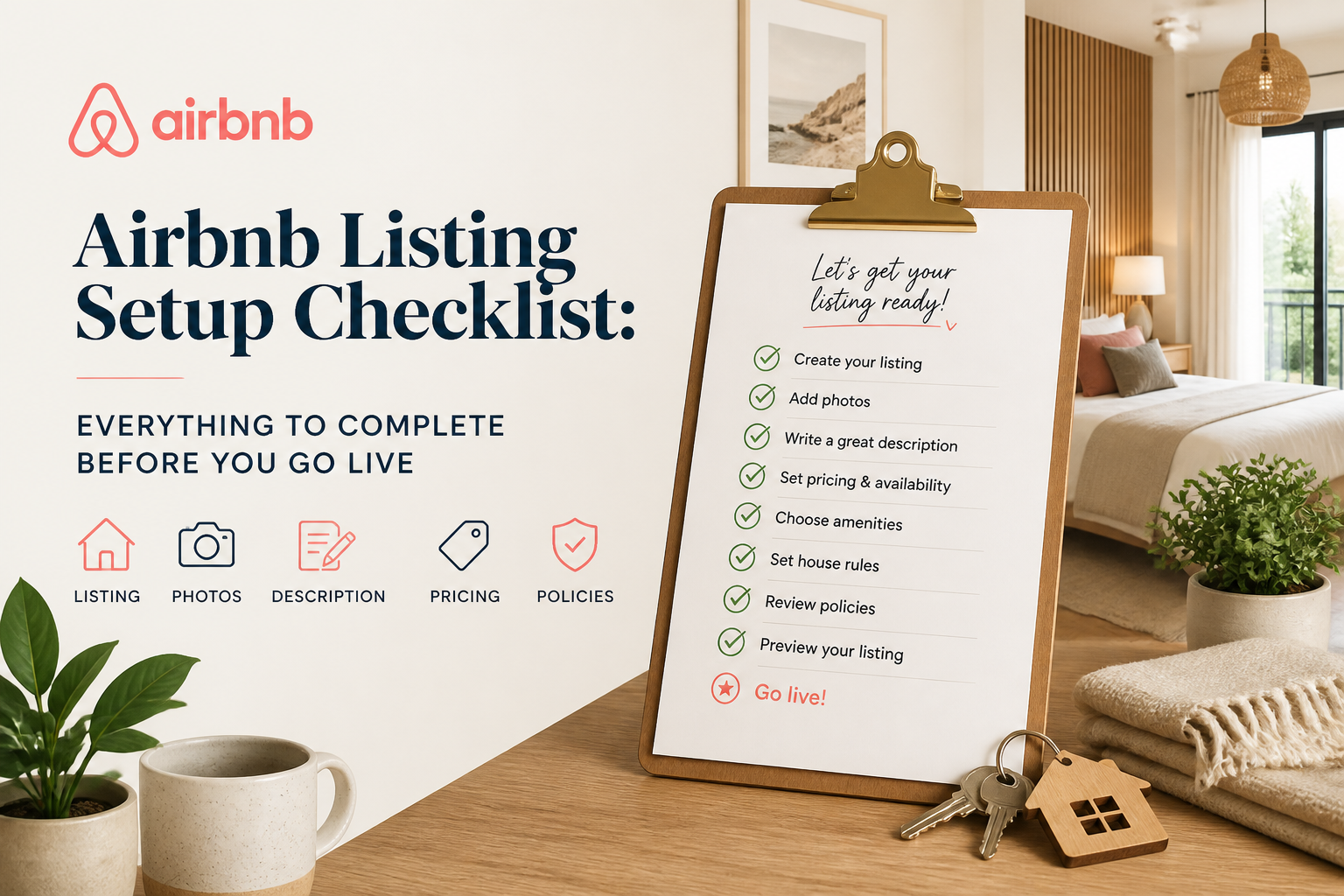
When you are building a new Airbnb listing, there is always a temptation to get it published as quickly as possible. You upload the photos, write a title and description, choose a price, and suddenly the listing looks ready.
But I would spend a little more time on the setup before going live.
Airbnb gives hosts a lot of different places to describe a property. Some are obvious, like the photos and title. Others are easier to overlook, like room details, amenities, guest access, safety information, house rules, and booking settings. When those pieces are incomplete, the listing may still be live, but it is not necessarily finished.
I think of a new listing as something that should answer two questions clearly: Can Airbnb understand exactly what this property offers, and can a guest understand exactly what they are booking?
If the answer to both is yes, you are starting from a much stronger position.
Get the Property Details Right First
Before worrying about marketing language, make sure the basic facts are correct. Property type, maximum occupancy, bedrooms, beds, bathrooms, and sleeping arrangements should all match the property exactly.
This information may feel basic, but it is part of how Airbnb organizes the listing and how guests narrow down their choices. If a bedroom, bed type, or room setup is entered incorrectly, writing a better description later does not completely solve the problem.
This is also a good time to decide what the property is really best at. You do not need to make it sound perfect for everyone. A family home with a fenced yard, a downtown apartment for couples, and a large house built around group stays should not all be presented the same way.
Find the two or three strengths that genuinely separate the property and make sure those strengths carry through the rest of the listing.
Build the Photo Story
Photos are usually the first real experience a guest has with the property, so I would organize them before getting too deep into the copy.
Your cover photo should show one of the strongest reasons to book. After that, the first group of photos should quickly establish what kind of property this is and what makes it appealing.
Then organize the rest of the gallery in a way that makes sense. I prefer something close to an actual walkthrough: living area, kitchen, dining area, bedrooms, bathrooms, additional spaces, outdoor areas, and community or neighborhood features where relevant.
The goal is not simply to show every room. It is to help the guest understand the space.
Check Airbnb's Photo Tour as well. Make sure photos have been assigned to the correct rooms and that the bedroom and bathroom information matches what the images show. Add useful captions where they provide information the image cannot communicate on its own, such as bed size, an ensuite bathroom, a dedicated workspace, or whether an outdoor area is private.
Write a Title That Says Something Useful
Your title has limited space, so I would not waste much of it on words that could describe almost any vacation rental.
"Beautiful," "cozy," and "amazing" may sound positive, but they do not tell the guest very much.
Look instead for a specific advantage: a private pool, walkable location, ocean view, fenced yard, large outdoor space, hot tub, proximity to an attraction, or another feature that meaningfully affects the stay.
Most importantly, make sure the rest of the listing supports the title. If you lead with the view, the view should be easy to see in the photos. If you lead with walkability, the location section should explain what guests can actually walk to.
The title makes a promise. The listing should back it up.
Complete the Summary and Main Description
This is where many listings end up thinner than they should be.
The summary should help someone understand the property quickly. Then the longer description can give the guest the detail they need to make a decision.
I prefer descriptions that work for both types of guests: the person who scans and the person who reads everything.
Start with the biggest benefits, then walk through the property logically. Explain the living spaces, kitchen, bedrooms, bathrooms, outdoor areas, and any features that are especially important to the stay.
Be specific. Instead of saying the kitchen is "fully equipped," mention the important equipment that is actually there. Instead of saying the home is "perfect for families," explain what makes it practical for a family.
Specific information creates more confidence than adjectives.
Do Not Skip Guest Access and Other Things to Note
These sections are especially important because they answer questions that do not always belong in the main description.
Guest Access should make it clear what guests can and cannot use. Is the entire property private? Is the pool shared? Is there a locked owner's closet? Can guests use the garage? Is laundry located somewhere separate?
Other Things to Note is where you should explain anything that could matter to the guest's decision but does not fit naturally elsewhere.
If there are stairs, street noise, unusual parking, limited accessibility, seasonal restrictions, nearby construction, or another important quirk, say so before the reservation.
A strong listing is not one that hides every negative. It is one that sets expectations properly.
Go Through Every Relevant Amenity
I would take the amenity section slowly and check it room by room.
If the property has Wi-Fi, air conditioning, heating, a washer, dryer, parking, workspace, children's equipment, outdoor amenities, kitchen equipment, or safety features, make sure those items are actually selected where Airbnb allows you to select them.
This matters because guests do not only read descriptions. They also use filters. If you have an amenity but fail to select it, Airbnb may not know the property qualifies when someone searches specifically for that feature.
Do not assume that mentioning something in the description is enough.
Complete the Sections That Feel Less Important
Host profile, neighborhood information, house rules, safety details, and local recommendations are not as exciting as choosing the cover photo, but I would still complete them.
These pieces help turn the listing from a collection of photos and marketing copy into a complete picture of the stay.
Your neighborhood section helps guests understand the location. Your host profile adds context about who is behind the property. House rules remove ambiguity. Safety information needs to be accurate. Local recommendations can also reduce questions and make the listing feel more considered.
Individually, none of these sections will save a weak property listing. Together, they make the listing feel much more complete.
Review Your Booking Settings
Before you publish, look carefully at the settings that determine who can actually book.
Check the minimum and maximum stay, advance notice, booking window, check-in and checkout times, cancellation settings, and calendar availability.
Every restriction has an effect.
A three-night minimum means you cannot appear for someone searching for two nights. A short booking window means someone planning further ahead may not see your property as available. Restrictions can be completely reasonable, but they should be there because you chose them deliberately, not because you accepted a default and forgot about it.
Do One Final Guest Test
When everything is finished, stop looking at the listing like the owner.
Look at it like someone who has never seen the property before.
Can you understand the layout? Do you know where everyone sleeps? Is parking obvious? Can you tell what is private and what is shared? Do the photos and description agree with each other? Are the strongest reasons to book easy to find?
And one of my favorite tests: what would you still need to message the host to ask?
If the answer is something important, see whether the listing can answer it before the guest ever has to ask.
If You Are Starting From Scratch
This is exactly why I built Listing Studio. Writing a new Airbnb listing from a blank text box makes it very easy to forget details. Listing Studio approaches it differently. It takes you through the property step by step, including the basics, walkthrough order, individual rooms, kitchen, sleeping arrangements, neighborhood, guest access, and additional notes.
Once that information is collected, it helps build the title, summary, and main property description from the actual details of the property.
The tool is not there to invent what makes your property special. You know the property better than any tool ever will. The goal is to give you a structure so the important details do not disappear simply because you forgot to include them.
Whether you use a tool or build the listing manually, the principle is the same: do not rush to publish an incomplete listing.
Take the time to make it clear, accurate, and complete from the beginning. It is much easier to optimize a strong foundation than to spend the next six months trying to figure out what you forgot.
Airbnb optimization specialist, Superhost, and founder of one of the largest Airbnb host communities.
Continue Reading
Chosen for you from The Optimization Journal.
 How Often Should You Update Your Airbnb Listing?
Your Airbnb listing should not be something you publish once and forget about. Properties change, seasons change, Airbnb adds new fields, and guest priorities shift. Here is how often I think hosts should review their listing, what is worth changing, and which type of update actually makes sense.
6 min read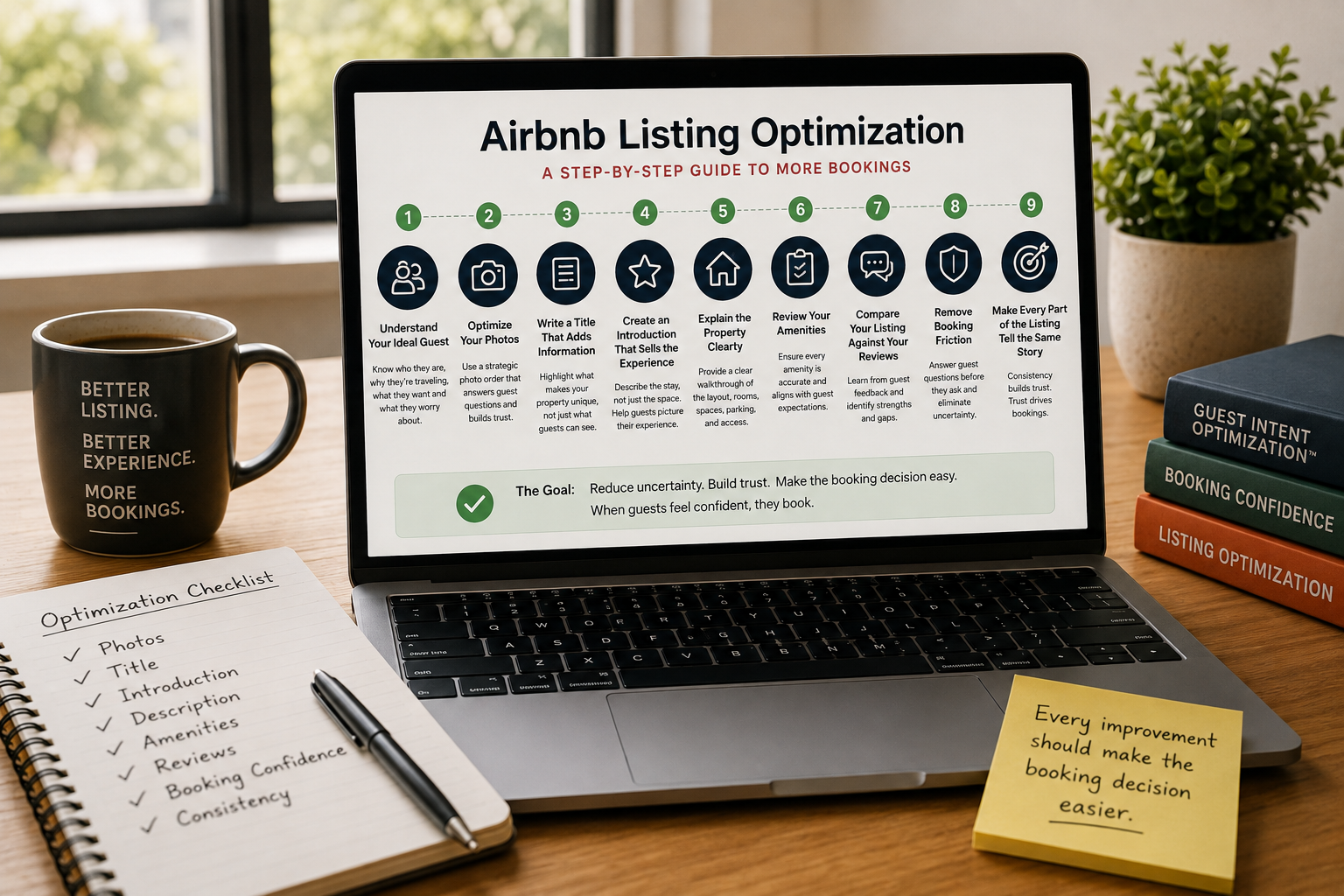 CornerstoneHow to Optimize an Airbnb Listing: A Complete Step-by-Step Guide
Most Airbnb hosts optimize their listing randomly. This guide explains the exact process professionals use to improve booking confidence, reduce booking friction, and increase conversions. ---
3 min read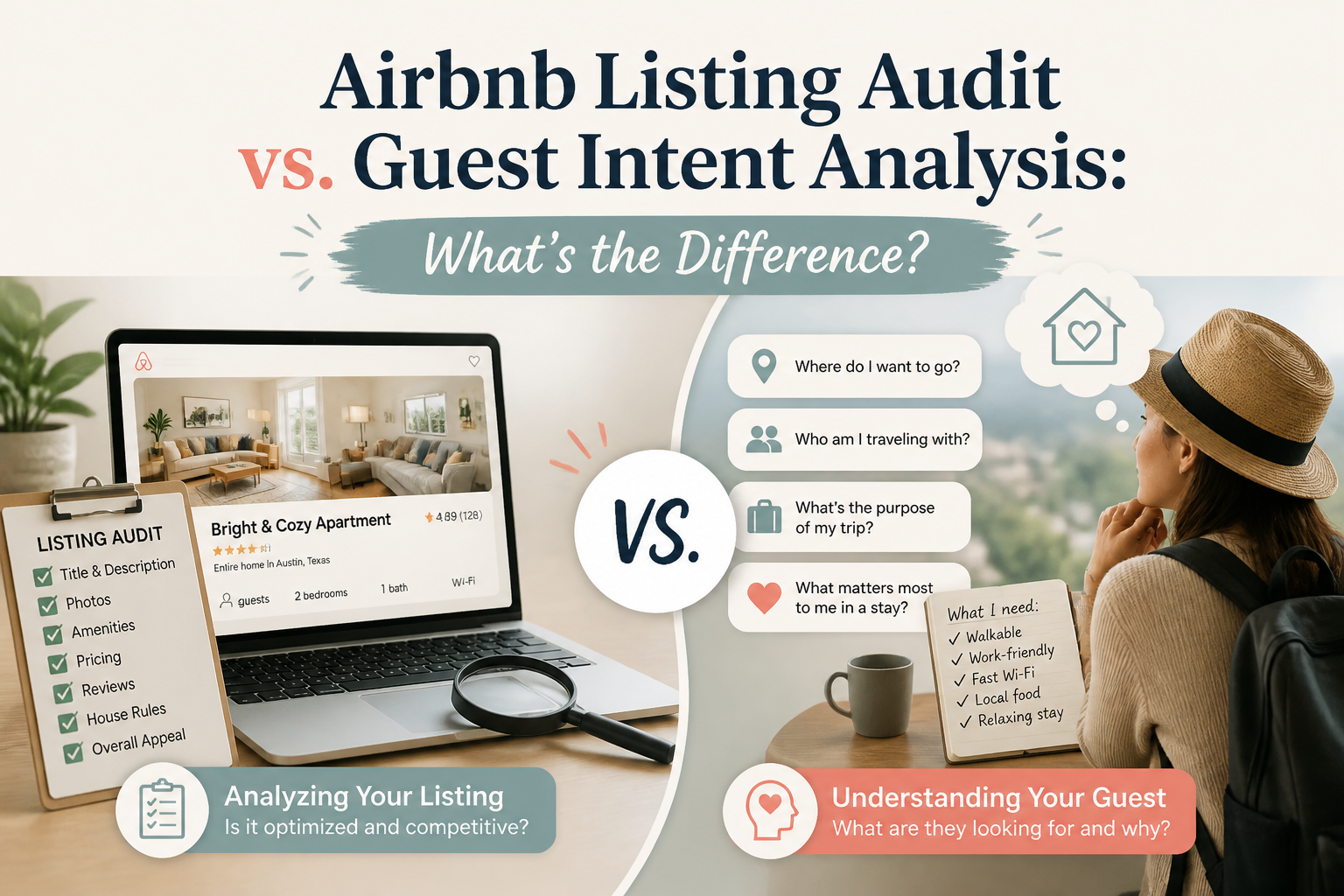 Airbnb Listing Audit vs. Guest Intent Analysis: What's the Difference?
An Airbnb listing can be complete and still struggle to convert. That is because structural problems and guest hesitation are not the same thing. Here is the difference between auditing a listing and analyzing how potential guests may react to it.
5 min read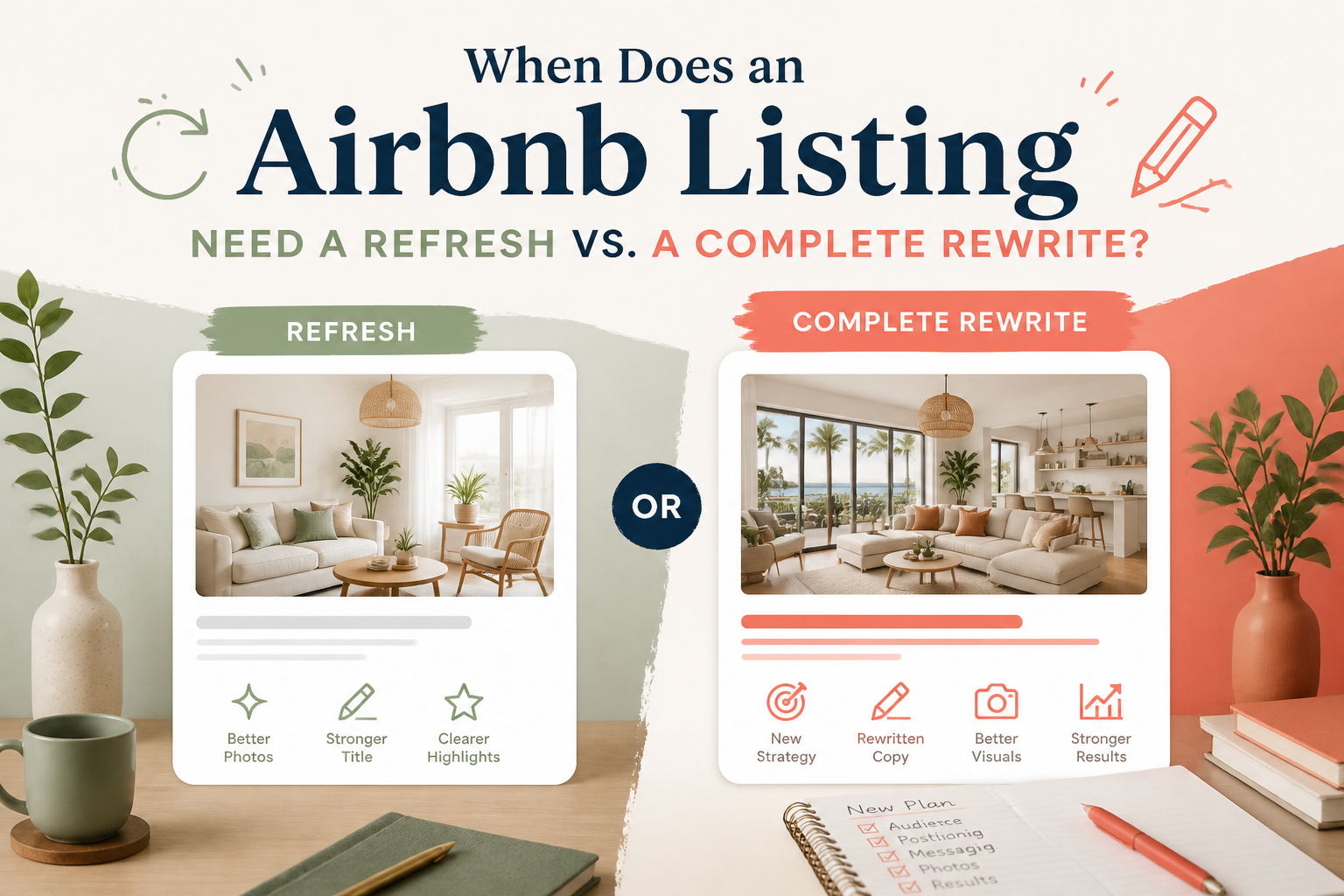 When Does an Airbnb Listing Need a Refresh vs. a Complete Rewrite?
Not every Airbnb listing that feels stale needs to be rebuilt from scratch. Sometimes a few focused changes are enough. Other times, the listing has drifted so far that patching individual sections no longer makes sense. Here is how I would decide between a refresh and a deeper rewrite.
5 min read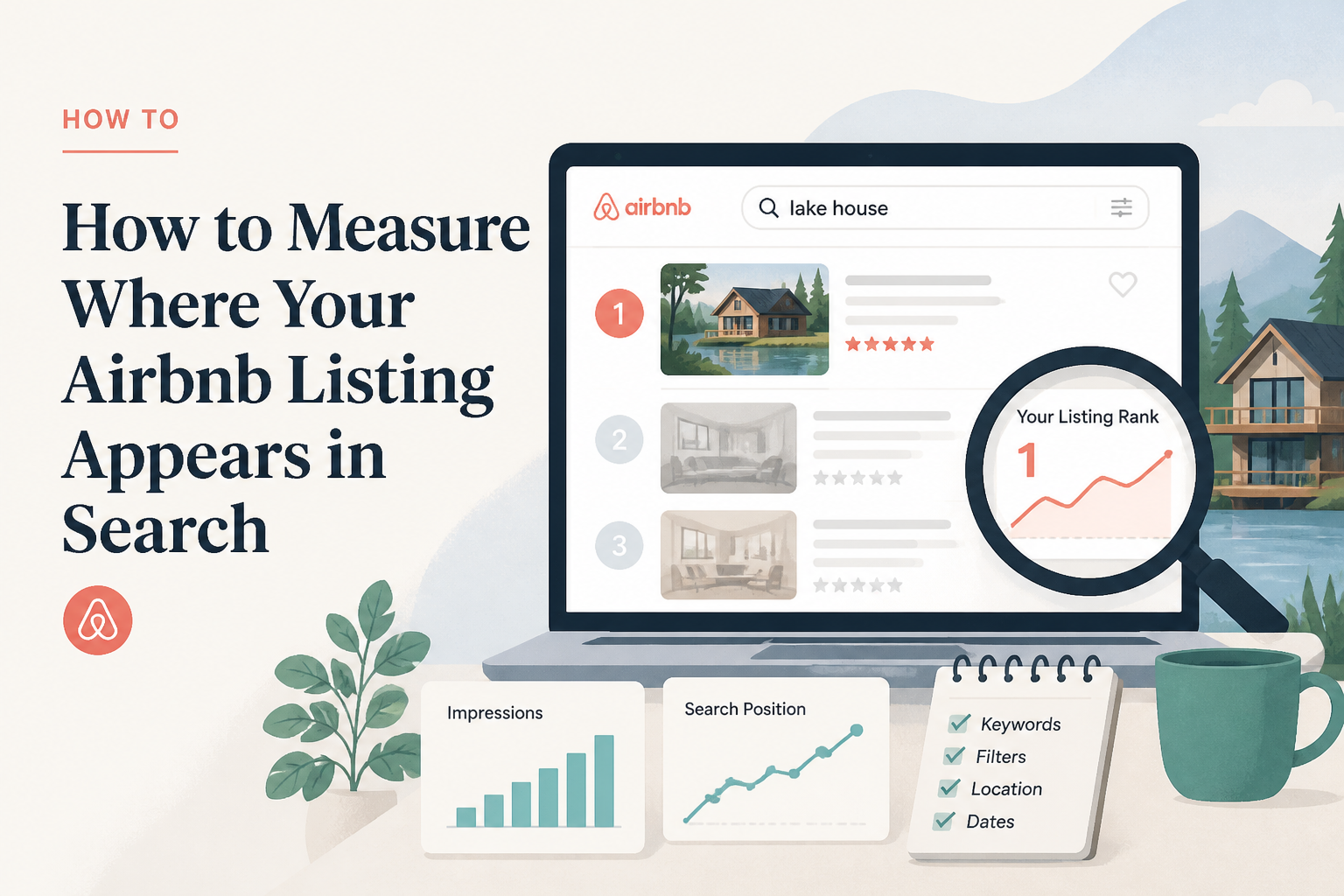 How to Measure Where Your Airbnb Listing Appears in Search
Airbnb search position is not as simple as searching your city and looking for your own property. Results can change based on dates, guest count, filters, location, and personalization. Here is a better way to think about Airbnb search visibility and how to tell whether your listing is improving over time.
5 min read