
Best Free Airbnb Listing Optimization Tools in 2026: What Actually Helps?
Looking for free tools to improve your Airbnb listing? Compare listing audits, guest intent analysis, title generators, description checkers, photo tools, and Airbnb Insights. Learn what each tool does, what it cannot do, and where to start.
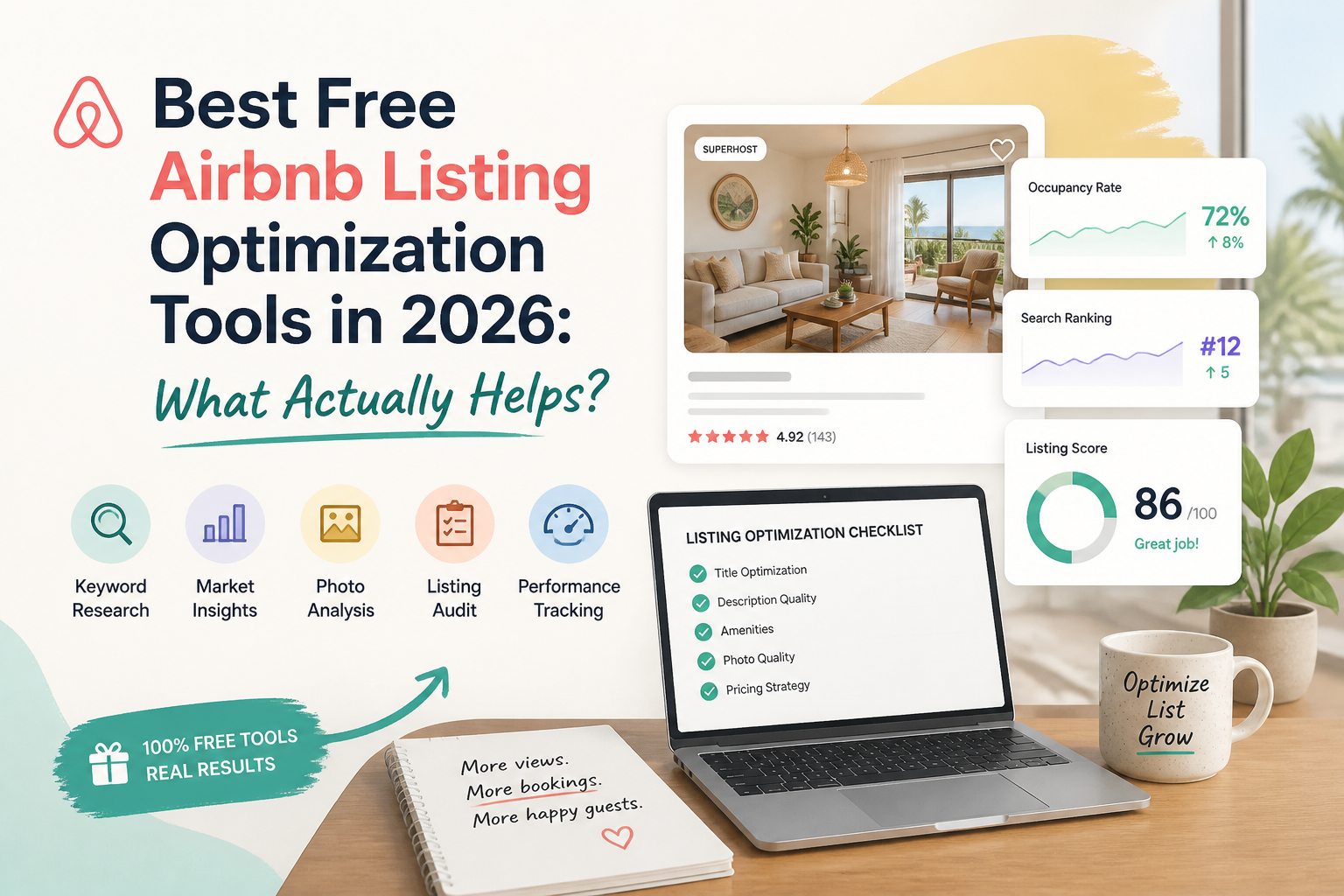
The best free Airbnb listing optimization tool depends on what you're trying to improve.
If you don't know what's wrong with your listing, start with a structured audit. If guests view your property but don't book, investigate guest expectations and booking friction. If your title or description is weak, use a focused writing tool. And if you want to know whether changes are improving performance, start with Airbnb's own Insights.
No single free Airbnb tool can diagnose every problem, rewrite your listing, measure guest demand, and guarantee more bookings.
But you can accomplish a surprising amount without paying for expensive software.
I've spent years optimizing Airbnb listings and building the SuperhostSEO optimization framework. One lesson I've learned is that hosts often waste time making changes before identifying which problem they're trying to solve.
That's why I recommend combining a few specialized tools rather than expecting one AI prompt to optimize an entire property.
In this guide, I'll explain which free tools are useful, what each one actually does, and how to combine them into a practical optimization process.
For transparency, I founded SuperhostSEO, and several of the tools featured here are part of my platform. This is a task-based guide, not an independently tested ranking of every software provider.
- The Best Free Airbnb Optimization Tools at a Glance
Here are eight useful tools to consider before paying for a complete Airbnb optimization workspace.
- Airbnb Insights
Best for: Understanding listing views, booking conversion, and performance trends.
Main limitation: Provides performance data but doesn't tell you exactly how to rewrite or improve your listing.
- Airbnb Listing Editor
Best for: Correcting amenities, booking settings, availability, and missing property details.
Main limitation: Allows you to make changes but doesn't independently evaluate listing quality.
- SuperhostSEO Listing Audit
Best for: Identifying structural weaknesses, calculating an optimization score, and prioritizing improvements.
Main limitation: Cannot guarantee search rankings or access every private Airbnb setting.
"Try the Free Airbnb Listing Audit" (https://www.superhostseo.com/audit/)
- SuperhostSEO Guest Intent Optimization
Best for: Identifying possible booking hesitation by analyzing listing content, photographs, and guest reviews.
Main limitation: Cannot determine exactly why an individual guest decided not to book.
- SuperhostSEO Title Generator
Best for: Generating stronger Airbnb title options based on your property's actual features.
Main limitation: Improves title suggestions, not the entire listing.
- SuperhostSEO Description Grader
Best for: Evaluating the opening text guests see on mobile and identifying important benefits that may be buried.
Main limitation: Focuses on the description opening rather than rewriting the entire listing.
- SuperhostSEO Photo Captions
Best for: Improving the first five photo captions and suggesting a more effective opening gallery sequence.
Main limitation: Doesn't replace professional photography or a full visual review.
- Spreadsheet-Based Change Log
Best for: Recording listing improvements and tracking performance changes over time.
Main limitation: Requires manual updates and careful interpretation.
Which One Should You Use First?
If you're unsure why your Airbnb listing isn't performing as expected, start with a structured audit.
It can identify weaknesses before you spend time changing things that may already be working.
"Get Your Free Airbnb Listing Audit at SuperhostSEO" (https://www.superhostseo.com/audit/)
Then use the other tools to address the specific problems identified in your report.
- Airbnb Insights: Best Free Tool for Understanding Performance
Before you optimize your Airbnb listing, you should know what is happening with its performance.
This is where Airbnb's own Insights tools become valuable.
For hosts using professional hosting tools, Airbnb provides information about listing views, booking conversion, booking lead time, occupancy, and other performance metrics.
Depending on your account and available features, you may also be able to compare results with similar listings.
What Airbnb Insights can tell you
Imagine your property received 600 listing views last month.
This month, it received 350.
That is a meaningful decline.
But it doesn't automatically tell you why the decline happened.
Perhaps fewer guests are searching your destination.
Maybe your calendar has fewer available dates.
Your total price may have become less competitive.
Or your property may be attracting less attention than nearby alternatives.
Now imagine the opposite situation.
Your views remain strong, but bookings decline.
That suggests investigating what guests encounter after opening your listing.
The difference matters.
The four performance scenarios
In The Airbnb Optimization Playbook, I use a simple diagnostic framework.
Low views and low conversion
Investigate both discovery and the guest-facing listing experience.
Low views and strong conversion
Your property may be convincing the guests who find it, but attracting too few relevant visitors.
Strong views and low conversion
Guests are opening the listing, but something may be creating hesitation.
Strong views and strong conversion
Focus on maintenance, market changes, and protecting what already works.
These are starting points, not proof of causation.
Airbnb's reporting can help you decide which problem deserves attention.
The limitations
Airbnb Insights does not tell you which paragraph to rewrite.
It doesn't evaluate whether your opening photograph is your best image.
And it doesn't automatically explain the reasons behind every performance change.
It provides the data you need to ask better questions.
Best for: Hosts who want to distinguish visibility problems from conversion problems before changing their listings.
Learn more: "Airbnb — Understanding Performance Data for Conversion" (https://www.airbnb.com/help/article/2714).
- Airbnb Listing Editor: Best Free Tool for Fixing Search Eligibility
This may sound obvious, but one of the most useful optimization tools is already inside your Airbnb account.
Your Listing Editor allows you to review the information and settings that determine whether the property qualifies for particular guest searches.
These include amenities, availability, minimum stays, booking conditions, sleeping arrangements, and other important property details.
Why this matters
Suppose your property has a washing machine.
You mention it in the description.
But you haven't selected the Washer amenity in Airbnb.
A guest searching with that amenity filter may not see your property among the matching results.
This isn't a problem a better title can fix.
You need to correct the actual amenity setting.
The same principle applies to calendar restrictions.
A property with a three-night minimum may not qualify for someone searching for two nights.
What I recommend checking
Start with:
- Amenities
- Bedroom and bathroom information
- Availability
- Minimum stays
- Booking window
- Advance notice
- Preparation time
- Guest access
- Important property disclosures
The objective isn't to remove every restriction.
Some restrictions are necessary for your hosting operation.
The objective is to make sure your settings are intentional, accurate, and appropriate for the stays you want to accept.
The limitations
The Listing Editor allows you to make changes.
It doesn't independently judge whether your title is effective, your description is convincing, or your photographs communicate the property's strongest features.
That's where an outside audit becomes useful.
Best for: Hosts who want to correct missing information and booking restrictions that may affect search eligibility.
Source: "Airbnb — How Search Results Work" (https://www.airbnb.com/help/article/39).
- SuperhostSEO Listing Audit: Best Free Starting Point for Finding Weaknesses
When a host asks me which optimization tool to use first, I generally recommend a structured listing audit.
The reason is simple.
You shouldn't spend hours rewriting a section without knowing whether it's actually the part of your listing that needs attention.
The "SuperhostSEO Airbnb Listing Audit" (https://www.superhostseo.com/audit/) evaluates a live property and provides a score out of 100.
Instead of giving you only a number, it breaks the assessment into nine weighted categories and identifies priority improvements.
What the audit evaluates
The assessment covers:
- Listing title
- Short summary
- Main property description
- Photo order
- Photos
- Amenities
- Guest Access
- Other Things to Note
- Listing completeness
Each category contributes to the overall SuperhostSEO score according to its weighting.
The title, short summary, and main property description together account for 79 of the 100 possible points.
This weighting belongs to SuperhostSEO's own evaluation framework.
It is not Airbnb's official search-ranking formula.
A real example: A listing scoring 55/100
On SuperhostSEO, I've published a real sample audit of a two-bedroom townhouse in Jacksonville Beach, Florida.
The listing received an overall score of 55 out of 100.
But the individual categories revealed a more interesting story.
The title scored 100/100.
It already highlighted genuine strengths, including the fenced yard, pet-friendly accommodation, proximity to the beach, and firepit.
Rewriting the title wasn't the main opportunity.
The short summary, however, scored 0/100.
Instead of introducing the property, it focused on an administrative notice.
The main property description also needed improvement because useful information was buried in a large block of text.
The audit prioritized rewriting the summary, reorganizing the property description, and improving the opening photo order.
That is exactly why a structured assessment is useful.
A listing can have an excellent title and still need substantial optimization elsewhere.
You can inspect the example yourself: "Real Airbnb Listing Audit — 55/100" (https://www.superhostseo.com/audit/sample).
What the audit cannot do
It cannot access Airbnb's complete private ranking algorithm.
It cannot inspect every private setting inside your hosting account.
It cannot fully judge the visual appeal of photographs as a human would.
And it cannot guarantee additional bookings.
Its purpose is to identify measurable weaknesses and provide a useful order of priorities.
How to try it
Go to "SuperhostSEO.com/audit" (https://www.superhostseo.com/audit/).
Paste your live Airbnb listing URL and create a free account to save your results.
Your first audit is free, with no credit card required.
You'll receive a structured report explaining what's working and what deserves attention.
Best for: Hosts who want an outside assessment before deciding what to optimize.
- SuperhostSEO Guest Intent Optimization: Best Free Tool for Booking Hesitation
An Airbnb listing can be technically complete without being especially convincing.
Imagine a property with a clear title, detailed description, complete amenities, and attractive photographs.
But guests keep viewing the listing without booking.
What if the issue isn't missing information?
What if the listing communicates the wrong experience to the wrong guests?
This is the problem behind "SuperhostSEO Guest Intent Optimization" (https://www.superhostseo.com/guest-intent).
How it differs from a structural audit
The Listing Audit asks whether important sections are complete and effectively organized.
Guest Intent Optimization asks how the listing's photographs, descriptions, and available reviews work together.
It examines possible gaps between what the property promises and what guests may expect.
Example: A peaceful property with repeated noise complaints
Imagine your description emphasizes a quiet retreat.
But several recent reviews mention road noise.
The information in your description may be creating an expectation that doesn't fully match the actual stay.
A guest reading those reviews may become uncertain about booking.
The solution may involve improving the property's sound insulation, correcting the description, or setting expectations more accurately.
A structural completeness checklist might not identify that issue.
An analysis that considers reviews alongside the listing may reveal it.
Example: Your strongest feature is buried
Now imagine your listing describes a stylish modern apartment.
But guests repeatedly praise its private terrace.
Perhaps the terrace is more important to the booking decision than the current description suggests.
You may want to feature it earlier in the photographs or highlight it in the summary.
The goal isn't to invent new selling points.
It's to communicate the property's real strengths.
What Guest Intent Optimization provides
The analysis produces a written assessment and prioritized recommendations.
It can help identify:
- Who the listing appears to target
- Features guests particularly value
- Possible mismatches between listing promises and reviews
- Potential booking hesitation
- Opportunities to communicate the property's value more clearly
The limitations
No analysis can read the minds of guests who chose not to book.
It cannot definitively establish why a particular visitor left the listing.
And it cannot guarantee that implementing recommendations will improve booking conversion.
Treat the output as a structured second opinion.
Best for: Hosts with reasonably complete listings who want to investigate possible guest hesitation.
You can "run the free Guest Intent Analysis" (https://www.superhostseo.com/guest-intent) without a paid subscription.
- Free Airbnb Title Generator: Best for Improving Your First Impression
Your Airbnb title is one of the first pieces of information guests encounter while comparing properties.
A good title should communicate a genuine benefit quickly.
But many hosts fill the available space with vague adjectives.
Consider this example.
Before:
"Beautiful Cozy Apartment in Great Location"
After:
"Private Terrace | Bright City Loft"
The second version offers more specific information.
It doesn't automatically guarantee a higher search ranking.
But it gives prospective guests a clearer reason to consider the property.
What the SuperhostSEO Title Generator does
The "free Airbnb Title Generator" (https://www.superhostseo.com/tools/title-generator) reads your live listing and produces three alternative titles.
The options use different angles, such as:
- Feature-led
- Location-led
- Benefit-led
The tool also provides a rationale for its suggestions.
This is useful because you can compare different ways of presenting the property's strengths without inventing amenities or starting from a blank page.
When I would use it
Use a title generator when your current title is generic, outdated, or unclear.
Don't automatically replace a good title merely because a tool generated something new.
And don't add features your property doesn't offer.
The best title is one that accurately communicates a reason to book.
Best for: Hosts who want three quick title alternatives based on their actual property.
- Free Airbnb Description Grader: Best for Your Mobile Opening
Many hosts spend a lot of time writing detailed descriptions.
But the opening lines of a description have a different job from the rest.
They need to help guests understand the value of the property quickly.
If the introduction is generic, important features may remain buried beneath the visible portion of the description.
Example: A weak opening
"Welcome to our beautiful apartment. We are excited to host you and hope you have a wonderful stay."
This sounds welcoming.
But it tells a guest very little about the accommodation.
Now consider:
"Relax in a bright two-bedroom apartment with a private terrace, dedicated workspace, and easy access to downtown."
The second example introduces practical benefits immediately.
The difference is information, not simply writing style.
What the Description Grader does
The "SuperhostSEO Description Grader" (https://www.superhostseo.com/tools/description-grader) evaluates the opening of your live Airbnb description.
It focuses on approximately the first 140 characters, showing a mobile-oriented preview and identifying useful details that may be buried farther down.
It also provides three alternative opening lines based on information from your actual listing.
The purpose is to help you use the opening space more effectively.
What it cannot do
It is not a complete evaluation of your entire main property description.
It doesn't replace a full audit.
And a better opening line doesn't guarantee increased bookings.
The value is in improving one specific part of the guest's reading experience.
Best for: Hosts whose descriptions begin with generic introductions or hide important benefits.
- Free Airbnb Photo Captions: Best for Clarifying Your Opening Gallery
Photographs are essential to communicating the stay.
But a photograph doesn't always answer every practical question.
A beautiful pool image may not explain whether the pool is private.
A bedroom photograph may not clarify the bed size.
And a workspace image may not show how that area fits into the property's layout.
Captions help fill those information gaps.
What the SuperhostSEO Photo Captions tool does
The "free Airbnb Photo Captions tool" (https://www.superhostseo.com/tools/photo-captions) looks at your listing's first five photographs.
It suggests a stronger order for the opening gallery and generates three to five captions based on what the images show and the information available from the listing.
For example:
Generic caption:
"Beautiful bedroom."
More informative caption:
"Primary bedroom with king bed, blackout curtains, and direct access to the terrace."
Only use details that accurately describe your property.
Why the first five matter
In The Airbnb Optimization Playbook, I recommend treating the first five images as a coordinated presentation of the accommodation.
You want guests to recognize the strongest features and understand what kind of stay the property offers.
That might mean showing a pool, living space, kitchen, bedroom, and outdoor area.
The exact order depends on the property.
A better gallery sequence should help guests evaluate the accommodation rather than simply display attractive photographs.
What the tool cannot do
It cannot replace good photography.
It cannot physically improve an unattractive room.
It cannot guarantee which image every guest will respond to.
And it cannot automatically publish the captions to Airbnb.
You remain responsible for reviewing and copying the suggestions.
Best for: Hosts who already have photographs but want clearer captions and a more useful opening sequence.
- A Simple Spreadsheet: Best Free Tool for Tracking Your Changes
Not every useful optimization tool needs AI.
One of the most practical tools you can use is a basic spreadsheet.
When hosts change their titles, descriptions, photographs, prices, and booking rules in rapid succession, it becomes difficult to understand what happened afterward.
A simple change log helps you keep track.
What to record
Example 1: October 1
Change: Updated short summary.
Reason: Important property benefits were buried.
Metric to monitor: Listing-to-booking conversion.
Example 2: October 8
Change: Reordered the opening photographs.
Reason: The outdoor area was not featured prominently.
Metric to monitor: Search-to-listing conversion.
Example 3: October 15
Change: Corrected missing amenity selections.
Reason: Genuine property features were not properly selected.
Metric to monitor: Eligibility for relevant filtered searches.
Example 4: October 22
Change: Adjusted minimum-stay restrictions.
Reason: Short calendar gaps could not be booked.
Metric to monitor: Bookable nights and booking pace.
These are hypothetical examples.
A spreadsheet can help you connect decisions to the periods in which you made them.
It cannot prove that a particular change caused an improvement.
Seasonality, competition, pricing, and guest demand can all change simultaneously.
But recording your actions makes the optimization process more disciplined.
In The Airbnb Optimization Playbook, I recommend reviewing results over meaningful periods instead of making constant adjustments whenever a few days are quiet.
Best for: Hosts who want a free, transparent way to document their optimization process and monitor results.
- Which Free Airbnb SEO Tool Should You Start With?
My recommendation is to choose based on the problem.
If you don't know what needs improvement
Start with the "free Airbnb Listing Audit" (https://www.superhostseo.com/audit/).
It provides a structured assessment of your listing and helps identify which sections deserve attention first.
If your listing looks complete but bookings are weak
Use "Guest Intent Optimization" (https://www.superhostseo.com/guest-intent) and examine Airbnb performance data.
Look for possible mismatches between the listing's promises, photographs, and guest reviews.
If your title is generic
Try the "free Title Generator" (https://www.superhostseo.com/tools/title-generator).
Compare the suggested alternatives and choose the one that most accurately communicates your property's strengths.
If your opening description hides important features
Use the "Description Grader" (https://www.superhostseo.com/tools/description-grader).
Look for opportunities to communicate more useful information in the opening lines.
If your photo captions or opening gallery need work
Try the "Photo Captions tool" (https://www.superhostseo.com/tools/photo-captions).
Review the suggested captions and image order before making changes.
If you want to know whether the listing is improving
Start with Airbnb Insights and a consistent change log.
Monitor meaningful trends rather than reacting to individual days.
If dates appear available but cannot be booked
Check your settings directly in the Airbnb Listing Editor.
The issue may involve availability, minimum stays, preparation time, or another booking restriction.
The most important rule
Don't use a writing tool to solve an availability problem. Don't use an audit score as a substitute for booking data. And don't rewrite everything when only one section needs improvement.
- My Recommended 30-Minute Free Airbnb Optimization Workflow
If I were reviewing an existing Airbnb listing without paying for software, here's the process I would follow.
Minutes 1–5: Review performance
Open Airbnb Insights.
Check whether listing views and booking conversion have changed.
Look at a meaningful historical period rather than one unusually quiet day.
Minutes 6–10: Run the free audit
Paste your listing URL into SuperhostSEO.
Review the overall score, individual categories, and prioritized recommendations.
Pay attention to what is already working.
Minutes 11–15: Investigate guest expectations
If the listing is structurally complete but conversion seems weak, run Guest Intent Optimization.
Look for mismatches between your descriptions, photographs, and guest reviews.
Minutes 16–20: Improve one important element
Use the relevant focused tool.
Perhaps your title needs improvement.
Maybe your opening description is generic.
Or perhaps your first five images would communicate the property more clearly in a different order.
Don't change everything at once.
Minutes 21–25: Verify settings
Check amenities, sleeping arrangements, availability, and booking restrictions in Airbnb.
A missing setting can be more important than a rewritten adjective.
Minutes 26–30: Record your plan
Write down your highest-priority changes.
Identify which ones you can complete today.
Separate larger improvements that require photography, operational changes, or a more complete rewrite.
Thirty minutes may not be enough to solve every issue.
But it is often enough to establish a more useful direction than another round of random editing.
- When Does a Paid Airbnb Optimization Tool Make Sense?
Free tools are useful for diagnosis and individual improvements.
But there are situations where a host may benefit from a more complete workspace.
For example:
- You manage several listings.
- Your existing listing needs a substantial rewrite.
- You want guided implementation rather than individual recommendations.
- You need to monitor search visibility over time.
- You want to refresh content regularly as seasons change.
This is where SuperhostSEO Pro becomes an option.
The paid workspace includes tools such as the Listing Workshop, Listing Revamp, Seasonal Refresh, and Airbnb Search Rank Tracker.
The difference between a free audit and the Listing Workshop
The free audit tells you what needs attention.
The Listing Workshop helps you work through the actual improvements section by section.
For example, an audit might identify an incomplete main property description.
The Workshop can help create a more structured, detailed version using real property information.
You still review the output.
You still make the final decisions.
And you copy the approved text into Airbnb yourself.
The software does not automatically publish changes on your behalf.
Do you need Pro immediately?
No.
I would start with the free audit and use its findings to understand the scope of work.
If only a few small changes are necessary, you may be able to make them manually.
If the listing needs extensive work, a guided workspace may save time and provide more structure.
You can explore the "SuperhostSEO Pro tools" (https://www.superhostseo.com/tools) when you're ready.
The objective isn't to pay for software unnecessarily.
It's to choose the level of assistance that matches the problem.
- What Free Airbnb SEO Tools Cannot Guarantee
This is worth emphasizing.
Airbnb search ranking is influenced by many different factors.
According to Airbnb's own documentation, listing quality, popularity, price, and location have substantial influence on search results.
Guest preferences and booking criteria also matter.
That means no listing-audit tool can promise that improving a score will move your property to a specific position.
A title generator cannot guarantee more clicks.
A description checker cannot guarantee higher booking conversion.
And an analysis of reviews cannot tell you exactly why every guest chose another property.
These tools are useful because they help identify and address specific weaknesses.
They reduce guesswork.
They support better decisions.
But their recommendations still need to be evaluated against actual performance, market conditions, and your knowledge of the property.
The best optimization strategy combines useful tools with consistent judgment.
Frequently Asked Questions
What is the best free Airbnb listing optimization tool?
For hosts who don't know where to start, a structured listing audit is a useful first step. SuperhostSEO offers a free first audit that scores a live listing and identifies priority improvements. Airbnb Insights is also essential for understanding actual performance.
Is there a free Airbnb SEO audit tool?
Yes. "SuperhostSEO offers a free Airbnb Listing Audit" (https://www.superhostseo.com/audit/) that evaluates nine weighted categories and provides an overall score, section-level results, and prioritized recommendations.
Can AI optimize my Airbnb listing for free?
Free AI tools can help generate titles, improve description openings, and draft photo captions. However, the host should verify every suggestion. AI cannot guarantee bookings or fully replace an analysis of availability, pricing, guest expectations, and market conditions.
Are Airbnb listing audits accurate?
A listing audit can provide a useful assessment of the criteria it measures, but its accuracy depends on the information available and the methodology used. It does not reveal Airbnb's private ranking formula or explain every reason a property may be underperforming.
Can I improve my Airbnb SEO without paying?
Yes. Hosts can improve listing clarity, verify amenities, review photographs, adjust appropriate booking settings, and use Airbnb Insights without purchasing third-party optimization software. Free diagnostic tools can help prioritize improvements.
What is the difference between an Airbnb audit and Guest Intent Optimization?
An audit evaluates listing structure and completeness. Guest Intent Optimization examines how the listing's content, photographs, and guest reviews may influence booking confidence. The two assessments answer different questions.
Is there a free Airbnb title generator?
Yes. The "SuperhostSEO Title Generator" (https://www.superhostseo.com/tools/title-generator) reads your live listing and generates three title suggestions based on its actual features.
Can a free Airbnb tool tell me my search ranking?
Some tools can monitor positions under particular search conditions, but Airbnb results vary by guest, dates, filters, and personalization. Airbnb Insights provides performance data rather than one universal fixed ranking. SuperhostSEO's dedicated Search Rank Tracker is part of its paid workspace.
Do Airbnb optimization tools automatically change my listing?
The SuperhostSEO tools discussed here provide reports, recommendations, and suggested content. Hosts review the results and make approved changes in Airbnb themselves.
Can I use SuperhostSEO without a paid subscription?
Yes. SuperhostSEO offers free tools including the Listing Audit, Guest Intent Optimization, Title Generator, Description Grader, and Photo Captions. Some uses require a free account, and free-use limits may apply.
Which tool should I use if my Airbnb gets views but no bookings?
Start by examining booking conversion and the total guest experience. Review pricing, photographs, descriptions, reviews, and booking conditions. Guest Intent Optimization can help identify possible sources of hesitation, while a structural audit can reveal incomplete information.
Is a paid Airbnb optimization tool worth it?
It depends on the work required. Free tools may be sufficient for a few small improvements. A paid workspace can become useful when you need a guided full-listing rewrite, ongoing monitoring, seasonal refreshes, or management across several properties.
Final Thoughts: Start With the Problem, Not the Software
Airbnb listing optimization doesn't have to begin with an expensive subscription.
You can learn a great deal using tools that are already available.
Airbnb Insights can show how your property is performing.
The Listing Editor can help correct information and booking restrictions.
A free listing audit can identify structural weaknesses.
Guest Intent Optimization can highlight possible mismatches between your listing and guest expectations.
Focused writing tools can improve specific titles, descriptions, and photo captions.
The real advantage comes from using these tools in the right order.
In The Airbnb Tools Playbook, I explain why diagnosis should come before implementation.
That remains my recommendation.
Find out what's wrong before rewriting everything.
Preserve what already works.
Fix the most meaningful weaknesses.
And measure results over time instead of assuming one improvement will solve every problem.
Not sure which tool your Airbnb listing needs? Start with the free audit.
"Run Your Free Airbnb Listing Audit at SuperhostSEO" (https://www.superhostseo.com/audit/)
Get your listing score, review the section-by-section results, and discover which improvements deserve your attention first.
No credit card required for your first audit.
Written by Elie Parienti, founder of SuperhostSEO and author of The Airbnb Optimization Playbook and The Airbnb Tools Playbook. The diagnosis-first approach and distinction between structural audits, guest-intent analysis, implementation, and monitoring are based on the SuperhostSEO Optimization Framework described in those books. Tool descriptions reflect the publicly available features at the time of writing.
Further Reading
- "Airbnb: How Search Results Work" (https://www.airbnb.com/help/article/39)
- "Airbnb: Understanding Performance Data for Conversion" (https://www.airbnb.com/help/article/2714)
- "All Free SuperhostSEO Tools" (https://www.superhostseo.com/free-tools)
- "Real Airbnb Listing Audit Example — 55/100" (https://www.superhostseo.com/audit/sample)
- "Airbnb Listing Audit vs. Guest Intent Analysis" (https://www.superhostseo.com/blog/airbnb-listing-audit-vs-guest-intent)
- "How to Optimize an Airbnb Listing" (https://www.superhostseo.com/blog/how-to-optimize-an-airbnb-listing)
- "SuperhostSEO Free Airbnb Listing Audit" (https://www.superhostseo.com/audit/)
Airbnb optimization specialist, Superhost, and founder of one of the largest Airbnb host communities.
Continue Reading
Chosen for you from The Optimization Journal.
 CornerstoneAirbnb SEO Tools in 2026: Which Ones Do You Actually Need?
Not every Airbnb optimization tool solves the same problem. Learn the difference between listing audits, guest intent analysis, search rank tracking, competitor intelligence, and AI listing tools—and when to use each one.
17 min read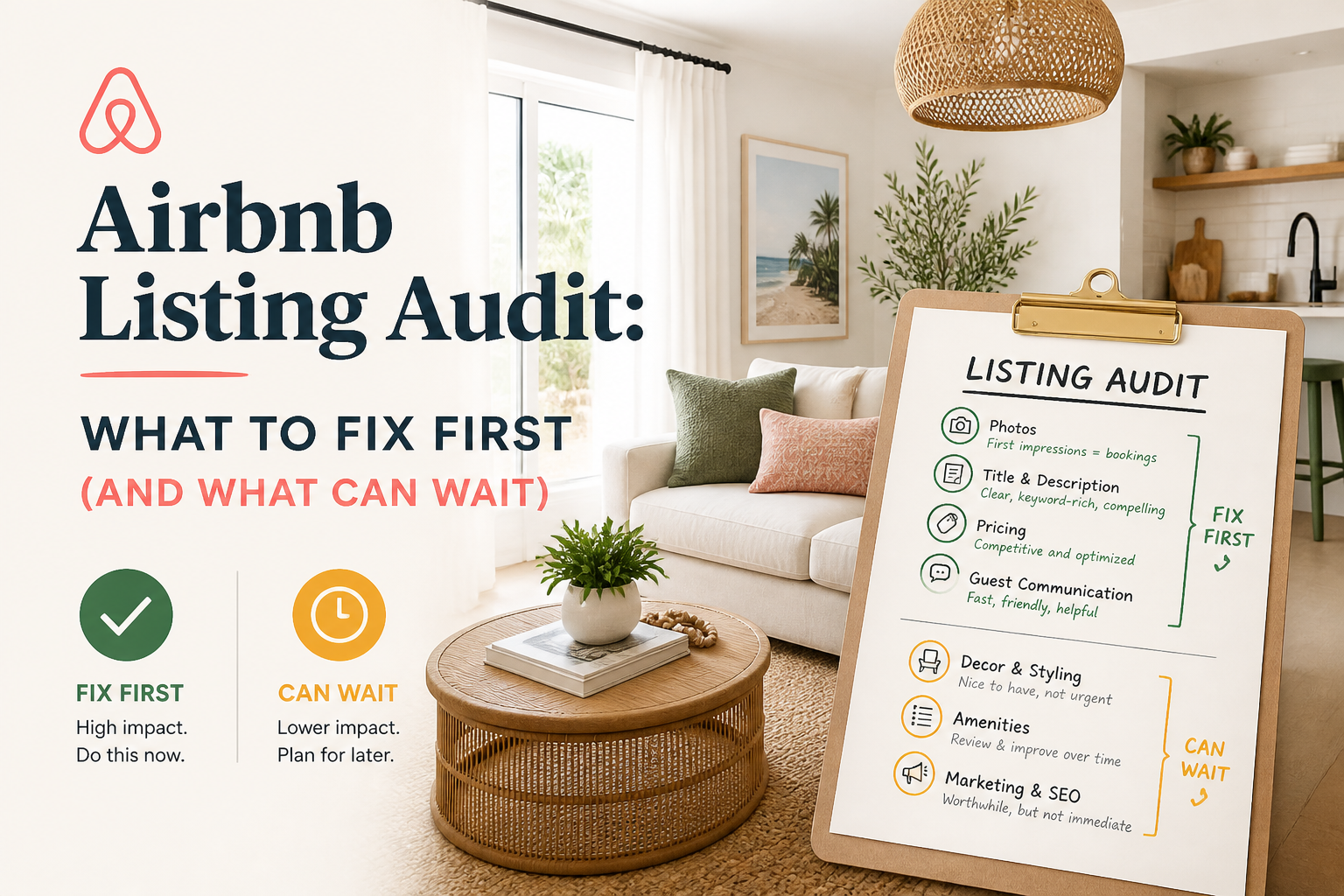 CornerstoneAirbnb Listing Audit: What to Fix First (And What Can Wait)
Not every weakness in your Airbnb listing deserves the same attention. Learn how to read an Airbnb listing audit, identify high-impact problems, and prioritize improvements that actually matter to guests.
14 min read Best AI Tools for Airbnb Descriptions and SEO
Compare SuperhostSEO, Rankbreeze, and Lodgify for Airbnb listing writing and optimization. Explore guided rewriting, rank tracking, host feedback, and pricing.
4 min read CornerstoneWhy Is My Airbnb Listing Not Getting Bookings in 2026? How to Find the Real Problem
When Airbnb bookings slow down, lowering your price is not always the solution. Learn how to identify whether your listing has a visibility problem, a conversion problem, or a market-demand problem—and what to fix first.
12 min read CornerstoneAirbnb Search Ranking Dropped Suddenly? How to Find Out What Changed
Did your Airbnb listing suddenly lose views or search visibility? Learn how to diagnose ranking changes, check availability and pricing, compare market conditions, and identify what to fix before rewriting your listing.
19 min read