
How to Measure Where Your Airbnb Listing Appears in Search
Airbnb search position is not as simple as searching your city and looking for your own property. Results can change based on dates, guest count, filters, location, and personalization. Here is a better way to think about Airbnb search visibility and how to tell whether your listing is improving over time.
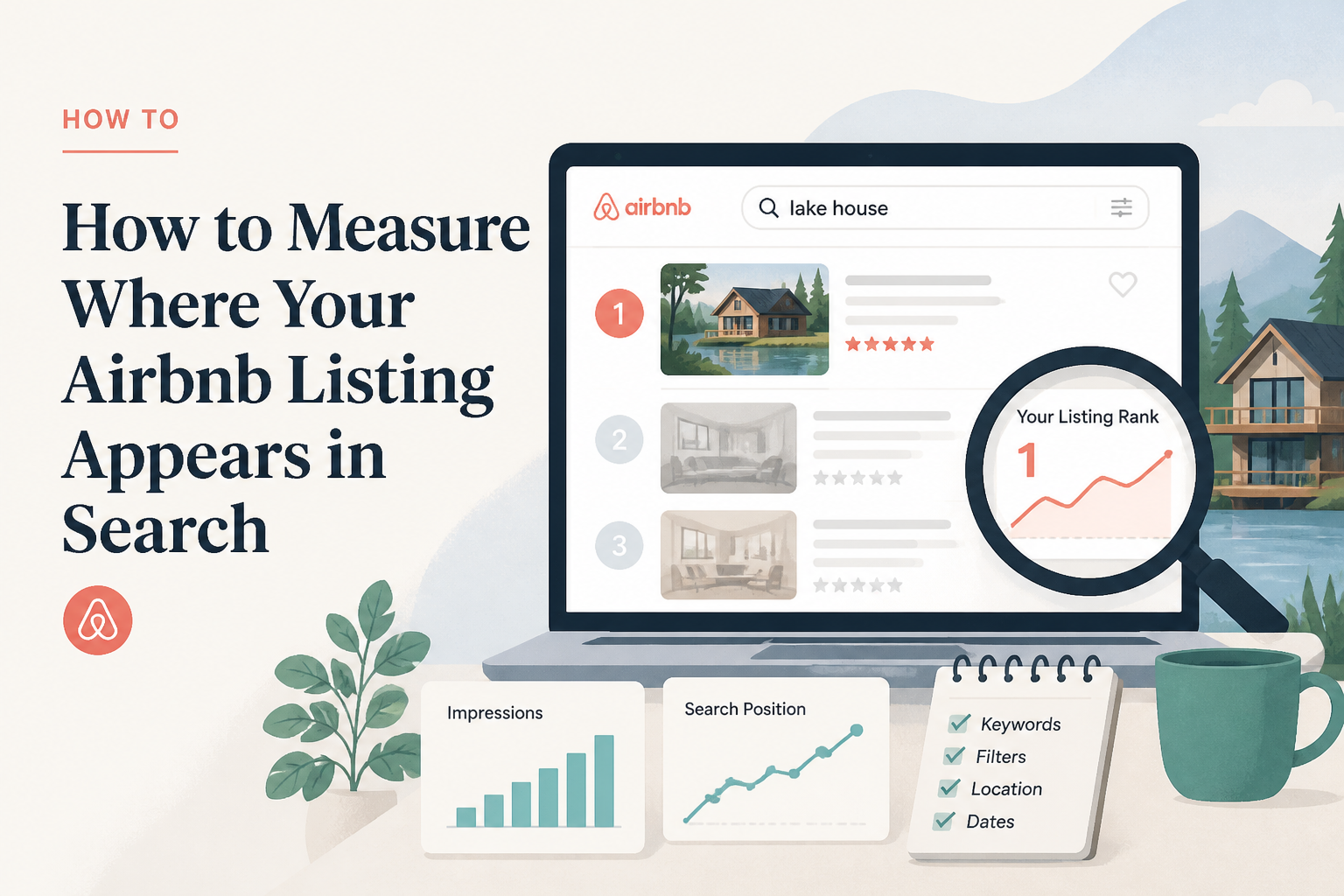
One of the questions I hear regularly from hosts is, "Where does my Airbnb listing rank?"
It sounds like there should be a simple answer. Search your city, find the property, count how far down it appears, and there is your ranking.
Unfortunately, Airbnb search does not work that way.
The listing you see in position 12 may appear much higher or lower for another guest. Change the dates, number of guests, filters, or search area and the results can change again.
That does not mean search position is useless. It means you have to measure it differently.
There Is No Single Airbnb Ranking
When people talk about their Airbnb "ranking," they often imagine something similar to a fixed Google position.
But Airbnb is trying to match individual guests with properties that fit a specific search. A family searching for four guests over a weekend may see a different set of properties than a couple searching for an entire week.
Availability alone can completely change the results. If your property requires three nights and the guest searches for two, your listing may not appear at all. If they select a feature you do not offer, the same thing happens.
This is why I would be careful about saying, "My listing is number 8 on Airbnb."
A more useful statement is: under this specific search, my listing appeared around this position.
Once you start thinking about ranking that way, the data becomes much more useful.
Why Searching for Your Own Listing Can Be Misleading
The easiest way to check visibility is to open Airbnb and search for your own property. I still think that is useful occasionally, but I would not treat one manual search as reliable measurement.
Your search may not look the same as someone else's. Airbnb has information about how people use the platform and can adjust what it shows accordingly.
There is also a practical problem: hosts tend to search until they find themselves.
You scroll through one page, then another, adjust the map slightly, change the dates, and eventually find the listing. But now you have changed enough variables that the result does not tell you very much.
Instead, decide what search you are trying to measure before you start.
Use Searches That Represent Real Guests
I would choose a few searches that actually represent the type of guest you want.
For example, if you operate a two-bedroom beach property that normally hosts families, you might track a few future weekend searches for four guests. If your business depends heavily on week-long summer stays, track those too.
The point is not to test every possible combination. It is to create a small group of searches that reflect the bookings you actually care about.
Keep the variables as consistent as possible: similar booking window, guest count, length of stay, and search area.
Then repeat those searches over time.
That is much more useful than randomly searching the property whenever the calendar feels slow.
Look for Trends, Not One Position
This is probably the most important part.
I care much more about the direction than the exact number.
If your listing appears around position 45 one month, 34 the next time, and 22 after that under similar searches, something may be improving.
If it consistently moves the other direction, that is worth investigating.
But I would not panic because a listing moves from 17 to 26 in one search. The market may have changed. Different properties may be available. Your competitors may have adjusted prices. Search results are not static.
What becomes interesting is a pattern.
Is the listing generally becoming more visible, less visible, or staying in roughly the same range?
Search Visibility Is Only One Part of Performance
A high search position is not the final goal.
Bookings are.
You could improve visibility and still have a weak listing that guests do not click. You could get more clicks and still have a conversion problem after guests open the page.
That is why I prefer to think about the booking path in stages.
Visibility: Is Airbnb showing you?
Click-through: Are guests choosing your listing when they see it?
Conversion: Are enough of those guests actually booking?
A host can have a problem at any one of those stages.
If your visibility is improving but bookings are not, I would start looking harder at the cover photo, title, price, description, reviews, and overall booking confidence.
If conversion seems healthy but very few people are finding the listing, then visibility deserves more attention.
Do Not Forget Availability and Restrictions
Sometimes what looks like a ranking problem is really a search eligibility problem.
This is why I would check your calendar and booking settings before assuming Airbnb suddenly pushed your listing down.
If the guest is searching for two nights and you require three, you are not ranking poorly for that search. You are simply not eligible for it.
The same idea applies to availability, guest capacity, filters, booking window, check-in restrictions, and amenities.
This distinction matters because the solution is completely different.
You cannot optimize your way to the top of a search you do not qualify for.
Compare Visibility With Changes You Make
Tracking becomes especially useful when you are actively optimizing the listing.
Maybe you improve the title and cover photo. Maybe you complete missing amenities. Maybe you open the calendar further ahead or adjust a minimum stay that was blocking searches.
If you have been measuring the same searches consistently, you now have a way to see whether visibility changes over the following weeks.
This does not mean every movement was caused by your edit. Airbnb is a marketplace, and plenty of other things are changing at the same time.
But without tracking anything, you are left entirely with guesswork.
Why I Built Search Visibility
This is the reason I built the Search Visibility tool.
I wanted a way to run actual Airbnb searches without relying on whatever results Airbnb happened to show me personally that day.
The tool runs anonymous searches and records where the listing appears, so you can follow the average position over time.
I deliberately think of it as a trend tool rather than an exact ranking score. Airbnb search is personalized and constantly changing, so claiming that a property has one permanent ranking would give hosts a false sense of precision.
What I want to know is whether visibility is improving or declining under comparable searches.
That is the signal that matters.
Use the Other Tools to Understand Why
Search Visibility can tell you that something changed. It does not automatically tell you why.
If visibility has weakened, the Airbnb Listing Audit can help you look for structural gaps in the listing. Competitor Intelligence can help you compare your availability and minimum-stay patterns against nearby properties. The Calendar Gap Analyzer can show whether your rules are creating difficult-to-book gaps.
If visibility is fine but the bookings are not following, that is when I would look more closely at Guest Intent Optimization and the listing itself.
The tools solve different parts of the same problem. Search position is one signal, not the entire diagnosis.
Measure the Direction
I would not spend every morning checking where your listing appears.
That will probably create more anxiety than useful information.
Instead, choose searches that represent your real guests, keep the conditions reasonably consistent, and measure them periodically.
Then look at the direction.
Are more guests getting the chance to see your listing than they were before?
That is a much more useful question than trying to figure out whether your Airbnb is number 14 or number 17 today.
Airbnb optimization specialist, Superhost, and founder of one of the largest Airbnb host communities.
Continue Reading
Chosen for you from The Optimization Journal.
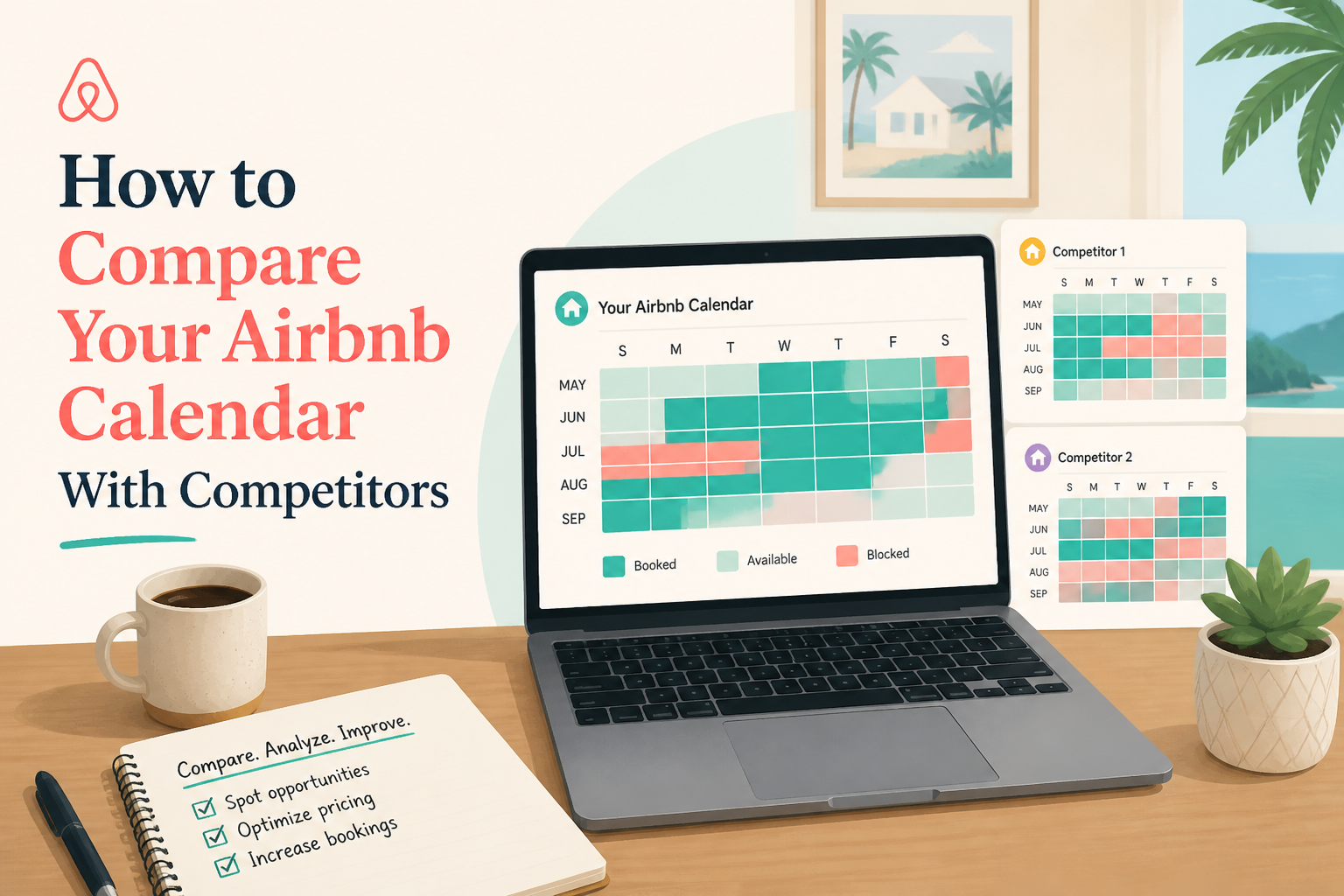 How to Compare Your Airbnb Calendar With Competitors
Looking at competitor calendars can help you understand whether a slow period is specific to your property or happening across your market. But availability does not automatically mean a property is struggling, and blocked dates do not necessarily mean bookings. Here is how I would use competitor calendar data without reading too much into it.
5 min read How Often Should You Update Your Airbnb Listing?
Your Airbnb listing should not be something you publish once and forget about. Properties change, seasons change, Airbnb adds new fields, and guest priorities shift. Here is how often I think hosts should review their listing, what is worth changing, and which type of update actually makes sense.
6 min read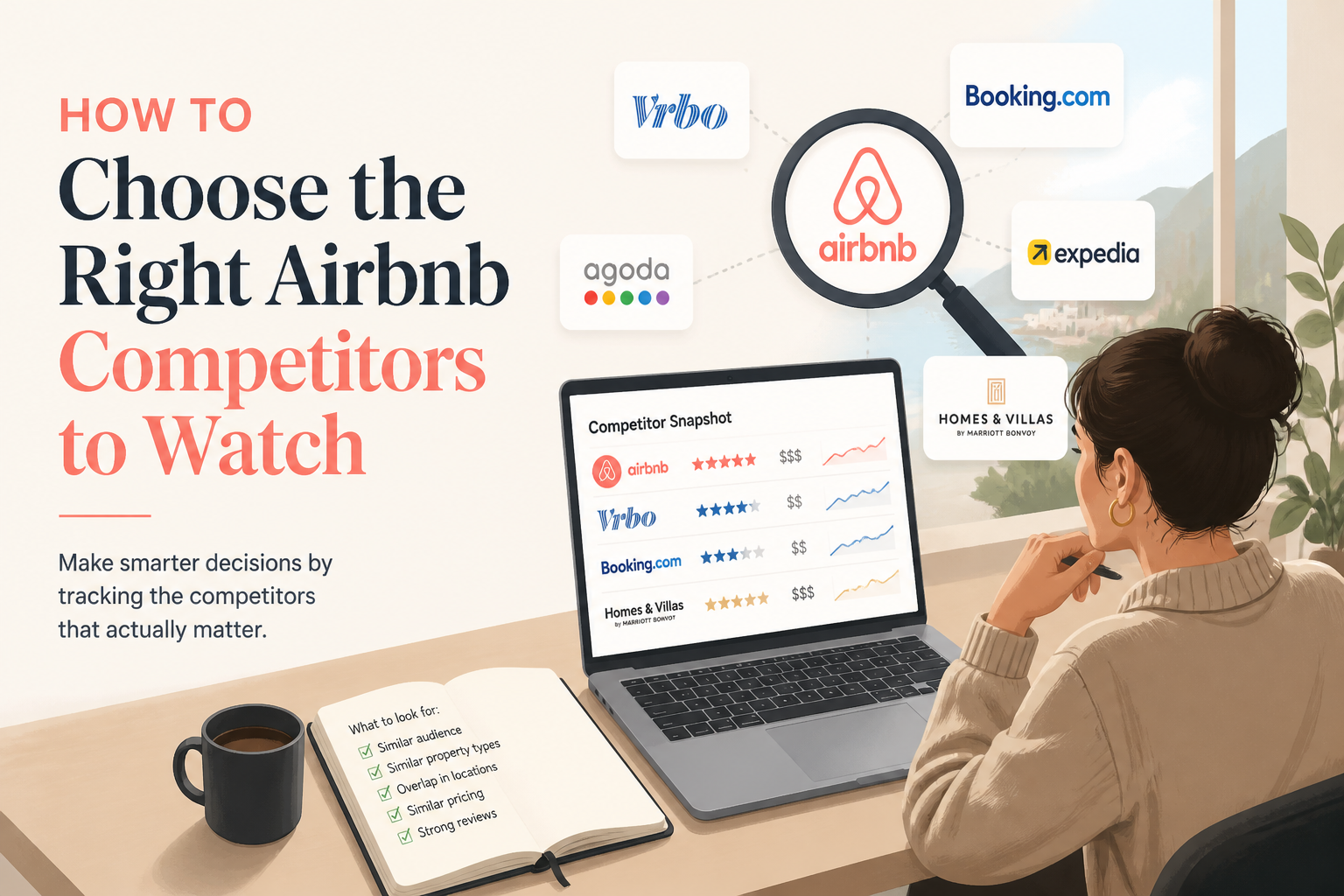 How to Choose the Right Airbnb Competitors to Watch
Competitor research is only useful if you are comparing your property with listings guests might realistically choose instead. A nearby Airbnb is not automatically a competitor. Here is how I would build a smaller, more useful competitor set.
5 min read How to Build an Airbnb Cleaning Schedule From Your Calendar
Cleaning schedules sound simple until you have back-to-back stays, date changes, cancellations, and multiple properties. A good system should make turnovers obvious without forcing cleaners to constantly ask what is happening. Here is how I would organize an Airbnb cleaning schedule directly from the booking calendar.
5 min read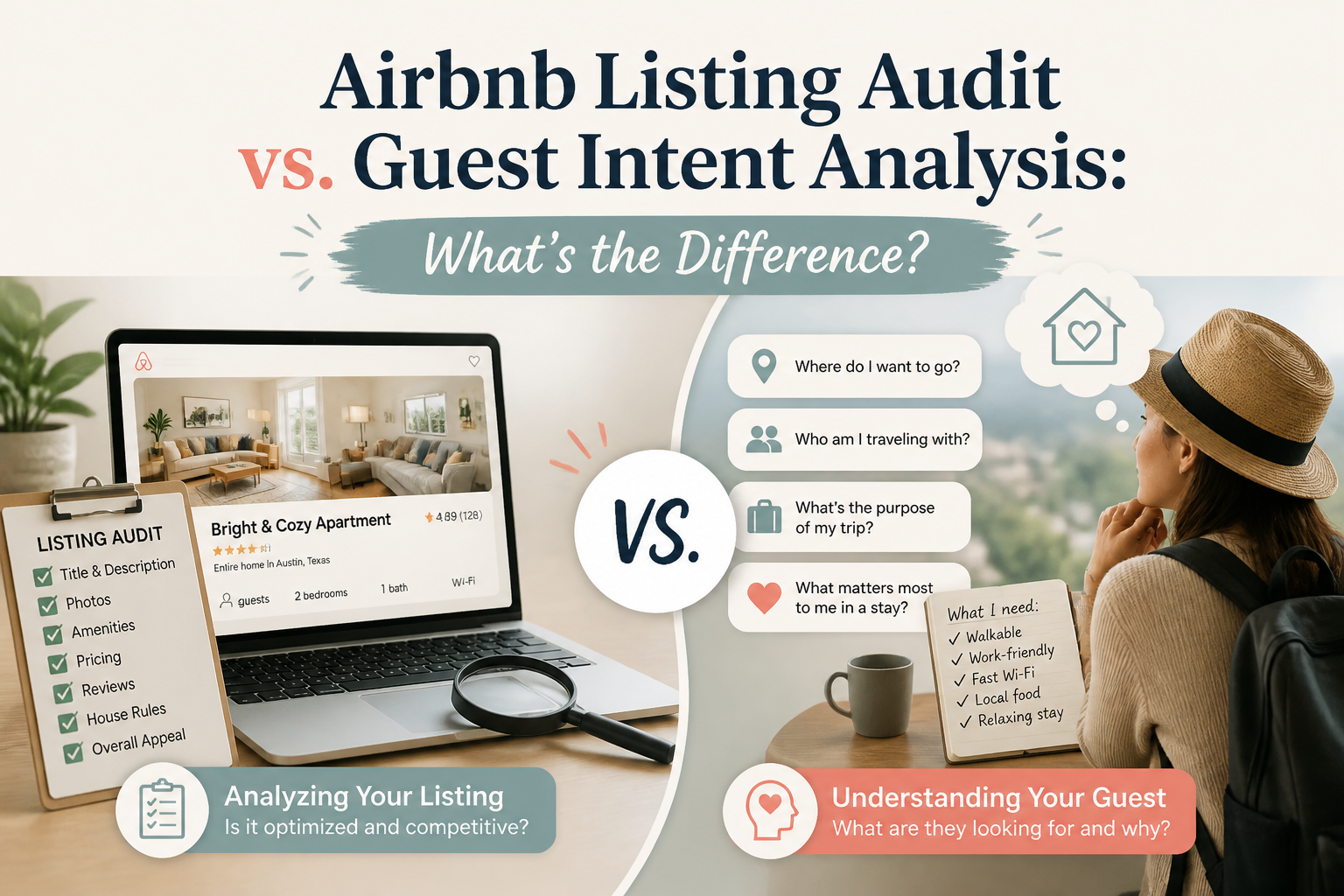 Airbnb Listing Audit vs. Guest Intent Analysis: What's the Difference?
An Airbnb listing can be complete and still struggle to convert. That is because structural problems and guest hesitation are not the same thing. Here is the difference between auditing a listing and analyzing how potential guests may react to it.
5 min read