
What Should You Put in the Airbnb Guest Access Section?
The Guest Access section is where hosts explain what guests can actually use during the stay. Done well, it removes uncertainty around entrances, shared spaces, locked areas, parking, outdoor amenities, and parts of the property that are off-limits.
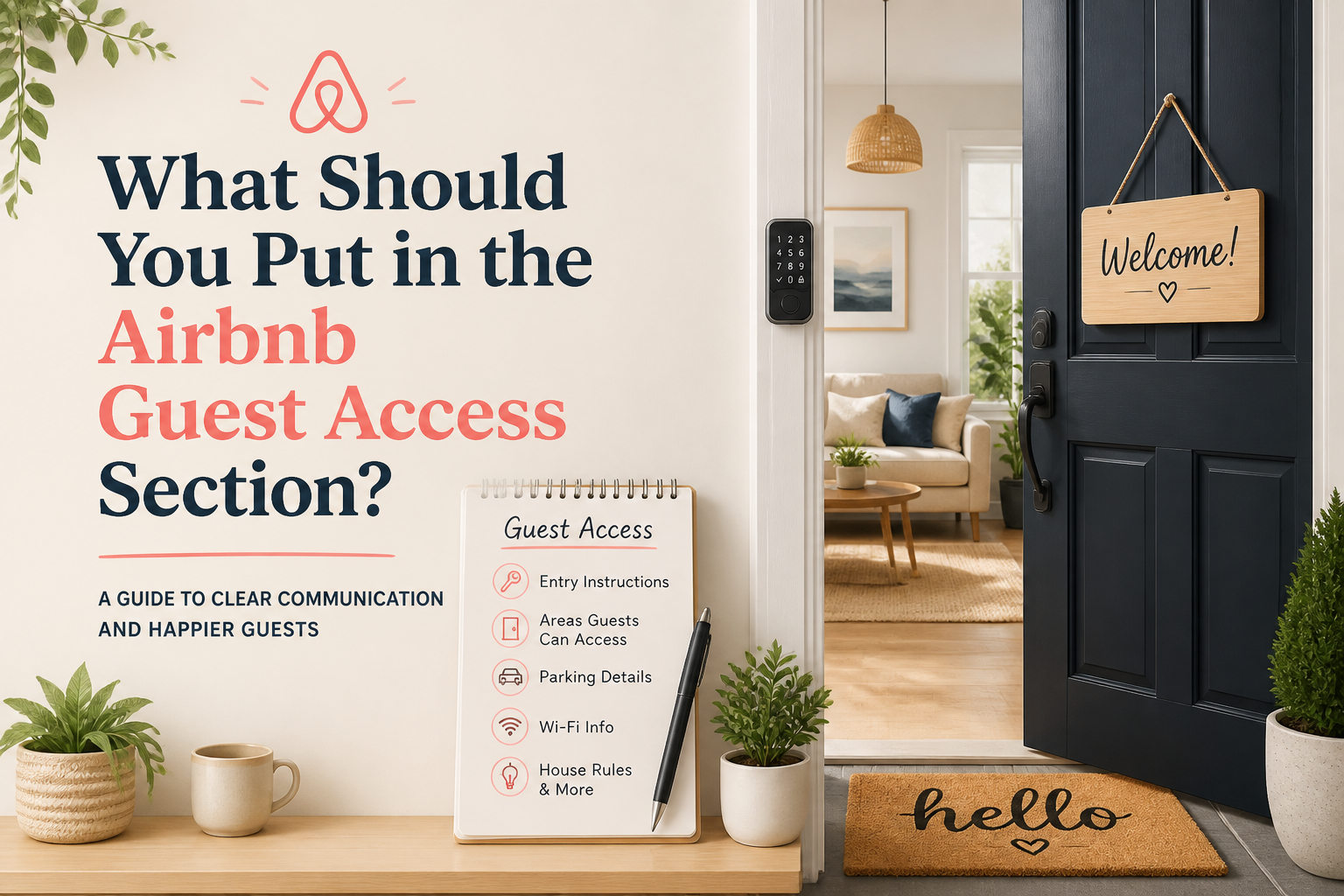
Guest Access is one of those Airbnb sections that looks simple until the property is not.
If guests have the entire home to themselves, you may think there is not much to explain.
But what about the garage?
The owner's closet?
The backyard?
The laundry room?
A shared pool?
A separate unit downstairs?
A side entrance guests are supposed to use instead of the front door?
The purpose of Guest Access is not to make the property sound better. It is to tell the guest exactly what they are allowed to use and what they are not.
That clarity matters more than the length of the section.
Start With the Big Picture
The first sentence should make the overall arrangement obvious.
If guests have the entire home, say that.
If they are renting a private suite inside a larger property, say that.
If the property has shared spaces, explain which ones.
Something as simple as:
Guests have private access to the entire two-bedroom apartment, including the balcony and one assigned parking space.
already answers several questions.
The problem starts when the listing says “entire place” but there are areas the guest cannot actually use and those restrictions only become clear after arrival.
Explain Which Entrances Guests Use
Access can become confusing quickly when a property has more than one entrance.
Maybe the front door belongs to another unit.
Maybe guests enter from the side gate.
Maybe the suite has a completely separate entrance even though it is attached to the main house.
You do not need to write check-in instructions in the public listing, but you should explain the basic setup.
For example:
The guest suite has its own private entrance on the side of the home and does not require access through the main residence.
That tells the guest something important about privacy before they book.
Be Very Clear About Shared Spaces
This is probably the area where I would be most specific.
A guest should not have to guess whether the pool, yard, driveway, laundry room, gym, rooftop, or patio is shared.
If it is shared, say shared.
If it is private, say private.
If it is private during certain hours and shared during others, explain that too.
I would avoid vague language like “access to pool” if the pool is used by multiple units.
That wording may be technically true, but it leaves out the part that matters most.
Locked Areas Should Not Be a Surprise
Many hosts have spaces guests cannot use.
An owner's closet.
A supply room.
A locked garage cabinet.
A basement used for storage.
A bedroom that is not part of the reservation.
There is nothing wrong with that.
The important thing is that the guest understands what they are booking.
If a locked area is obvious or affects the way the property is used, I would mention it.
For example:
Guests have access to the entire home except for one locked owner's closet used for supplies.
That is much better than letting guests arrive and wonder whether part of the property was unexpectedly withheld.
Parking Belongs Here When It Affects Access
Parking is technically an amenity, but it often belongs in Guest Access too because it affects how the guest uses the property.
If they have one assigned space, say so.
If the driveway is shared, say so.
If street parking is available but the garage is not, make that clear.
If guests can park two vehicles but not three, that is useful information before booking.
Something like:
Guests may use the two driveway spaces directly in front of the home. The garage is locked and not included in the reservation.
is specific enough to prevent a lot of confusion.
Think Beyond the Interior
Guest Access is not only about doors and rooms.
Outdoor spaces matter too.
Can guests use the entire yard?
Is the dock included?
Can they use the firepit?
Is the rooftop available?
Are there community amenities?
Does beach access belong to the building, the neighborhood, or a separate club?
If a feature is a meaningful part of the stay, I would explain how access works.
This is particularly important when the photos show an amenity that is not exclusively attached to the listing.
Do Not Confuse Guest Access With Check-In Instructions
I would keep these two things separate.
The Guest Access section is public information that helps someone understand the property before booking.
Check-in instructions are operational details they need closer to arrival.
You do not need to publish lockbox codes, exact door instructions, gate codes, or step-by-step arrival procedures in the listing.
Instead, explain the structure:
Guests use a private exterior entrance. Detailed self-check-in instructions are provided before arrival.
That is enough at the booking stage.
If You Live on the Property, Explain the Relationship
This matters for private suites, accessory units, duplexes, guesthouses, and other properties where the host or another resident may be nearby.
A guest may be perfectly comfortable with that.
They just want to know what “private” actually means.
For example:
The guesthouse is completely private. The host lives in the main home on the same property, but there are no shared indoor spaces.
Or:
The basement suite has a private entrance and private bathroom. The backyard is shared with the upstairs unit.
That level of specificity builds trust because the guest can picture the arrangement accurately.
Guest Access Should Match Your Photos
This is an easy place for listings to create the wrong impression.
Suppose the gallery includes a beautiful rooftop terrace.
If guests cannot use it, I would question why it is featured at all.
If they can use it but it is shared with the entire building, the caption and Guest Access section should make that clear.
The same goes for pools, gyms, gardens, docks, balconies, and common lounges.
The guest should never have to discover after booking that the feature they saw was not available in the way they assumed.
Review Access Whenever the Property Changes
Guest Access can become outdated quietly.
You stop allowing garage access.
You convert a room into owner storage.
A building changes the pool rules.
You add a second rental unit.
You begin reserving part of the yard for private use.
Those changes may not require rewriting the entire listing, but they do require updating the access information.
I would include Guest Access in any regular listing review for exactly this reason.
Repeated Questions Are a Signal
If guests keep asking:
“Do we have the whole house?”
“Is the backyard private?”
“Can we use the garage?”
“Does anyone else use the pool?”
“Will you be staying on the property?”
then the Guest Access section probably needs work.
You may already have the answer somewhere in the listing.
But if the same question keeps appearing, the answer is not clear enough or not easy enough to find.
This Is One of the Sections I Would Audit for Clarity
Guest Access is easy to underestimate because it is not usually the section that gets someone to click on the listing.
But it can absolutely stop a booking when the setup feels unclear.
This is one reason the Airbnb Listing Audit looks at the less glamorous sections of a listing too.
A title and summary may create interest, but the rest of the listing still has to remove uncertainty.
And if the access information technically exists but guests continue hesitating over privacy, shared spaces, or what is included, Guest Intent Optimization becomes useful for looking at how the entire listing is being interpreted.
A Simple Guest Access Checklist
Before you consider the section finished, I would make sure a guest can understand:
Whether they have the entire property or only part of it.
Whether the entrance is private or shared.
Which outdoor spaces they can use.
Which amenities are private and which are shared.
What parking is included.
Whether any rooms or areas are locked or unavailable.
Whether the host or another unit is located on the same property.
If those answers are clear, you probably do not need a long section.
Guest Access Is Really About Expectations
A guest does not need access to every part of a property for the stay to be excellent.
They simply need to know what is included before they book.
That is the job of this section.
Be specific about what is private.
Be specific about what is shared.
Explain anything that could reasonably surprise someone after arrival.
The best Guest Access section leaves very little for the guest to discover by accident.
Airbnb optimization specialist, Superhost, and founder of one of the largest Airbnb host communities.
Continue Reading
Chosen for you from The Optimization Journal.
 Why Airbnb Guests Keep Asking Questions Your Listing Should Already Answer
Repeated guest questions are often a sign that your Airbnb listing is not making important information easy enough to find. Instead of answering the same message over and over, use those questions to improve the listing itself.
5 min read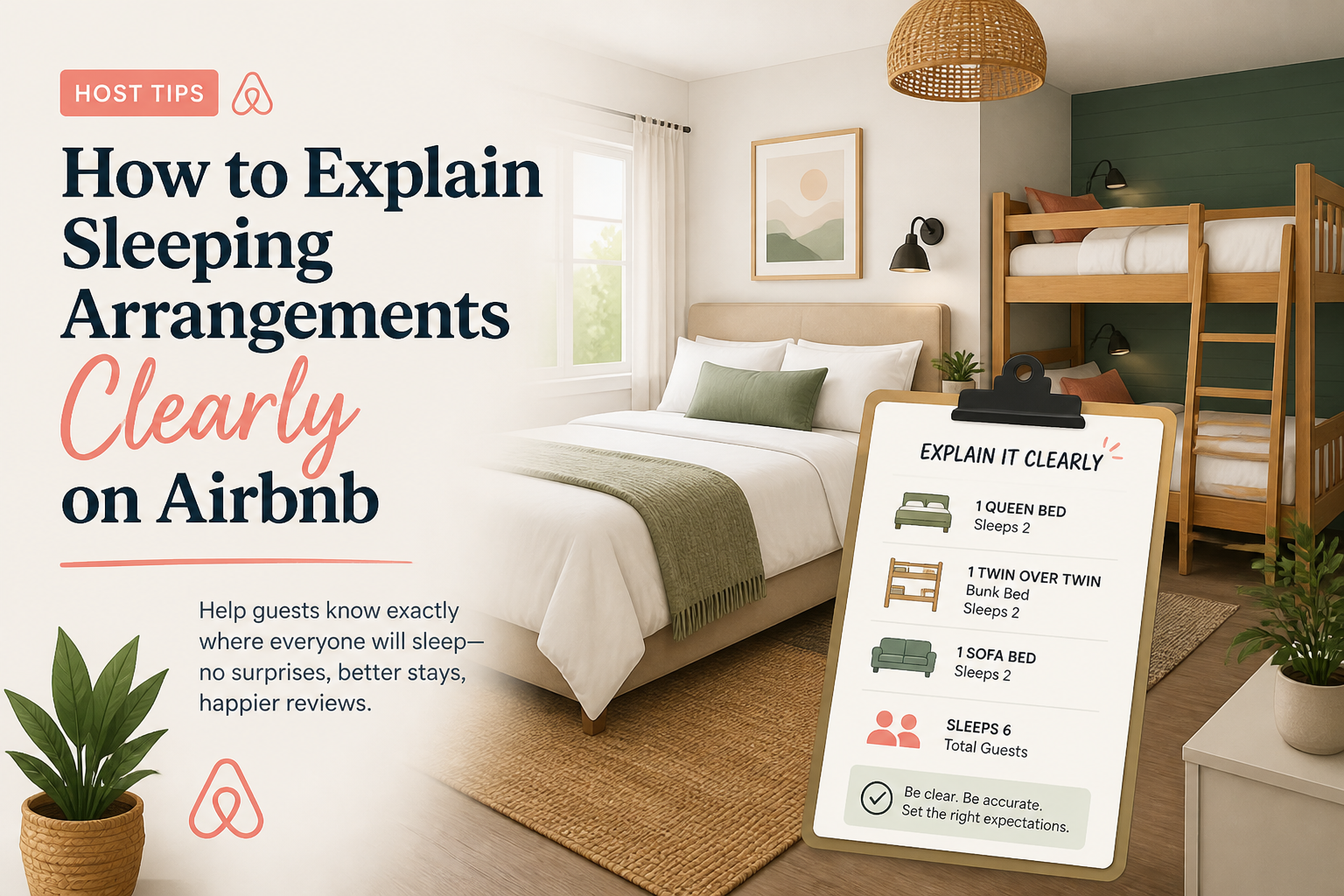 How to Explain Sleeping Arrangements Clearly on Airbnb
“Sleeps 8” does not tell a group where eight people are actually going to sleep. Clear sleeping arrangements help guests decide faster, reduce pre-booking questions, and prevent disappointment after arrival.
6 min read Do Airbnb Photo Captions Matter?
Airbnb photo captions are easy to ignore because the photos already seem to speak for themselves. But a good caption can answer questions the image cannot, explain an important feature, and prevent guests from making the wrong assumption about what they are seeing.
5 min read What Guests Look for Before Booking an Airbnb
Guests do not read an Airbnb listing from top to bottom like a brochure. They scan, compare, hesitate, and decide. Understanding what they look for first can help you make the listing easier to trust and easier to book.
6 min read Airbnb Listing Setup Checklist: Everything to Complete Before You Go Live
A strong Airbnb listing starts before the first guest ever sees it. Before you publish, make sure the property is complete, clear, and easy to understand. Here is the checklist I would work through before going live.
7 min read