
Airbnb Ranking Dropped After You Edited Your Listing: What to Check Before Reverting Changes
Did your Airbnb search visibility decline after changing your title, photos, description, or settings? Learn how to identify which edit may have mattered, distinguish lower views from lower rankings, and decide when to revert a change.
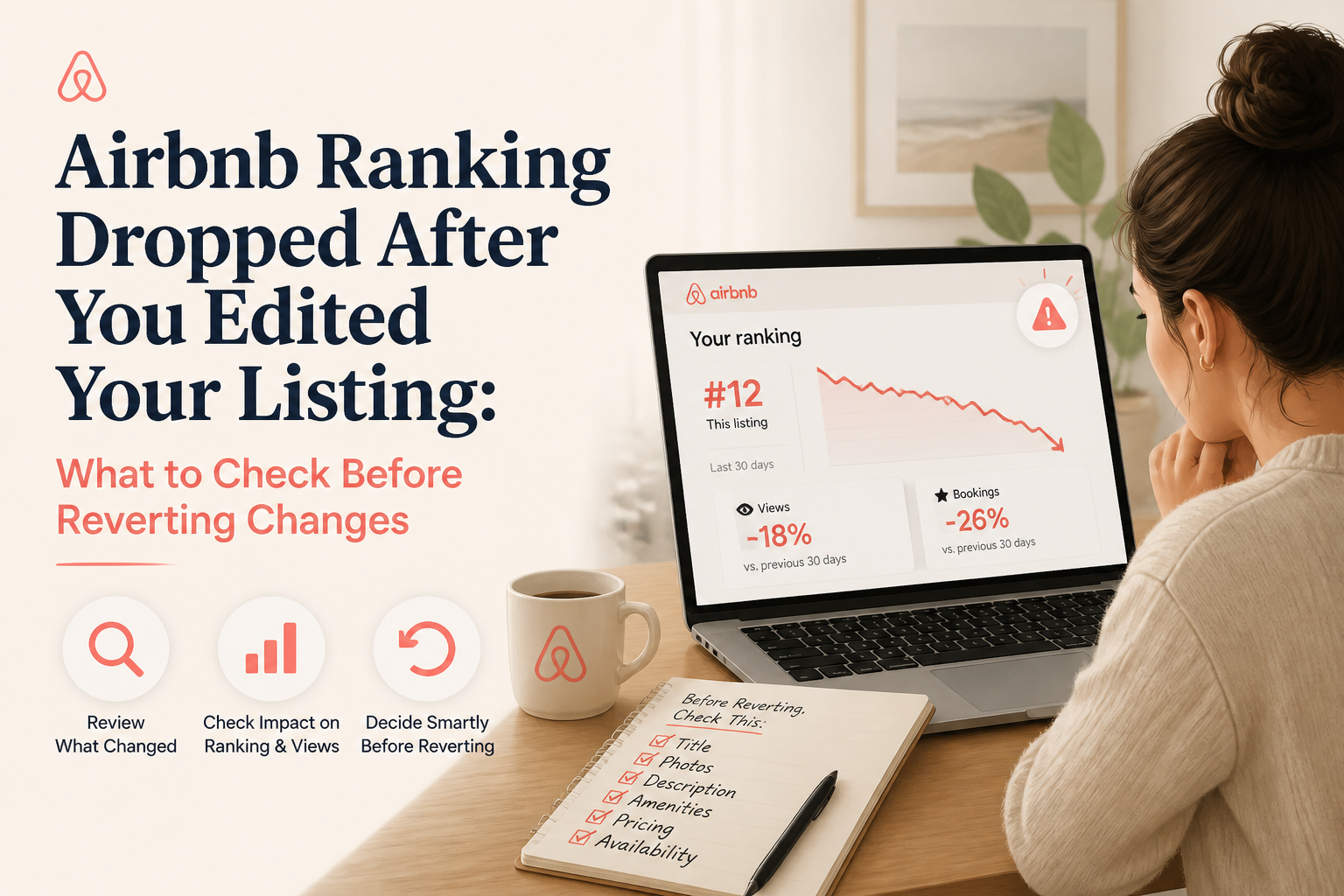
You updated your Airbnb listing because you wanted to improve it. Perhaps you changed the title, replaced your cover photograph, rewrote the description, or reorganized the photo gallery. Then something worrying happened.
Your listing views declined, reservations slowed down, or your property appeared farther down in a search you had checked before. Now you're wondering whether the edit hurt your Airbnb ranking—and whether you should change everything back. A decline after an edit deserves investigation, but it does not prove Airbnb penalized your listing for making a change.
Airbnb's published search guidance identifies factors such as listing quality, popularity, price, location, availability, and guest preferences. It does not describe a general penalty for ordinary title, description, or photograph updates.
The decline could be related to the edit. But demand, competitors, pricing, booking rules, and the searches being performed may also have changed.
I'm Elie Parienti, founder of SuperhostSEO and author of The Airbnb Optimization Playbook. One of the most useful troubleshooting lessons I've learned from optimizing Airbnb listings is that reversing a change before understanding the problem can be just as unproductive as making the wrong change in the first place.
Here is the process I recommend when Airbnb performance seems to decline after you've edited your listing.
1. Confirm Whether Your Ranking Dropped or Your Views Declined
Before reversing anything, establish what actually changed. Hosts often use the phrase "my Airbnb ranking dropped" to describe several different situations. Your property may be receiving fewer listing views.
It may be appearing in fewer searches. Guests may be seeing the listing but clicking less often. Or your views may be relatively steady while bookings decline.
Those are different problems.
Search Impressions vs. Listing Views
Airbnb's professional hosting tools provide conversion reporting that distinguishes several stages of the booking journey. Search impressions concern the appearance of your listing in search results. Search-to-listing conversion concerns guests opening your full listing after seeing it in search.
Listing-to-booking conversion concerns guests booking after reaching the listing. You can review the available reporting under Insights → Performance → Conversion when professional hosting tools are enabled. See Airbnb's official guide to conversion performance.
Example: A Decline in Views
Imagine your listing received 700 views during one 30-day period and 420 in the next. That is a 40% decline in listing views. But it does not establish that your search position fell by 40%.
There are several possible explanations. Your listing might appear in fewer relevant searches because of availability changes. Fewer travelers may be searching your destination.
A new cover photograph may be attracting less attention. Or your property may be facing stronger competition.
The view count identifies a decline in visits. It doesn't identify the cause.
Example: Views Remain Steady but Bookings Fall
Now imagine your listing receives approximately 600 views in both periods. But reservations decline from eight to four. That suggests investigating booking conversion rather than assuming guests can no longer find you.
The issue could involve total price, unclear information, reviews, or booking conditions. My first rule: Diagnose the metric before diagnosing the edit.
For a wider explanation of sudden search changes, see Airbnb Search Ranking Dropped Suddenly? How to Find Out What Changed.
2. Create a Timeline of Every Listing Change
Once you've established that performance may have weakened, identify exactly what you changed. This is the part many hosts skip. They remember replacing a cover photograph but forget that they also increased weekend prices or changed a minimum-stay rule.
Then they assume the photograph caused the decline.
Make a Simple Change Log
Write down the date and approximate time of each meaningful update.
Record:
- What you changed
- What the previous version said or showed
- Why you made the change
- Which performance metric you expected to improve
- When you first noticed the decline
For example:
- September 3: Replaced the cover photograph.
- September 5: Rewrote the listing title.
- September 7: Increased weekend pricing.
- September 10: Changed the minimum stay from two nights to three.
- September 17: Noticed a decline in listing views.
In this hypothetical scenario, it would be premature to blame the title. The pricing and stay restrictions also changed.
Distinguish Content Edits From Operational Changes
I recommend separating edits into two groups. Content and presentation changes include titles, descriptions, photographs, captions, and other information guests read. Operational changes include prices, discounts, minimum stays, calendar settings, booking windows, and restrictions.
Content changes may affect how guests evaluate the property. Operational changes may affect which stays can actually be booked. Both deserve review, but they require different solutions.
Keep a Copy of the Previous Version
If you still have the previous title, description, or photographs, preserve them. Screenshots or saved text can help you compare what changed. For future optimization projects, I recommend keeping a simple version history.
You don't need complex software. A dated document with the old and new wording is enough to make troubleshooting easier.
3. Check Whether Your Listing Is Still Eligible for the Same Searches
Before blaming photographs or descriptions, verify that guests can still find and reserve the property for relevant trips. Airbnb search depends partly on whether a listing meets the guest's criteria. If your booking restrictions changed, your property may no longer qualify for searches it previously matched.
This can feel like a sudden ranking drop even when the underlying issue is availability.
Check Your Listing Status
First, confirm that the listing is published and active. Make sure it hasn't been inadvertently unlisted or otherwise made unavailable. If Airbnb has sent you a notice concerning a listing issue, review that separately.
An ordinary ranking decline and a listing-status problem are not the same thing.
Check the Actual Dates
Imagine your property was previously available for two-night weekends. After editing your listing, you increased the minimum stay to three nights. A guest searching for Friday through Sunday may no longer be able to book.
If you evaluate your property's visibility using that same two-night search, you're no longer comparing equivalent conditions. The problem may not be your title or cover photograph. It may be that your listing doesn't qualify for the stay.
Review Your Booking Settings
Check:
- Minimum-night requirements
- Maximum-stay restrictions
- Booking window
- Advance notice
- Preparation time
- Check-in and checkout limitations
- Blocked dates
- Calendar synchronization
- Date-specific rule sets
Don't remove necessary restrictions simply to appear in more searches. A minimum stay may be justified by cleaning costs or operational constraints. The important question is whether your settings still match the trips you want to attract.
Test Representative Guest Searches
Choose dates and guest counts that reflect your actual bookings. For example, a family vacation property might reasonably be evaluated using a four-night stay for six guests. A small city apartment might attract shorter stays for two people.
Use consistent conditions when comparing visibility over time. Changing the dates, guest count, map area, or filters changes the search itself. That makes before-and-after comparisons less reliable.
4. Examine the Cover Photograph You Replaced
If your calendar and booking settings are correct, review any photographs you recently changed. The cover photograph can influence whether guests choose to open your listing. A photograph that looks more attractive to you may not communicate the property's strongest benefit as clearly as the previous image.
Example: Replacing a Pool Photograph
Imagine a fictional vacation home with a private swimming pool. The original cover photograph showed the pool and outdoor entertaining area. The host replaced it with a beautifully styled interior photograph.
The new picture was technically excellent. But it no longer highlighted the property's most distinctive feature. A family searching for a home with a private pool might have found the previous image more immediately relevant.
The edit could plausibly affect search-to-listing interest. That is a hypothesis worth testing—not proof of an algorithmic penalty.
Ask Three Questions
Does the new photograph communicate a stronger benefit? Compare the old and new images from the perspective of your ideal guest. Does the image match the title?
If the title promises a private hot tub, exceptional view, or spacious outdoor area, the opening gallery should support that promise. Does the new image compete well with similar properties? Look at comparable listings for the same dates and guest count.
Your new photograph may be good in isolation but less compelling in the context of the search results.
Don't Forget the First Five Photographs
Sometimes hosts replace the cover image and reorder the rest of the gallery during the same editing session. Look at the complete opening sequence. Do the photographs show useful variety?
Are your strongest benefits recognizable? Does the gallery help guests understand the property? Airbnb recommends high-quality, current photographs and accurate room information.
You can review its official guidance for refreshing a listing. For more detailed gallery organization, see How to Organize Your Airbnb Photo Tour.
5. Check Whether Your New Title or Summary Lost Important Information
A listing rewrite can improve grammar while making the property less distinctive. This is a common problem with generic AI-generated content. The text sounds smoother, but the most important property features are no longer obvious.
Example: A Title Rewrite That Removes Value
Imagine a cabin with a private hot tub, mountain views, and a firepit.
Before:
"Hot Tub | Mountain Views | Firepit"
After:
"Beautiful Mountain Escape for an Unforgettable Stay"
The second title may sound more polished. But it removes several concrete benefits. A guest can no longer identify the hot tub or firepit from the title.
If the previous title was already doing its job, replacing it with broader promotional language may not be an improvement.
What to Look for in the New Title
Ask:
- Does it still communicate the property's strongest feature?
- Is it specific rather than generic?
- Is the most important information near the beginning?
- Does it accurately describe the accommodation?
- Does it make sense alongside the cover image?
Don't automatically return to the old title because views declined. First determine whether the new version actually communicates less useful information.
Review the Short Summary Too
The same problem can occur in your opening description.
Before:
"Three-bedroom family home with private pool, fenced backyard, full kitchen, and outdoor dining for six."
After:
"Escape to a beautiful sanctuary where unforgettable moments and exceptional comfort await."
The revised wording is more dramatic but less informative. It doesn't explain the accommodation.
When the New Description Is Better
Not every rewrite causes a problem. If you replaced a confusing paragraph with a clear explanation of the sleeping arrangements, kitchen, outdoor areas, and parking, the improvement may be worthwhile. A short-term decline in views doesn't automatically mean you should discard accurate, useful information.
In Chapter 20 of The Airbnb Optimization Playbook, I explain why AI should help improve clarity rather than invent promotional language. The host should judge the quality of a rewrite based on how accurately and effectively it communicates the property.
6. Verify That Photos, Amenities, and Property Details Still Agree
Some listing edits create inconsistencies rather than obvious missing information. Perhaps you uploaded new photographs after renovating a bedroom. But the sleeping-arrangement fields still describe the previous configuration.
Or you updated the description to mention a dedicated workspace without confirming that the appropriate amenity is selected. These may seem like small details. To a guest, they can create uncertainty.
Compare the Listing's Main Information Sources
Review three areas together. Photographs: What do the images actually show? Descriptions: What does the written content promise?
Structured listing fields: What is selected for beds, bedrooms, amenities, guest access, and other property characteristics? All three should agree.
Check Amenities After Major Editing Sessions
Make sure important amenities are accurately selected. A feature mentioned in the description isn't necessarily reflected in every Airbnb amenity field. That matters because guests can filter searches by relevant features.
For example, a property with genuine free parking should have its parking information accurately represented. The same applies to amenities such as a dedicated workspace, hot tub, washer, and other relevant facilities. Never select an amenity the property doesn't actually provide.
Review Guest Access and Other Important Notes
Check whether an edit accidentally removed useful information about:
- Private or shared spaces
- Parking arrangements
- Stairs
- Seasonal facilities
- Important access limitations
- Property restrictions
If information was removed unintentionally, correcting the gap is usually more sensible than reverting an unrelated photograph.
Why This Can Matter
Airbnb identifies listing content, amenities, photos, ratings, reviews, and other characteristics among factors relevant to search quality and guest decisions. But it doesn't disclose a fixed penalty for every missing word or inconsistent section. The practical reason to correct these problems is that guests need accurate information to evaluate the stay.
7. Investigate Pricing Changes Made During the Same Period
It's common to refresh a listing while adjusting pricing. A host may change the title, update the photographs, and increase nightly rates during the same week. Then bookings decline.
The natural response is to wonder whether the content edit caused the change. But the price adjustment may be more relevant.
Compare Total Guest Prices
Don't examine only the nightly rate. Compare the complete guest-facing cost for representative stays. For example, a two-night reservation can be particularly sensitive to fixed fees.
A seven-night stay spreads those same fixed fees across more nights. Your property may be competitive for longer trips but expensive for shorter visits.
Use Comparable Properties
Choose listings with reasonably similar:
- Location
- Size
- Guest capacity
- Amenities
- Quality
- Available dates
Compare the same dates and guest count. Then ask whether your property's price reflects its genuine differences.
Check Automated Pricing and Overrides
If you use a pricing tool or date-specific rules, verify the actual amounts currently displayed. Don't assume that the price you remember setting is the price guests are seeing. A price override or expired discount may have changed the total.
When Price Is More Likely Than Content to Be the Issue
If listing visits remain reasonably steady but booking conversion weakens following a substantial price increase, pricing deserves close attention. If both search impressions and listing visits decline, investigate the complete search and eligibility picture. Neither pattern proves causation by itself.
For a deeper pricing-specific workflow, see Airbnb Views but No Bookings After a Price Increase? Nine Things to Check.
8. Rule Out Market Changes and New Guest Feedback
Before reverting a listing edit, look at what happened outside the editing screen. A property does not compete in an unchanging market. New listings appear.
Existing hosts improve their photographs. Prices shift. Seasonal demand changes.
And guest preferences differ by trip.
Review Relevant Time Periods
Suppose you updated your listing at the end of a peak travel season. Views declined during the following month. The change may be related to your edit, but it may also reflect lower demand.
Compare relevant periods and examine any available similar-listing data. If your entire market has weakened, reverting a useful description is unlikely to solve the underlying problem.
Check Your Latest Reviews
Did a new review raise a legitimate concern about cleanliness, noise, parking, or accuracy? Does the listing now emphasize a benefit that recent guests describe differently? A recurring concern may affect guest confidence.
If the review identifies a genuine problem, address the issue rather than automatically rewriting your title.
Consider Booking Lead Time
Different properties and seasons have different booking patterns. A property that typically books far in advance shouldn't necessarily be evaluated using only a few days of activity. Check your available booking lead-time information and historical trends before drawing conclusions.
Don't Confuse One Search With Your Overall Ranking
Airbnb personalizes results and considers the details of each search. A property may appear in different positions depending on dates, guest count, filters, location, and other factors. Seeing your listing lower in one manual search doesn't establish that it has lost visibility across the entire marketplace.
For a more rigorous approach, see How to Measure Where Your Airbnb Listing Appears in Search.
9. Decide Whether to Revert, Correct, or Keep the Edit
After reviewing the evidence, you can make a more informed decision. I use three general approaches.
Option A: Revert a Clearly Weaker Edit
Suppose you replaced a benefit-led title with a generic one. You have the previous version saved. The new title communicates less relevant information, and you don't have a compelling reason to keep it.
Returning to the more specific title may be reasonable. The same applies to a cover photograph that hides the property's main selling point or a description that unnecessarily removed essential details. You are not reverting because Airbnb supposedly punishes edits.
You are restoring content that appears more useful to guests.
Option B: Correct a Specific Mistake
Sometimes a complete rollback is unnecessary. For example, your new main description may be clearer overall but contain an incorrect bed size. Don't throw away the entire rewrite.
Correct the bed size. If an amenity was inadvertently left unselected, verify and restore it. If the photo sequence is strong except for one misplaced image, adjust that image.
Targeted corrections preserve improvements while addressing real problems.
Option C: Keep the Edit and Continue Monitoring
Perhaps your new description is more accurate and better organized. You have checked the calendar. Pricing remains competitive.
Reviews haven't revealed a new concern. And the decline is based on a small amount of data. In that situation, reversing everything may create more uncertainty than it resolves.
It can be reasonable to keep the improvement and monitor performance over a longer period. How Long Should You Wait? There is no official universal recovery period for Airbnb ranking after an ordinary edit.
The time needed to assess an adjustment depends on visitor volume, booking lead time, demand, and seasonality. In The Airbnb Optimization Playbook, I recommend giving meaningful changes time to produce enough performance data before deciding whether they helped. One or two weeks can be a useful initial review point for an active listing, but a longer period may be necessary when traffic is limited.
Avoid interpreting a single day of weaker performance as proof that an edit failed.
Change One Meaningful Variable at a Time When Practical
Imagine you restore the old title, lower prices, change five photographs, and shorten the minimum stay on the same day. If performance improves, which adjustment helped? You won't know.
When there is no urgent accuracy or operational problem, targeted changes are easier to evaluate. That doesn't make the comparison a controlled experiment. Market conditions can still change.
But it makes your decision process more disciplined.
A Simple Decision Guide for Airbnb Edits
Here is how I would interpret four common situations.
Views Fell After Changing the Cover Photo
First, check search impressions and search-to-listing conversion where available. Then compare the old and new images. If the previous photograph represented a stronger benefit and the new one appears less relevant, consider restoring it.
Bookings Fell After Rewriting the Main Description
Check whether listing visits also declined. If views remain steady but booking conversion is weaker, investigate pricing, the full listing, reviews, and booking rules. Look for important details the rewrite may have removed.
Don't assume the description alone caused the change.
Your Listing Disappeared From a Specific Search
Verify publication status and eligibility for that search. Check dates, minimum stays, guest capacity, filters, and other relevant settings. If the property doesn't qualify for those search conditions, changing the title won't solve that issue.
You Made Several Edits and Can't Identify the Cause
Create a change log. Review the previous versions. Correct obvious errors immediately.
Then select the most plausible remaining issue to investigate first. You don't need to reset the entire listing.
Can a Free Airbnb Listing Audit Help After an Edit?
Yes, with an important limitation. A listing audit can identify problems in your current published listing. It may reveal an incomplete summary, a generic title, missing information, or sections that deserve better organization.
But a single audit of the current listing cannot establish exactly which edit caused a decline. For that, you need historical context.
What the SuperhostSEO Audit Evaluates
The SuperhostSEO Airbnb Listing Audit examines a live listing across nine weighted categories.
These include major areas such as:
- Listing title
- Short summary
- Main property description
- Photo order
- Photos
- Amenities
- Guest Access
- Other Things to Note
- Listing completeness
The report provides an overall score, category assessments, and prioritized improvement recommendations. It does not access Airbnb's private ranking formula. Its score is an independent optimization assessment, not an official Airbnb search-ranking score.
How to Use the Audit After Editing
Run the audit on the current listing. Review its findings. Compare those findings with the sections you recently changed.
If the audit identifies an important weakness introduced during the edit, that gives you a concrete issue to investigate. If the updated section appears strong, don't assume you should revert it simply because overall views are lower. Focus on actual weaknesses rather than a general desire to undo the latest change.
Start With the Free Audit
You can run your first Airbnb Listing Audit for free. Create a free account, provide your public listing URL, and review the report. If you already have a strong listing but need to evaluate potential guest hesitation, Guest Intent Optimization offers a separate analysis of how photos, written content, and reviews work together.
When Should You Hire an Airbnb Listing Optimization Expert?
Most ranking concerns don't require immediately hiring someone. You may be able to identify the problem by reviewing your edit history, availability, prices, and Airbnb Insights. But a professional assessment can be useful when several changes overlap or the listing has become inconsistent after years of revisions.
For example, you may have a title promoting family stays, photographs emphasizing business travel, and a description that no longer accurately explains the sleeping arrangements. Reverting one recent edit may not address the bigger issue.
How I Approach a Personal Listing Review
When I work with a host, I begin by understanding the property and what the listing currently communicates. I examine its strengths, important information gaps, photo strategy, guest expectations, and the changes being considered. I also distinguish between problems that can be corrected through listing content and those that require operational decisions.
A professional rewrite cannot fix an unavailable calendar or an uncompetitive pricing strategy. But it can help ensure that the guest-facing information is clear, complete, and consistent. If you'd prefer personalized assistance, you can explore my professional Airbnb listing optimization services.
I offer both detailed personal audits and done-for-you optimization work, depending on whether you want recommendations or prepared content. You remain responsible for reviewing and publishing changes to your Airbnb listing.
Frequently Asked Questions
Does editing an Airbnb listing hurt its ranking?
Airbnb does not publish a general rule stating that ordinary listing edits automatically cause ranking penalties. An edit may change the information guests see or how they respond to your property, but a decline after editing does not prove the edit caused an algorithmic penalty.
Why did my Airbnb views drop after changing the title?
The new title may communicate less useful information, but other causes are possible. Review available search impressions and conversion metrics, compare the old and new wording, and check whether pricing, availability, or demand changed during the same period.
Can changing my Airbnb cover photo reduce listing views?
It is possible that a different cover photograph attracts fewer clicks if it communicates less of the property's value. That does not prove a direct algorithm penalty. Compare the images, evaluate their relevance to your ideal guests, and monitor appropriate performance data.
Should I revert my Airbnb title if bookings decline?
Not automatically. Determine whether the title is genuinely weaker and whether the problem involves fewer views or lower booking conversion. A targeted correction may be more appropriate than a complete rollback.
How long does Airbnb take to update search results after editing?
Airbnb does not publish one universal timeline for the search-ranking effect of ordinary edits. Updates to listing information and measurable changes in search performance should not be treated as identical events. Evaluate performance over meaningful periods rather than expecting an immediate ranking response.
Does Airbnb punish hosts for changing descriptions too often?
Airbnb does not publicly describe a fixed search penalty simply for regularly updating descriptions. However, repeatedly changing a listing without a clear reason makes it harder to evaluate performance and can introduce inconsistencies. Focus on accurate, deliberate improvements.
Why is my Airbnb listing not showing after I updated it?
First verify that the listing is published and eligible for the dates, guest count, and filters you're searching. Check booking restrictions and relevant calendar settings. If the listing has an actual publication or account-status issue, investigate that separately from ordinary ranking changes.
Can changing amenities affect Airbnb search visibility?
Yes. Airbnb allows guests to filter for certain amenities and listing characteristics. Accurate selections can affect whether a property matches relevant searches. Select only features the accommodation genuinely offers.
Will returning to my old Airbnb description restore my rankings?
There is no guarantee. Search results depend on many factors beyond the description. Reverting may be sensible if the new version removed important information, but it won't necessarily reverse a decline caused by demand, pricing, or availability.
How can I compare my Airbnb ranking before and after an edit?
Use consistent search conditions and relevant performance data. Keep dates, guest count, map area, and filters comparable. Remember that Airbnb personalizes results, so one manual search is not a reliable measure of your property's overall ranking.
Can a listing audit identify which edit caused a ranking decline?
A current listing audit can identify structural weaknesses and potential improvements, but it cannot prove which past edit caused a search-performance change. Combine the audit with your edit history, Airbnb Insights, and market comparisons.
Is it better to leave a good Airbnb listing alone?
If your information is accurate, the listing is clearly structured, and performance is healthy, you don't need to rewrite it simply to stay active. Continue reviewing important details and guest feedback, and make changes when there is a clear reason.
Final Thoughts: Revert Only What You Have a Reason to Revert
A decline after editing your Airbnb listing can be unsettling. You tried to improve something, and now the results appear worse. But the timing alone doesn't tell you what happened.
Perhaps you replaced a strong cover photograph with a less distinctive one. Perhaps your new title removed a feature guests valued. Maybe a minimum-stay restriction changed during the same editing session.
Or perhaps market demand weakened independently of the listing update. The solution is not to panic and restore everything. It's to identify the change, review the relevant metrics, and decide whether the current version is genuinely weaker.
In The Airbnb Optimization Playbook, I teach hosts to separate visibility problems from conversion problems and make targeted improvements instead of constantly changing the listing. That is the approach I recommend here.
Keep improvements that make the property clearer and more accurate. Correct genuine mistakes. Revert changes only when there is a sound reason to believe the previous version was better.
If you want an independent assessment of your current listing, start with the Free Airbnb Listing Audit at SuperhostSEO. You'll receive a category-by-category report and prioritized recommendations to help identify which parts of your listing deserve attention. And if you want me to review your property personally, you can explore my professional Airbnb optimization services.
You don't need to keep editing until something changes. You need a clear reason for the next change.
Written by Elie Parienti, founder of SuperhostSEO and author of The Airbnb Optimization Playbook, The Airbnb Tools Playbook, The Airbnb Hosting Decisions Playbook, and The Airbnb Direct Booking Playbook. This framework draws primarily on the Airbnb Insights, Monthly Optimization Checklist, and Troubleshooting chapters of The Airbnb Optimization Playbook. All property and numerical examples are illustrative.
Further Reading
- Airbnb: How Search Results Work
- Airbnb: Understanding Performance Data for Conversion
- Airbnb: Refresh Your Listing
- Airbnb Search Ranking Dropped Suddenly? How to Find Out What Changed
- How to Measure Where Your Airbnb Listing Appears in Search
- How to Organize Your Airbnb Photo Tour
- Free Airbnb Listing Audit
- Professional Airbnb Listing Optimization Services
Airbnb optimization specialist, Superhost, and founder of one of the largest Airbnb host communities.
Continue Reading
Chosen for you from The Optimization Journal.
 CornerstoneAirbnb Views but No Bookings After a Price Increase? 9 Things to Check
Did your Airbnb bookings slow down after you raised your nightly rate? Learn how to compare listing views, conversion, total guest prices, and competing properties before deciding whether to lower your price.
17 min read CornerstoneAirbnb Listing Not Showing for Certain Dates? How to Test Search Filters and Booking Restrictions
Your Airbnb appears for one set of dates but disappears for another. Learn how to test search criteria, minimum stays, guest counts, advance notice, booking windows, and calendar restrictions without guessing about your ranking.
22 min read CornerstoneAirbnb Search Ranking Dropped Suddenly? How to Find Out What Changed
Did your Airbnb listing suddenly lose views or search visibility? Learn how to diagnose ranking changes, check availability and pricing, compare market conditions, and identify what to fix before rewriting your listing.
19 min read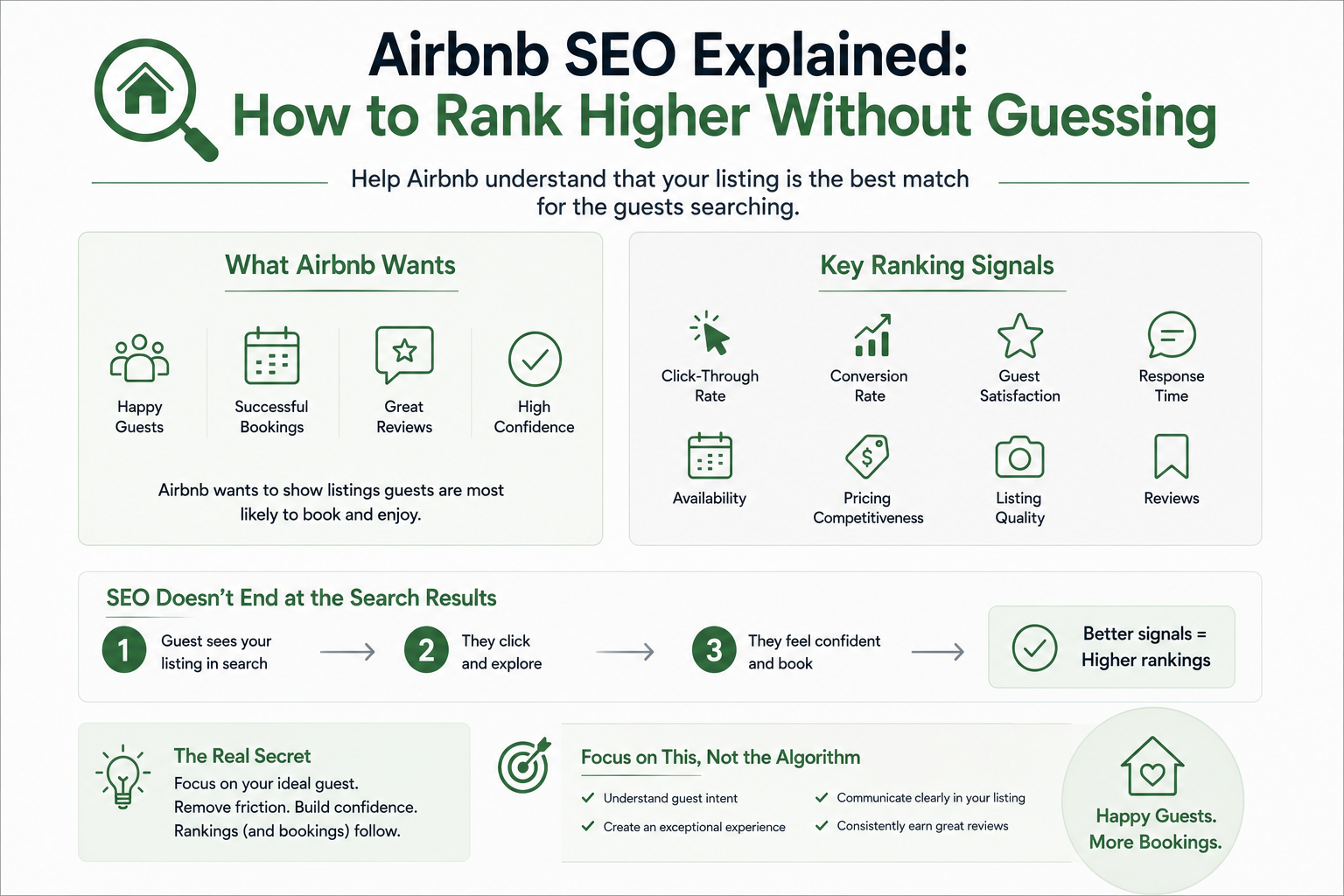 CornerstoneAirbnb SEO Explained: How to Rank Higher Without Guessing
Ranking higher on Airbnb isn't about tricks or hacks. It's about helping Airbnb understand that your listing is the best match for the guests searching.
2 min read Airbnb Search Impressions Dropped Overnight: 7 Causes to Check Before Blaming the Algorithm
Did your Airbnb search impressions suddenly fall? Learn how to distinguish a real visibility problem from temporary data fluctuations, blocked dates, seasonal demand, pricing changes, and listing-quality issues before making costly changes.
21 min read