
What Dynamic Pricing Tools Can and Cannot Do for Your Vacation Rental
He is paying ten thousand euros a year for a pricing tool he is not entirely happy with. He is still using it. Understanding why requires understanding what these tools actually do, and what they cannot.
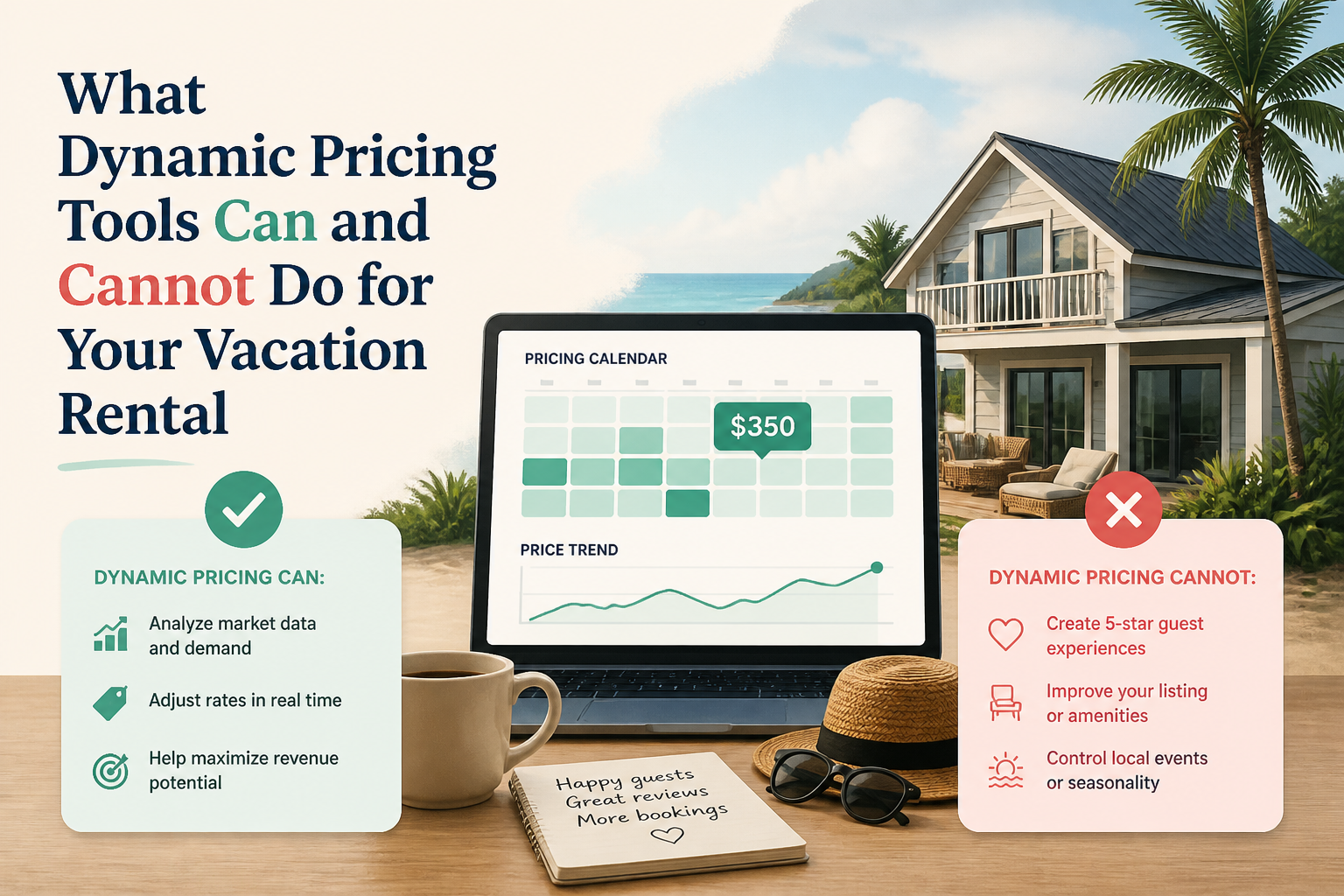
Key takeaways
- Choose your pricing goal before setting a base price, configuring seasonal settings, or adjusting rates.
- Carefully configure your tool’s base price, minimum floor, and seasonal settings before trusting it to run.
- If pricing manually, schedule regular competitor checks and adjust rates for events, demand periods, and booking patterns.
- Test rate increases when demand is strong and use occupancy changes to assess the results.
One host described spending the equivalent of ten thousand euros a year on a dynamic pricing subscription. He is not entirely satisfied with the results. He has not cancelled.
Another host raised her nightly rates this year and watched her occupancy hold steady. She prices manually. She checks competitor listings regularly and adjusts for events and weekends. She does not use any automated tool and does not feel she is missing anything.
A third host uses a tool primarily to see what her competitors are charging and what the vacancy rate looks like in her market. She then sets her own prices based on that information. She is paying for data and using it to inform manual decisions rather than letting the tool make them.
Three approaches, all producing acceptable results for different hosts in different markets. Understanding what the tools actually do is what allows you to make a clear-eyed decision about whether one belongs in your operation.
What dynamic pricing tools actually see
Dynamic pricing tools aggregate real data from your local market: competitor rates, booking velocity on similar properties, local event calendars, historical demand patterns, and platform-specific booking behavior. They use this data to recommend or automatically set prices that are calibrated to what the market will bear at any given moment.
The data they draw on is genuinely useful. A host pricing entirely from instinct and weekly manual checks is operating with less information than a tool that is continuously reading market signals. In markets where demand fluctuates rapidly around events, holidays, and seasonal patterns, that continuous monitoring can capture revenue that a manual pricing approach would miss.
The limitation is that the tools are calibrating against market averages. They see comparable listings. They do not see what makes your listing not quite comparable. A cabin with a private lake, a property in a uniquely desirable microneighborhood, a listing with amenities that genuinely set it apart from the local average: these are features that a tool calibrating to market comparables may undervalue or fail to account for.
The learning curve that determines whether the tool works
The hosts who report the best outcomes with dynamic pricing tools consistently describe the same thing: they spent significant time setting them up before trusting them to run. The base price, the minimum floor, the seasonal configuration, the off-peak settings. These inputs are what the tool builds from. A poorly configured base price produces prices that are systematically too low. An off-peak configuration that does not reflect the actual seasonality of your market produces rates that are miscalibrated for your slowest months.
One host who uses PriceLabs described the setup process honestly. It took considerable time to figure out the right base price and to configure a separate season for the off-peak period of his market. Once that work was done, the tool began performing well. He had no complaints now. But the initial investment in understanding the system was significant, and he could not have skipped it and expected good results.
The hosts who have the worst tool experiences tend to be the ones who signed up, entered basic information, and let the tool run without the configuration work. The tool optimizing from a bad starting point produces bad rates. The host blames the tool. The tool was following the instructions it was given.
The cascade problem that one host described in detail
One host described a specific mechanical problem with smart pricing that is worth understanding before you adopt any tool. He tried his platform's built-in smart pricing for two months. The tool compressed his weekday and weekend rates to a level he found too similar. It dropped him to his minimum acceptable rate too readily. When he tried to run a custom promotion afterward, the promotional rate was calculated off his now-depressed average, pushing it lower still. He was left waiting for his rolling average to recover before he could price a promotion at a sensible level.
The cascade worked because the promotion calculated from his depressed average rather than from an independent figure. This is a known risk of any pricing system that uses a rolling average as a calculation baseline. Understanding how your specific tool handles averages before you let it run is worth the time it takes to find out.
The intelligence use case that some hosts prefer
One of the most interesting approaches in the community is the host who uses a dynamic pricing tool not as a pricing engine but as a market intelligence platform. She uses the tool to monitor what competitors are charging and where vacancies are appearing in her market. She then sets her own prices based on what she sees. The tool informs her decisions without making them.
This arrangement captures the data benefit of the tool without surrendering pricing control. It costs about the same as a full automation subscription and requires more manual work in the pricing decision itself. For hosts who trust their own judgment on pricing but want better market data to inform it, the intelligence use case is worth considering explicitly.
When manual pricing holds its own
Manual pricing is not a deficiency. It is a legitimate approach with real advantages, specifically the ability to incorporate information that no algorithm has access to: your knowledge of your specific market, your relationship with your guest profile, and your assessment of what makes your property genuinely different from the comparables the tool is reading.
The hosts who price manually most successfully tend to have a structured approach: regular checks on competitor rates, deliberate adjustments for specific events and periods, and a willingness to raise as well as lower rates based on what they observe. The discipline of the process is what distinguishes successful manual pricing from guessing.
The primary risk of manual pricing is missing demand spikes that you did not know about. An event that books out your market in a week that you would have priced at a standard rate is lost revenue. Tools catch those spikes automatically. Manual pricers catch them if they are checking the market regularly enough to notice the signal before the demand passes.
How to Get Better Results From Dynamic Pricing, Whether You Use a Tool or Not
The debate between dynamic pricing tools and manual pricing is less important than most hosts make it. The gap between using a tool well and using a tool badly is larger than the gap between using a tool and pricing manually. The same is true for manual pricing: a disciplined manual approach outperforms a careless automated one in many markets.
Here is what actually drives better pricing results, regardless of which approach you use.
If you use a tool: treat the setup as the most important step
The base price you enter when setting up a dynamic pricing tool is the number everything else builds from. If it is wrong, the rates the tool produces will be systematically wrong, and the tool will have done its job exactly as instructed while delivering poor results.
Calculating the right base price requires understanding what your property typically earns in a normal week outside your peak season, factoring in your minimum occupancy needs and your competition, and then stress-testing the number against what the tool actually produces before you go live with it. This process takes time. Hosts who skip it tend to discover the mistake six weeks later when they realize they have been pricing below what the market would have paid.
Set your minimum floor with the same care. The floor prevents the tool from dropping below your actual break-even rate. If the floor is set too low, you will accept bookings that do not cover your costs. If it is set too high relative to market conditions, the tool has no room to compete on price when demand is weak. The floor is a judgment call that requires knowing your actual costs, not just a default setting.
If you use a tool: configure your seasonal settings deliberately
Most dynamic pricing tools let you define different seasons with different pricing behavior. This is one of the most powerful features in the tool and one of the most commonly ignored. Hosts who run a single pricing configuration year-round are missing one of the primary benefits of the tool.
Identify the distinct periods in your market: peak season, shoulder season, and off-peak season. For each, define what you want the tool to prioritize. In peak season, you may want to hold rates higher and accept some vacancy rather than dropping to fill every night. In the off-season, you may want more aggressive rate reductions when occupancy is low. These are different strategies for different market conditions, and the tool can implement them consistently if you configure it to do so.
If you have never set up seasonal configurations in your tool, spend an hour doing it. The improvement in results can be significant, and it tends to be one of the more common gaps in setups that are otherwise reasonably well constructed.
If you price manually: build a checking routine
Manual pricing without a checking routine is guessing. A structured manual pricing approach involves regular review of comparable listings in your market, deliberate adjustments for upcoming events and demand periods, and a consistent response to signals like bookings arriving faster or slower than expected.
Book a specific time each week to look at your market. How are comparable listings priced for the next four weeks? Are there events in your area that should move your rate? Are you filling faster than expected, which suggests your rate may be too low? Are you not filling at all in periods when you expected to, which suggests either a rate or a listing problem?
The answers to these questions should drive deliberate adjustments, not reactive price drops when the calendar looks empty and you feel anxious about it. The emotion of an empty calendar tends to produce price decisions that are too aggressive and that attract the wrong guests. The discipline of a checking routine produces data-driven adjustments that improve performance without those side effects.
Raise your rate when demand signals that you can
Whether you use a tool or price manually, one of the most commonly missed opportunities is raising rates when demand signals that you should. Hosts tend to be much more comfortable lowering rates than raising them, which means they often leave revenue on the table during high-demand periods.
One host raised his rates and got more bookings. He is planning another increase. This counterintuitive outcome happens when the original rate was below what the market would accept, and raising it simply moved the listing into the tier where the demand actually exists. Not every rate increase produces this result, but many hosts who have never tested an increase do not know whether theirs would.
Test rate increases during periods when demand is strong. If occupancy holds, the market accepted the new rate and you are earning more per night. If occupancy drops, you have information about where the ceiling is. Either outcome is more useful than never knowing.
Know what you are optimizing for before you touch any setting
Before you set a base price, configure a seasonal setting, or adjust a rate, be clear about what you are trying to accomplish. Maximum occupancy and maximum nightly rate are different goals that require different strategies. A specific guest profile, one that tends to treat the property well and leave strong reviews, is a third goal that may require a different price positioning than either of the first two.
The best pricing for your listing is the pricing that serves the goal you have actually chosen. If you have not explicitly chosen a goal, your pricing decisions will be made by default rather than strategy, and defaults tend to serve the platform's interests rather than yours.
Keep reading
Airbnb optimization specialist, Superhost, and founder of one of the largest Airbnb host communities.
Continue Reading
Chosen for you from The Optimization Journal.
 CornerstoneShould You Lower Airbnb Prices When Bookings Slow Down? What Hosts Actually Say
When Airbnb bookings slow down, should you lower your nightly rate or hold firm? Discover what experienced hosts reported, why some regret discounting, and how to make smarter pricing decisions.
15 min read The Flat Rate Versus Per-Person Pricing Debate in Short-Term Rentals
When one person pays the same nightly rate as eight, is that fair? When a solo guest cannot afford a space that costs as much as it does for a full group, is that fair? The pricing question is more interesting than it first appears.
5 min read How to Choose and Implement a Guest-Count Pricing Strategy for Your Rental
The right pricing structure for your vacation rental depends on your property size, your market, and how much verification overhead you are willing to manage. Here is how to find the right fit.
4 min read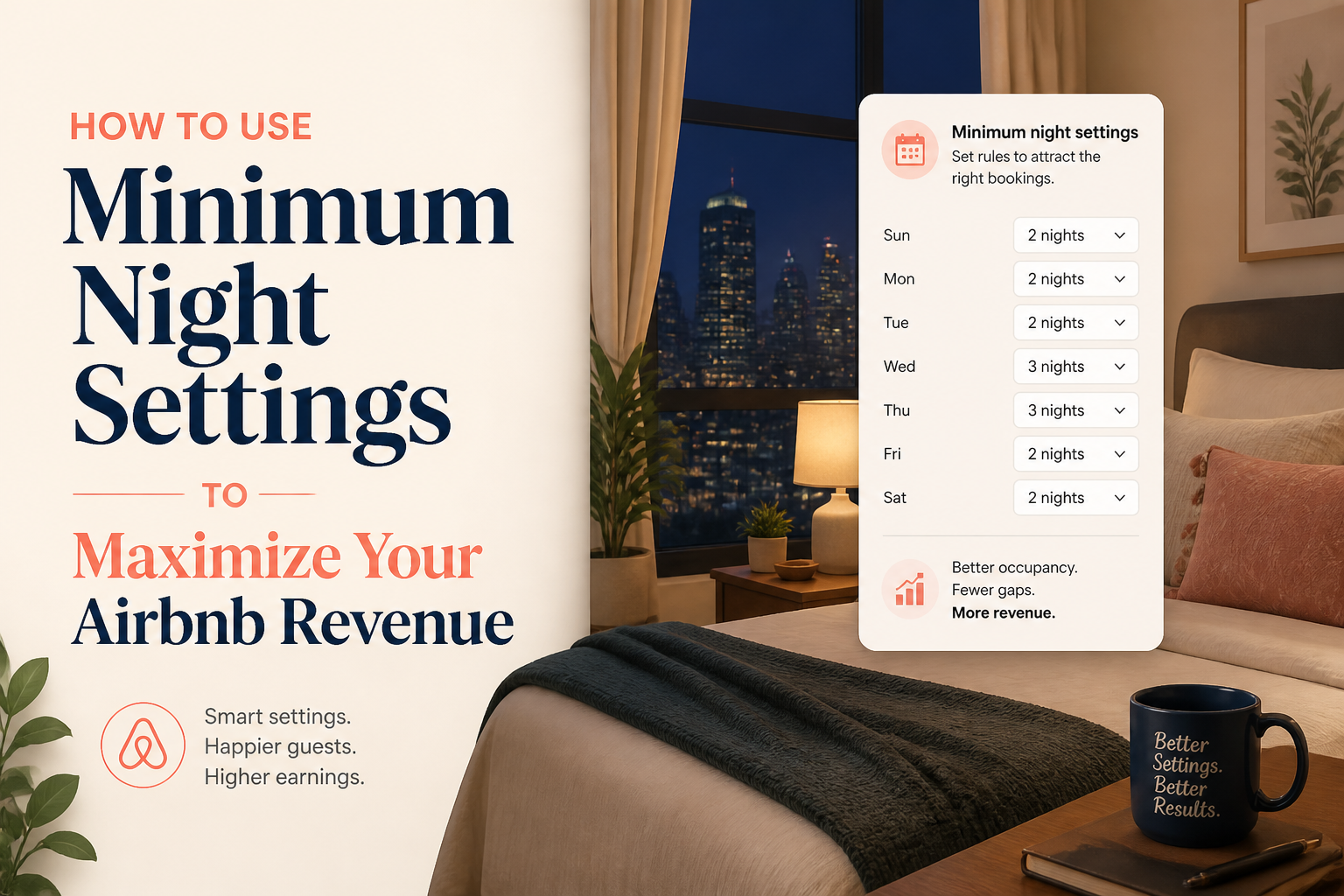 How to Use Minimum Night Settings to Maximize Your Airbnb Revenue
Your minimum stay setting is one of the most powerful levers in your listing — and most hosts set it once and never revisit it. Here's how to use it more strategically.
5 min read How to Set a Long-Stay Discount Policy That Serves Your Specific Property
A long-stay discount that makes sense for one host can cost another host money they did not know they were giving away. Here is how to figure out which situation you are in.
4 min read