
The Vrbo Search Algorithm in 2026: What Actually Influences Your Rank
The vrbo search algorithm is not something hosts can control with a clever headline or a hidden keyword trick. In 2026, the practical work is still about...
Key takeaways
- Vrbo visibility depends on matching the guest’s search, maintaining bookable availability, and presenting a reliable, competitive stay.
- Timely responses, Instant Booking, and low host cancellations help reduce booking friction, but none guarantees a particular position.
- Accurate amenities, complete listing details, useful photos, and credible reviews help guests decide whether your property fits.
- Evaluate changes using your own dashboard, comparable searches, and booking performance rather than a single rank check.
The vrbo search algorithm is not something hosts can control with a clever headline or a hidden keyword trick. In 2026, the practical work is still about making your property eligible for the right searches, easy to book, and trustworthy enough that guests choose it.
As a host, I separate search optimization into two jobs: removing reasons your listing might be excluded, and improving the offer guests see when it appears. That distinction matters. A missing amenity can keep you out of a filtered search. An unclear photo gallery can lose a booking after you have already earned the exposure.
Vrbo does not publish a complete ranking formula or the weight of every signal. This guide distinguishes search eligibility, booking friction, and guest decision-making rather than pretending every improvement delivers a measurable ranking boost.
How the Vrbo Search Algorithm Works in Practice
There is no single search position that represents your listing’s performance everywhere. Guests search different destinations, dates, party sizes, property types, and amenities. Those choices change which properties are relevant and available.
Think about visibility in three layers.
Search eligibility
Can your property satisfy the request? Availability, occupancy, booking restrictions, location, and selected filters determine whether it is a possible match.
A listing cannot compete for dates it has blocked. Likewise, writing “pet friendly” in the description is not a substitute for correctly configuring the relevant pet policy and amenity fields.
Booking appeal
Once your listing appears, guests compare the offer: photos, total cost, reviews, amenities, and booking conditions.
These elements influence guest decisions. That does not mean every element has a disclosed, independent ranking weight. Better photos can make a listing more persuasive without proving that Vrbo directly rewards a particular photo count.
Operational reliability
Guests need confidence that their request will receive attention and their reservation will be honored. Responsiveness and cancellation management belong in any serious visibility strategy, even when the precise algorithmic effect is not public.
Start with this diagnostic checklist:
- Confirm that your intended dates are actually bookable.
- Run a search using the property’s real capacity and amenities.
- Check whether restrictions exclude the stays you want.
- Compare the guest-facing offer, not just the nightly rate.
- Review dashboard warnings before rewriting your description.
The goal is qualified visibility, not appearing in every possible search.
Booking Responsiveness and Instant Booking
Booking responsiveness is partly a service issue and partly a friction issue. A guest asking whether a property suits their family may be comparing several alternatives. An unanswered question leaves them with uncertainty.
Make responses useful, not merely fast
A quick acknowledgment is helpful, but it should not replace an actual answer. If a guest asks about stairs, explain the layout. If they ask about parking, clarify what is available and any restrictions.
Use saved replies for common questions, then adapt them to the request. Automated messages should not make promises your property cannot keep.
A practical response routine:
- Enable notifications for inquiries and booking requests.
- Assign clear responsibility when several people manage messages.
- Keep answers about access, pets, parking, and sleeping arrangements ready.
- Check that PMS messages and Vrbo messages are syncing correctly.
- Review the response metrics shown in your dashboard.
Avoid relying on a remembered response threshold. Check Vrbo’s current guidance and the requirements displayed in your account.
Use Instant Booking when your operation supports it
Instant Booking removes the wait for host approval. It can also matter when guests choose an Instant Booking filter: a listing without that option will not satisfy that filtered request.
Treat it as a booking convenience, not a guaranteed ranking switch.
Before enabling it, make sure your calendar, rates, house rules, occupancy limits, and booking restrictions are accurate. If you use a PMS, confirm that updates are reaching Vrbo reliably.
Instant Booking is most useful when you can confidently honor the reservations it accepts. Turning it on while your calendar is unreliable can create a much larger problem than the friction it removes.
Cancellations, Reliability, and Premier Host
Host cancellations disrupt travel plans. From a host’s perspective, preventing avoidable cancellations also protects the consistency of the business.
The useful question is not “How close can I get to an allowable cancellation threshold?” It is “What could cause me to cancel a confirmed reservation?”
Fix the causes before they become reservations
Common operational risks include stale calendars, incorrect rates, maintenance problems, and unclear property rules.
Audit the booking process for those risks:
- Check calendar connections after changing systems or settings.
- Block maintenance periods before accepting bookings.
- Keep occupancy and pet rules consistent across listing fields.
- Verify that seasonal rates and restrictions are intentional.
- Make sure everyone managing the property understands booking authority.
Do not use cancellations to correct pricing mistakes or remove an inconvenient reservation. If an exceptional situation occurs, follow Vrbo’s current process and keep supporting documentation.
Treat Premier Host as an operational standard
Vrbo’s published Premier Host criteria include a strong review average, a minimum number of booked stays, low host cancellations, and timely responses over the past twelve months. Check Vrbo’s help center and your dashboard for current thresholds and eligibility details.
The designation can give guests a visible trust cue. It should not be presented as a promise of a particular search position.
Focus on the practices behind it: accurate availability, dependable communication, and stays that match the listing. Chasing a badge while leaving those foundations weak misses the point.
Reviews: Improve the Stay Behind the Rating
Reviews help guests assess whether your property delivers what it promises. The overall rating matters to shoppers, but so does the content: recurring comments about cleanliness, noise, beds, or communication can shape a booking decision.
Do not assume that a particular review count unlocks a guaranteed ranking improvement. Vrbo’s complete weighting is not public, and the competitive context varies by property and search.
Reduce expectation gaps
Some disappointing reviews begin before arrival. A guest books a property expecting something the listing did not explain clearly.
Look for details that deserve direct disclosure:
- Stairs or difficult access.
- Shared spaces or shared amenities.
- Parking limitations.
- Seasonal amenity availability.
- Noise guests could reasonably encounter.
- Sleeping arrangements that differ from a standard bedroom setup.
Accurate disclosure may discourage a poor-fit booking. That is often better than winning a reservation that leads to frustration.
Build a legitimate review routine
Use the review-request options permitted by Vrbo and follow its current policies. Ask for honest feedback without pressuring guests or offering an incentive tied to sentiment.
When reviews reveal a repeated problem, fix the underlying issue. If you respond publicly, stay calm and specific. Future guests are evaluating how you handle concerns, not just the original complaint.
For hosts using both major platforms, our Airbnb vs. Vrbo guide for hosts explains why it is worth managing each channel on its own terms rather than assuming their badges and visibility systems are interchangeable.
Listing Completeness, Filters, and Amenities
Completeness matters most when it makes your property easier to match and easier to understand. Filling every field with vague marketing language is less useful than getting the booking-critical facts right.
Structured fields are not optional copy
Guests use filters to narrow the available inventory. If you offer a relevant amenity but have not selected it accurately, your listing may miss searches that require it.
Review amenities individually rather than copying an old checklist. Pay particular attention to distinctions such as:
- Private versus shared facilities.
- Parking on the property versus nearby parking.
- Air conditioning throughout the property versus in selected rooms.
- A dedicated workspace versus a dining table.
- Accessibility features versus general claims of convenience.
Never select an amenity merely because it is available somewhere nearby. Explain off-site options in the appropriate description without representing them as property features.
Keep the listing internally consistent
Your headline, description, amenity fields, house rules, and photos should tell the same story.
If the listing says pets are welcome but the policy settings say otherwise, guests face uncertainty. If the headline advertises a pool that is unavailable during their stay, the promise is incomplete.
Completeness checklist:
- Verify bedrooms, bathrooms, beds, and guest capacity.
- Confirm all relevant amenity selections.
- Explain important restrictions and additional conditions.
- Update seasonal or changed facilities.
- Remove outdated statements.
- Check the live listing after saving changes.
For headlines, SuperhostSEO recommends keeping them to 40 characters, using complete words, to help them display fully. This is a readability recommendation, not a Vrbo ranking threshold.
Our guide to optimizing a Vrbo listing covers the broader editing workflow. The Title Generator can help turn your strongest accurate feature into a concise headline.
Photos That Help Guests Make a Decision
Photos should answer questions, not just create atmosphere. A beautiful close-up of a coffee cup tells guests less than a clear view of the living room, bedrooms, or outdoor space.
There is no reason to invent a magic photo count or claim that a specific gallery order guarantees better rankings. The practical objective is to make the property easy to evaluate.
Choose an honest, compelling lead image
Your lead photo should communicate a meaningful reason to consider the property. That could be the main living space, a distinctive exterior, or a genuine private amenity.
Avoid an image that creates the wrong impression about what is included. A nearby beach is not the same thing as beachfront access from the property.
Make the gallery function like a walkthrough
Show the spaces guests will actually use, with enough context to understand layout and scale.
A useful gallery includes:
- Clear views of the main living and dining areas.
- Each sleeping arrangement.
- Bathrooms and kitchen facilities.
- Outdoor areas and advertised amenities.
- Entrance, parking, or access details when helpful.
- Features that require explanation, including limitations.
Remove near-duplicates and replace images that no longer reflect the property.
Where captions are available, use them to clarify facts. “Shared pool, open seasonally” is more useful than “Your perfect escape.” SuperhostSEO’s Photo Captions tool can help draft clear descriptions, but verify every detail before publishing.
Competitive Pricing and Measuring What Changes
Pricing competitiveness is about the offer a guest sees, not whether your base nightly rate is the lowest.
Compare similar properties for matching dates, party size, and stay length. Then consider the total guest-facing cost alongside location, space, amenities, reviews, and booking conditions.
Compare like with like
A larger property with private outdoor space may reasonably cost more than a smaller alternative. The question is whether guests can understand the difference in value.
Check:
- Nightly rates for the intended travel dates.
- Cleaning charges and other applicable fees.
- Minimum-stay rules.
- Discounts that actually appear in the booking flow.
- Cancellation terms.
- Gaps in the calendar that restrictions make difficult to book.
Do not cut prices simply because one search shows your listing lower than expected. First check whether the comparison is relevant and whether the stay can be booked as intended.
Separate visibility problems from booking problems
Use the metrics available in your own dashboard. Metric names and reporting options may vary.
If exposure is weak, investigate availability, restrictions, filters, and listing accuracy. If guests view the property but do not book, examine total cost, photos, reviews, and unanswered questions.
That distinction is diagnostic, not proof of causation. Demand and competition can change while you are editing the listing.
Make focused changes, record what you changed, and compare reasonably similar periods or booking conditions. Avoid rewriting the headline, replacing the gallery, changing prices, and altering restrictions together if you want to understand what helped.
A manual search is a spot check, not a complete performance report. The vacation rental performance checklist can help keep your review systematic.
Frequently Asked Questions
Does Instant Booking improve Vrbo search ranking?
Instant Booking reduces booking friction and makes a property eligible for searches filtered to that booking option. That does not establish a guaranteed ranking boost across all searches. Enable it when your availability, rules, and operational processes are reliable enough to honor bookings.
How quickly should I respond to Vrbo inquiries?
Respond as promptly as you can with a useful answer. Check your dashboard and Vrbo’s current help guidance for the response requirements relevant to your account and Premier Host eligibility. A fast automated acknowledgment should not be your only response to a specific guest question.
Does Premier Host guarantee a higher position?
No particular search position should be assumed or promised. Premier Host can provide a trust cue, but a property still needs to match the guest’s dates, filters, capacity, and budget. Maintain the standards behind the designation rather than treating the badge as a substitute for listing quality.
Why can’t I find my Vrbo listing in search?
Start with dates, availability, guest count, minimum stays, selected filters, and the listing’s status. Confirm that recent PMS updates have synced and check for dashboard notices. If the listing appears unavailable unexpectedly after those checks, contact Vrbo support rather than assuming an algorithm penalty.
Improving Vrbo visibility starts with removing uncertainty: accurate availability, clear amenities, dependable hosting, persuasive photos, and a competitive total offer. Use the SuperhostSEO Vrbo audit to identify listing gaps and prioritize your next changes, without relying on ranking promises or algorithm shortcuts.
Airbnb optimization specialist, Superhost, and founder of one of the largest Airbnb host communities.
Continue Reading
Chosen for you from The Optimization Journal.
 CornerstoneWhy Is My Airbnb Listing Not Getting Bookings in 2026? How to Find the Real Problem
When Airbnb bookings slow down, lowering your price is not always the solution. Learn how to identify whether your listing has a visibility problem, a conversion problem, or a market-demand problem—and what to fix first.
12 min read CornerstoneAirbnb Ranking Dropped After You Edited Your Listing: What to Check Before Reverting Changes
Did your Airbnb search visibility decline after changing your title, photos, description, or settings? Learn how to identify which edit may have mattered, distinguish lower views from lower rankings, and decide when to revert a change.
22 min read CornerstoneAirbnb Listing Not Showing for Certain Dates? How to Test Search Filters and Booking Restrictions
Your Airbnb appears for one set of dates but disappears for another. Learn how to test search criteria, minimum stays, guest counts, advance notice, booking windows, and calendar restrictions without guessing about your ranking.
22 min read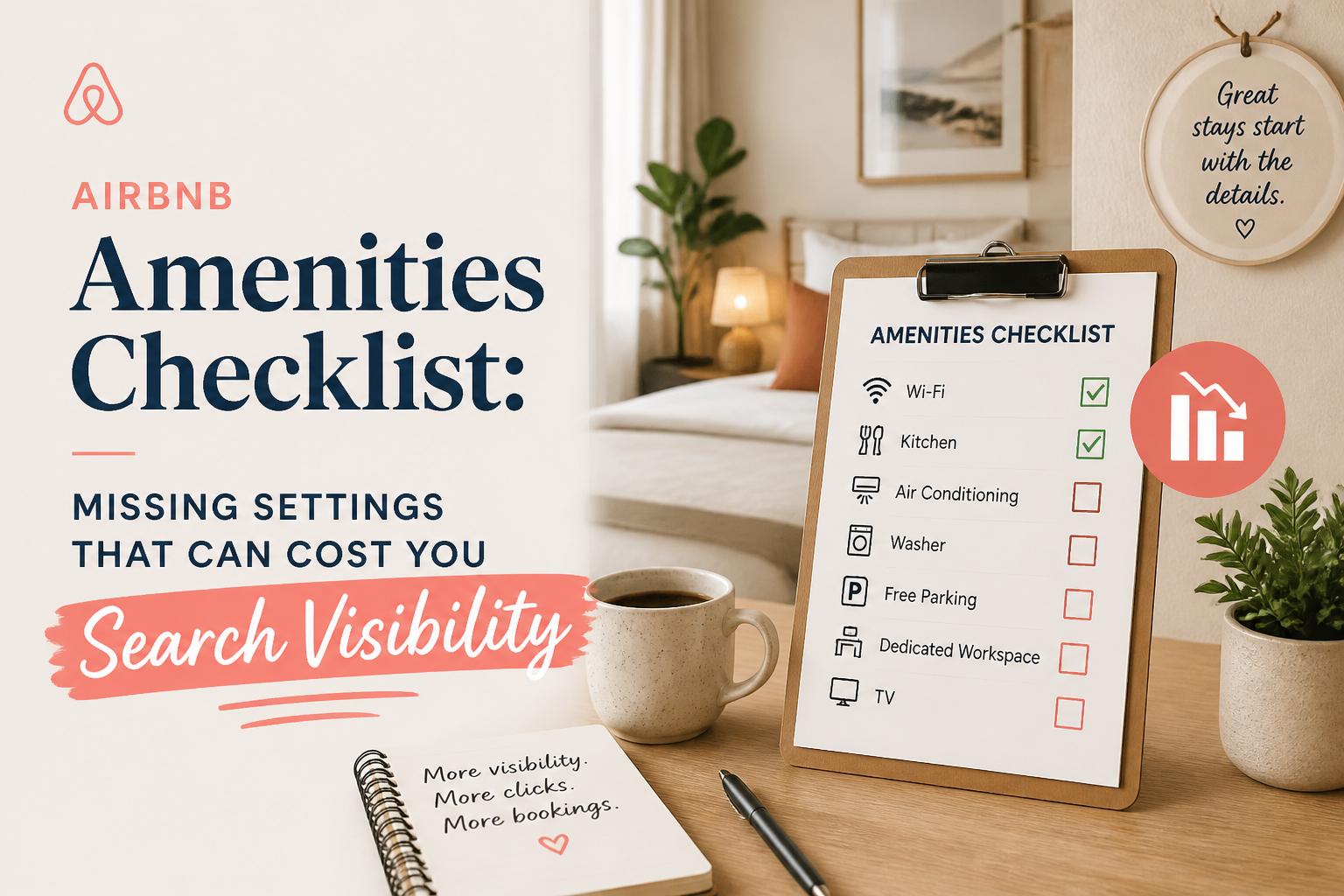 CornerstoneAirbnb Amenities Checklist: Missing Settings That Can Cost You Search Visibility
Your Airbnb may have amenities guests are searching for, but are they selected in your listing settings? Use this room-by-room checklist to find missing amenities, avoid filtered-search visibility problems, and improve your listing's accuracy.
19 min read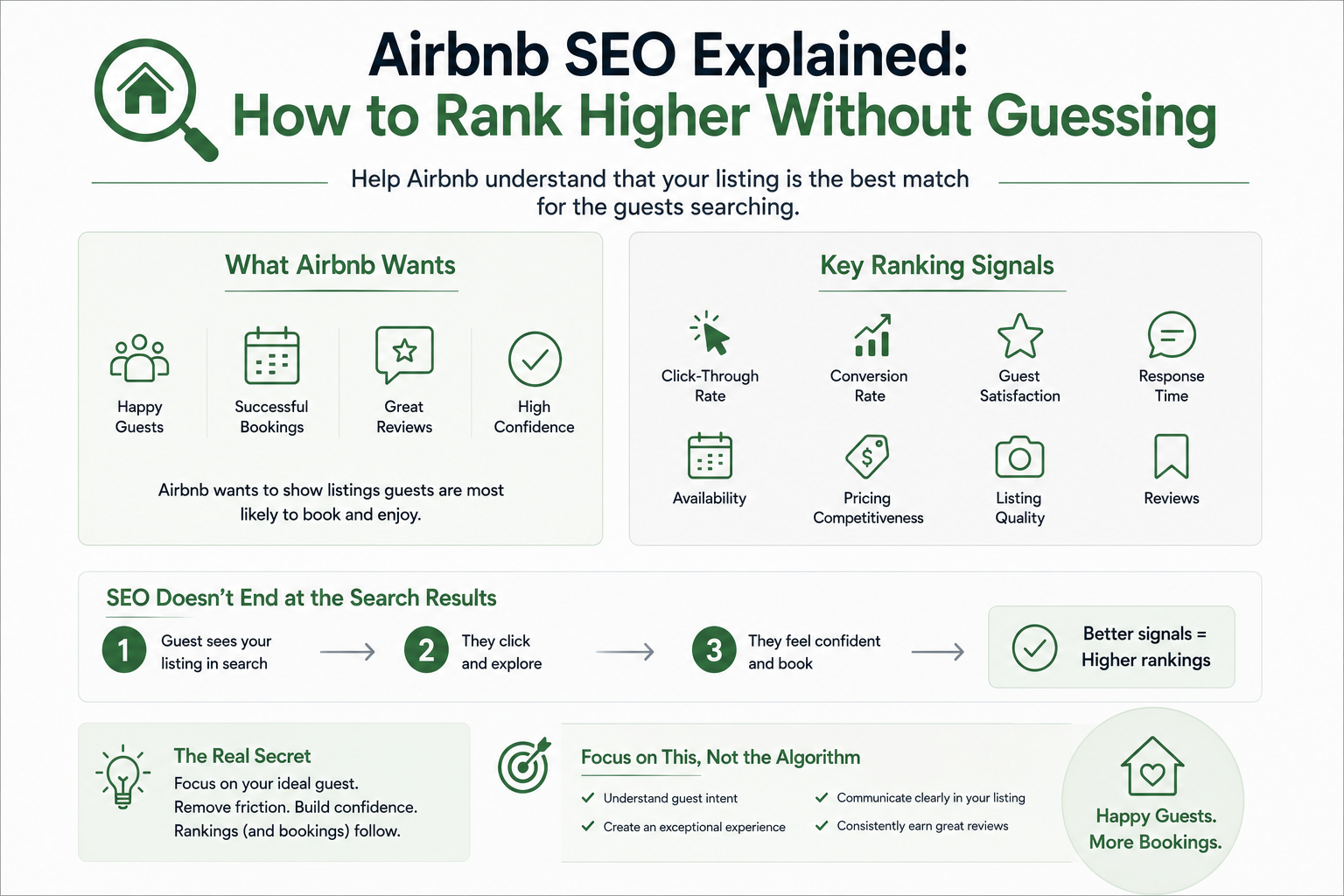 CornerstoneAirbnb SEO Explained: How to Rank Higher Without Guessing
Ranking higher on Airbnb isn't about tricks or hacks. It's about helping Airbnb understand that your listing is the best match for the guests searching.
2 min read